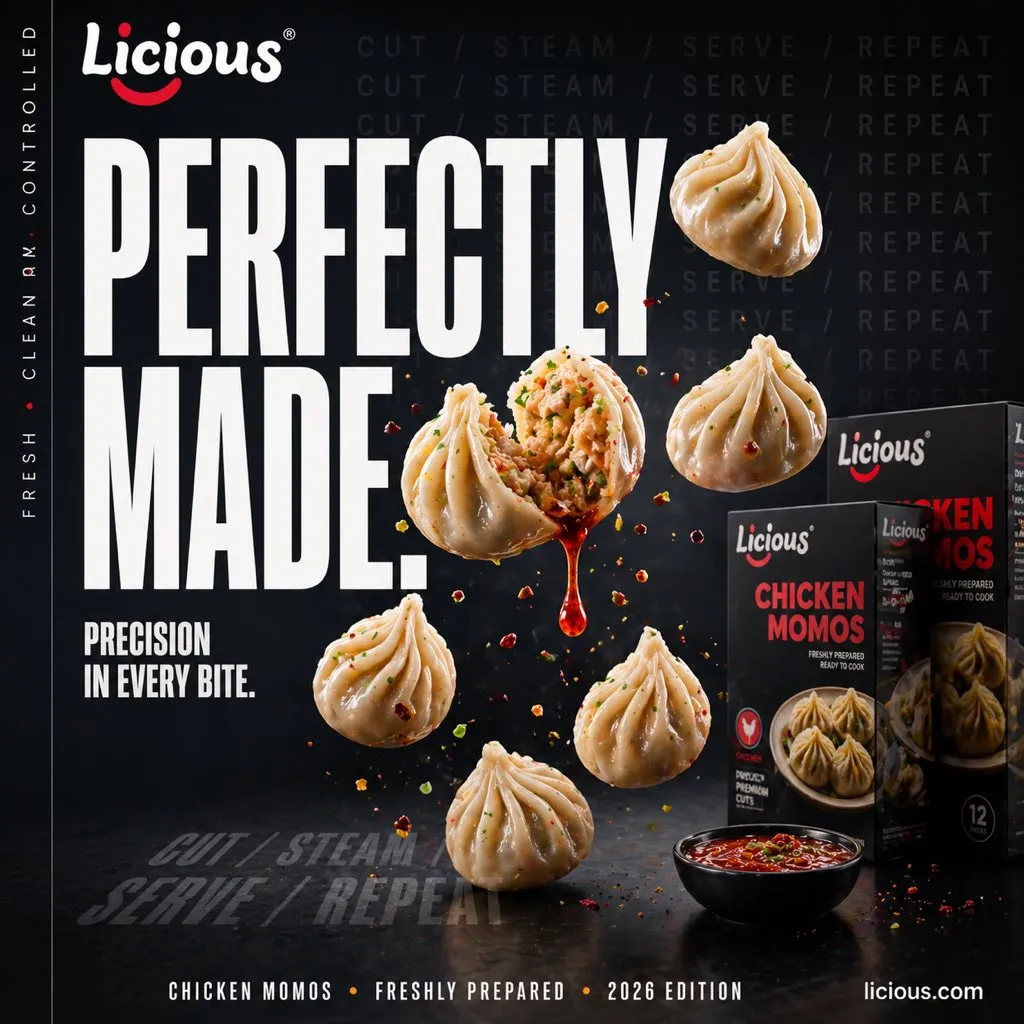
60 Social Media prompts to copy
Every prompt below links to the full prompt page with the image and copy button.
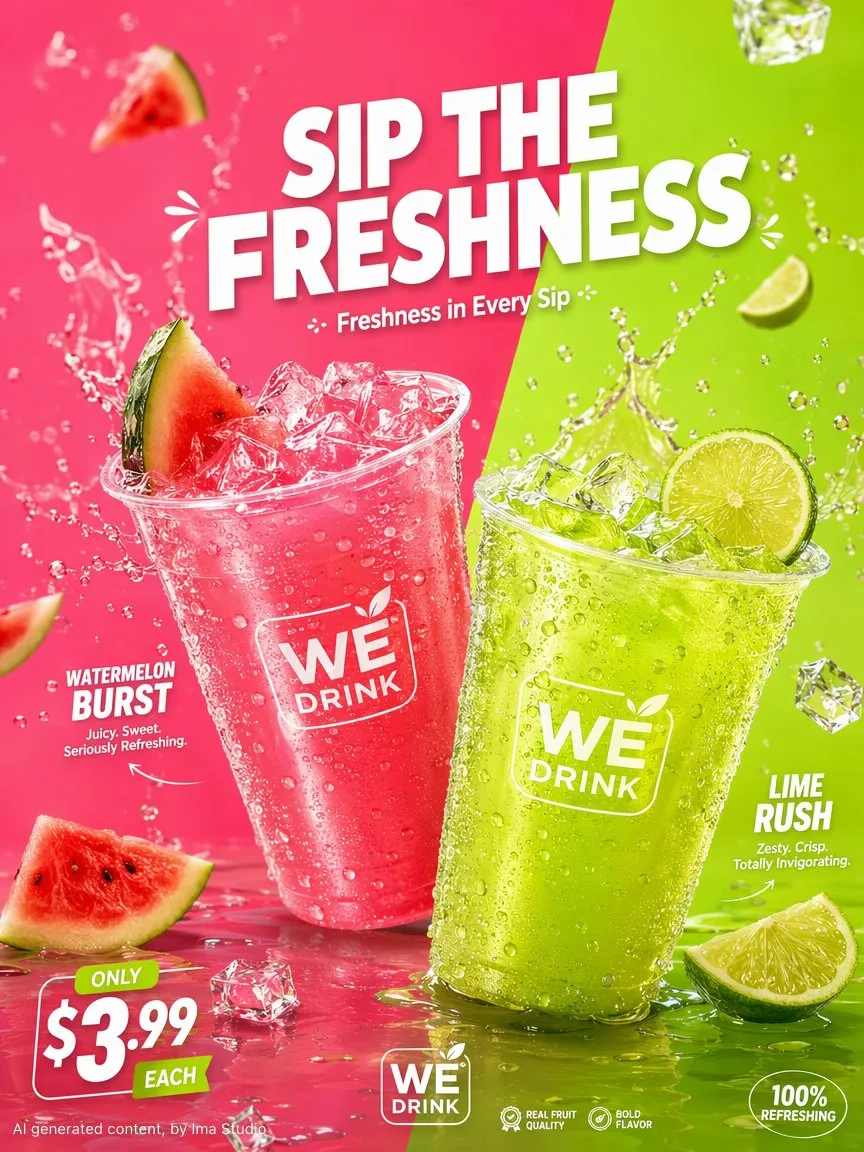
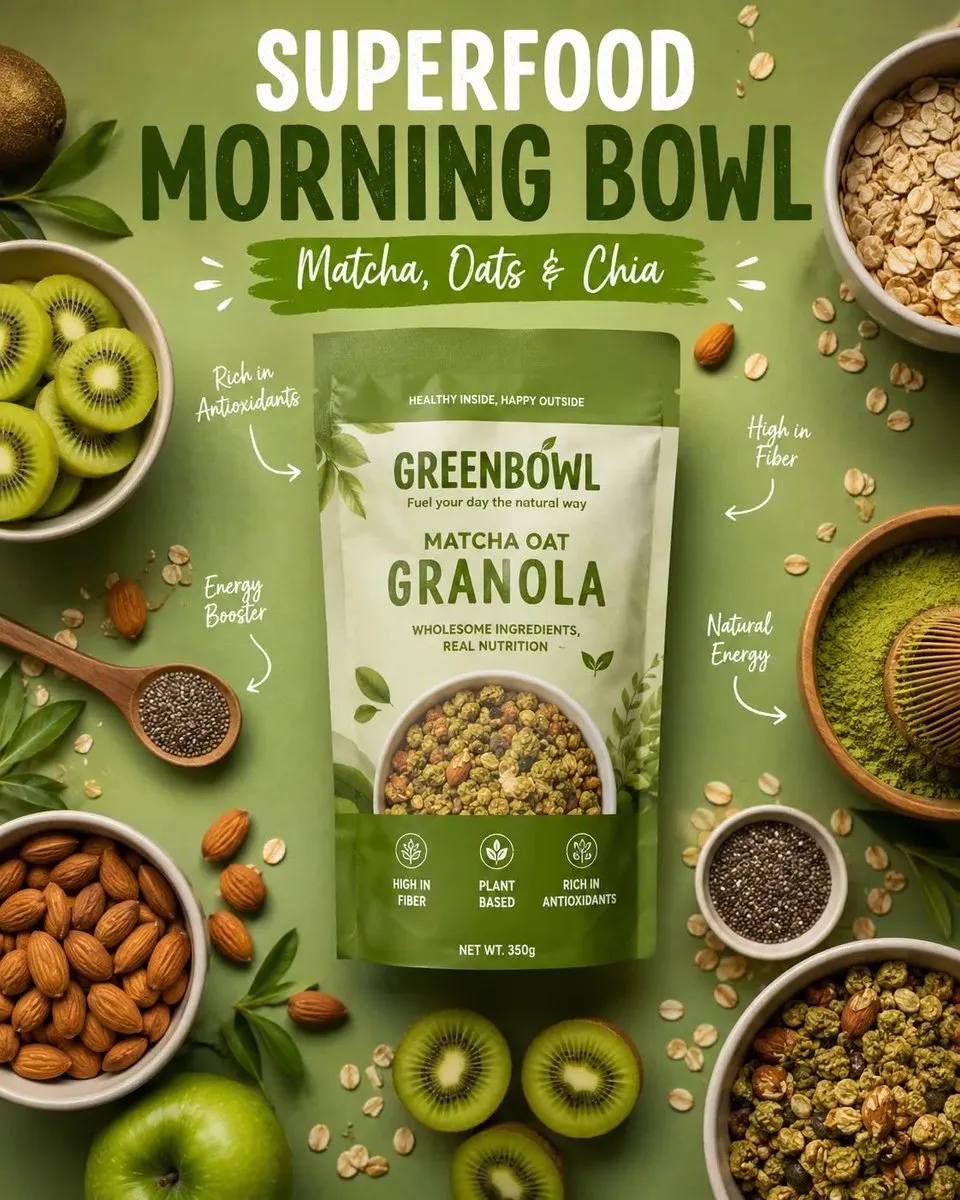
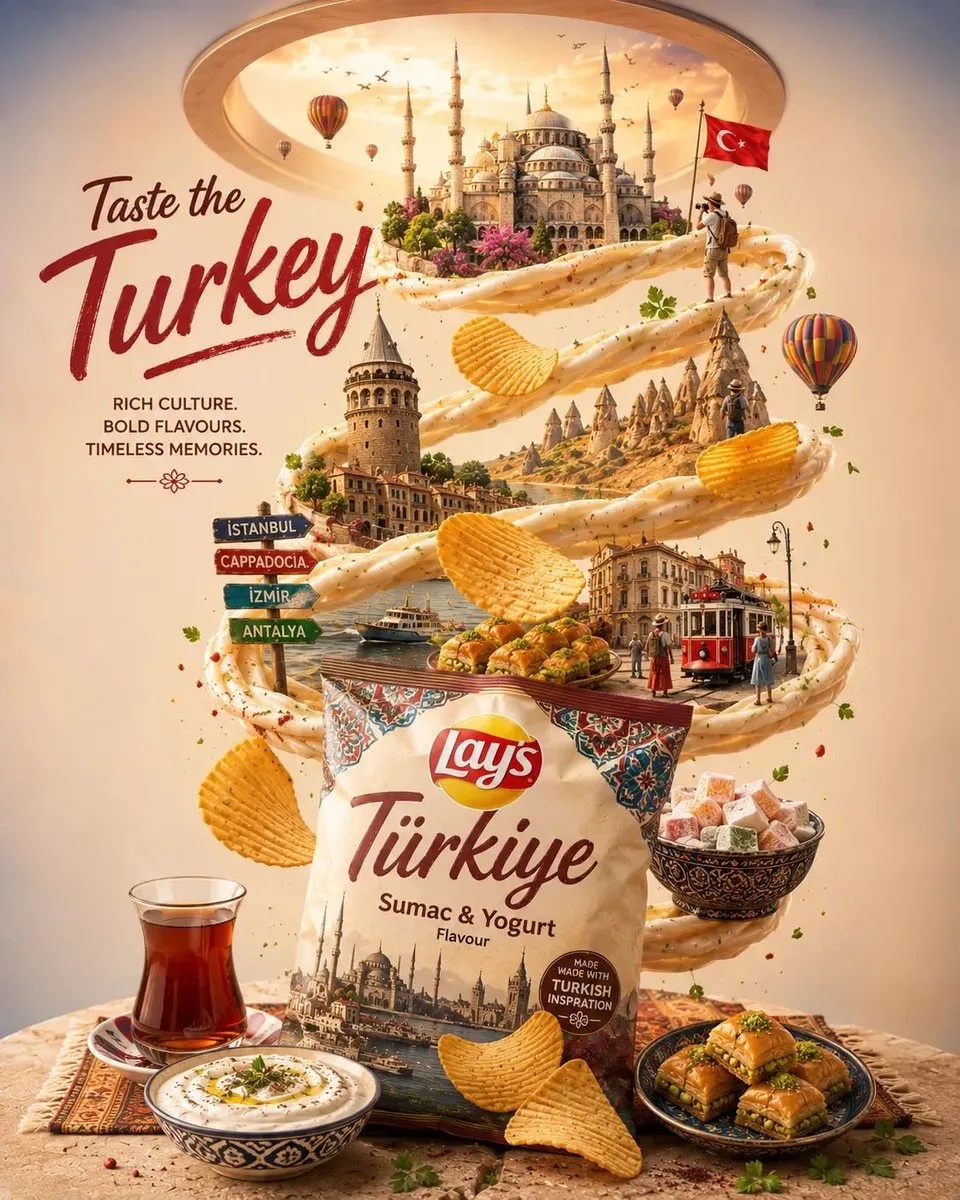
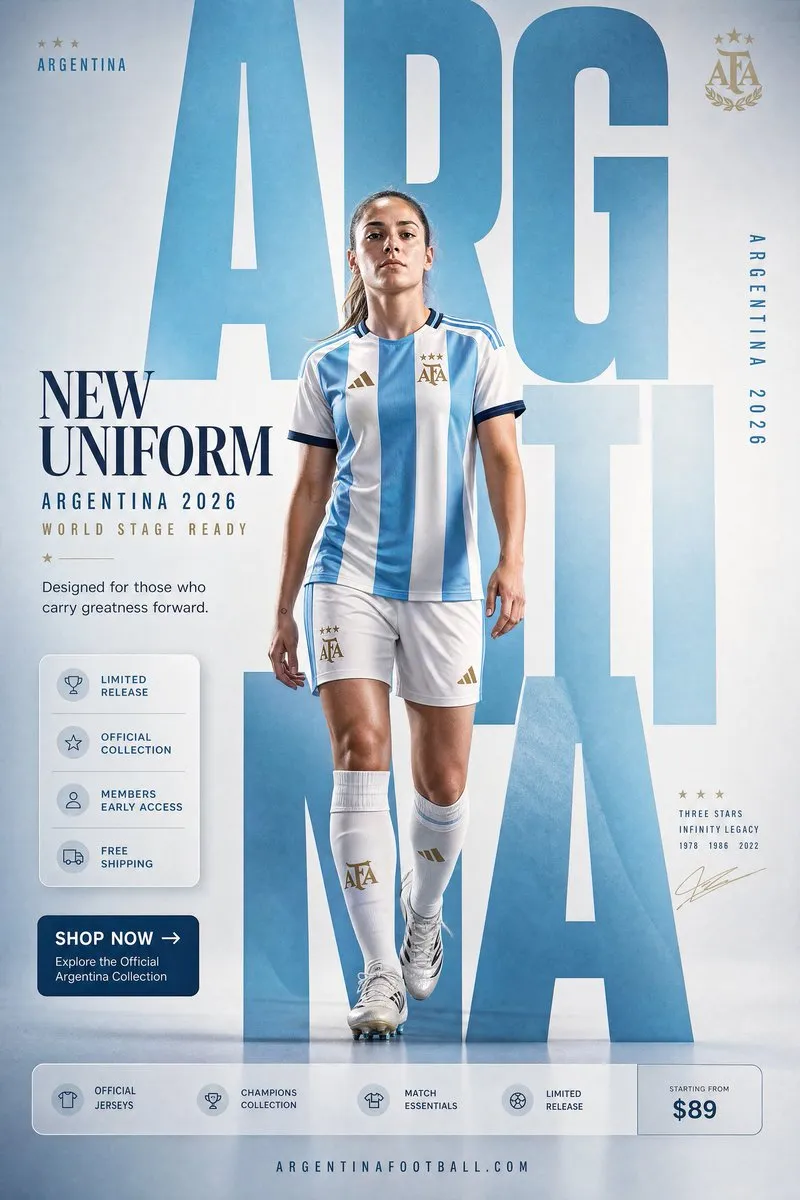
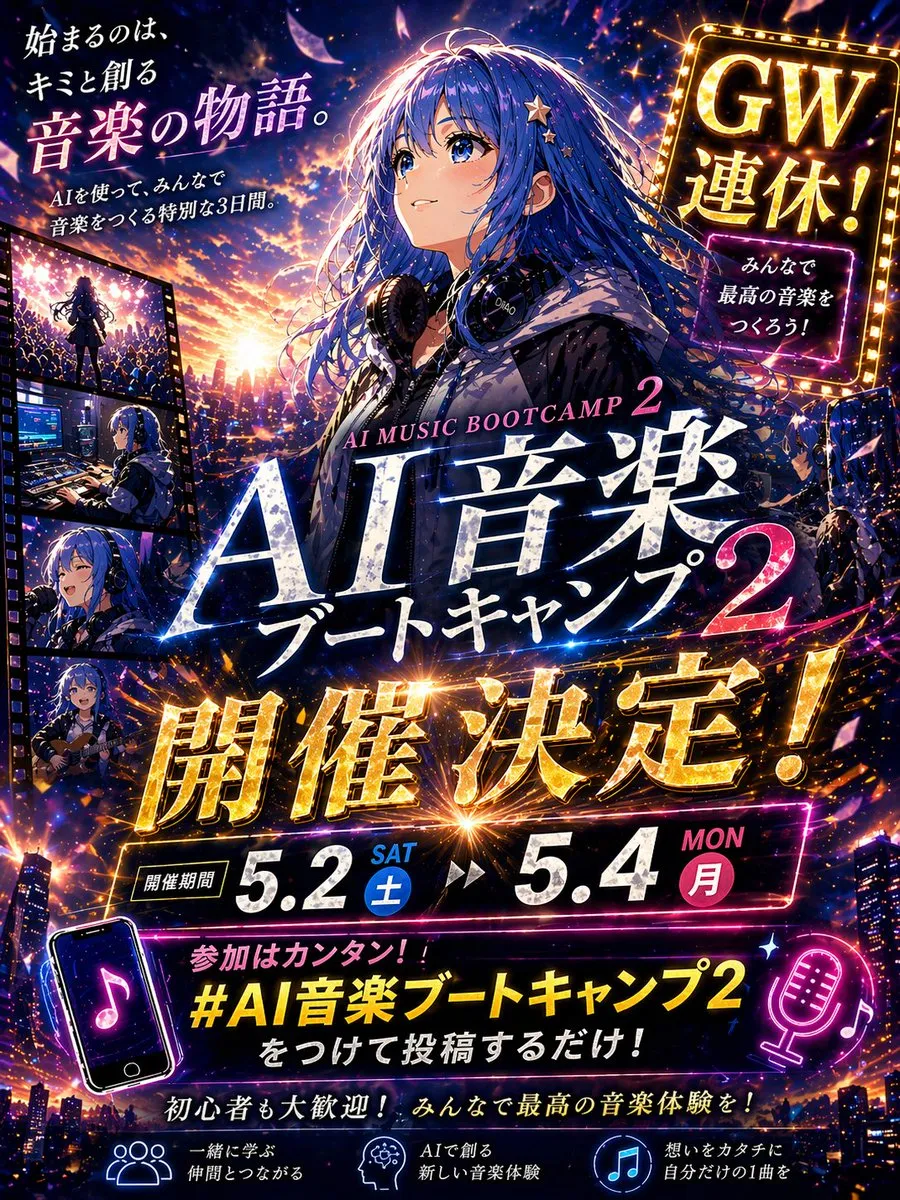
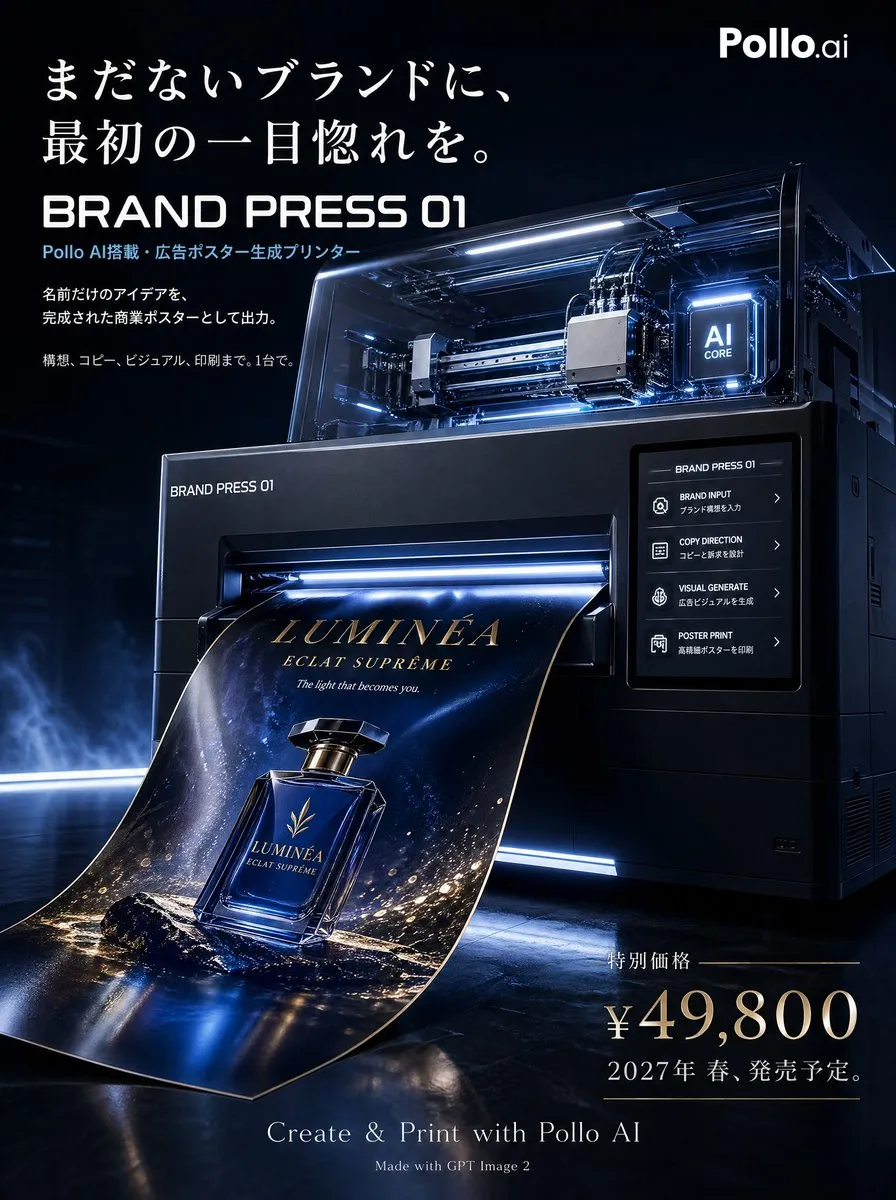
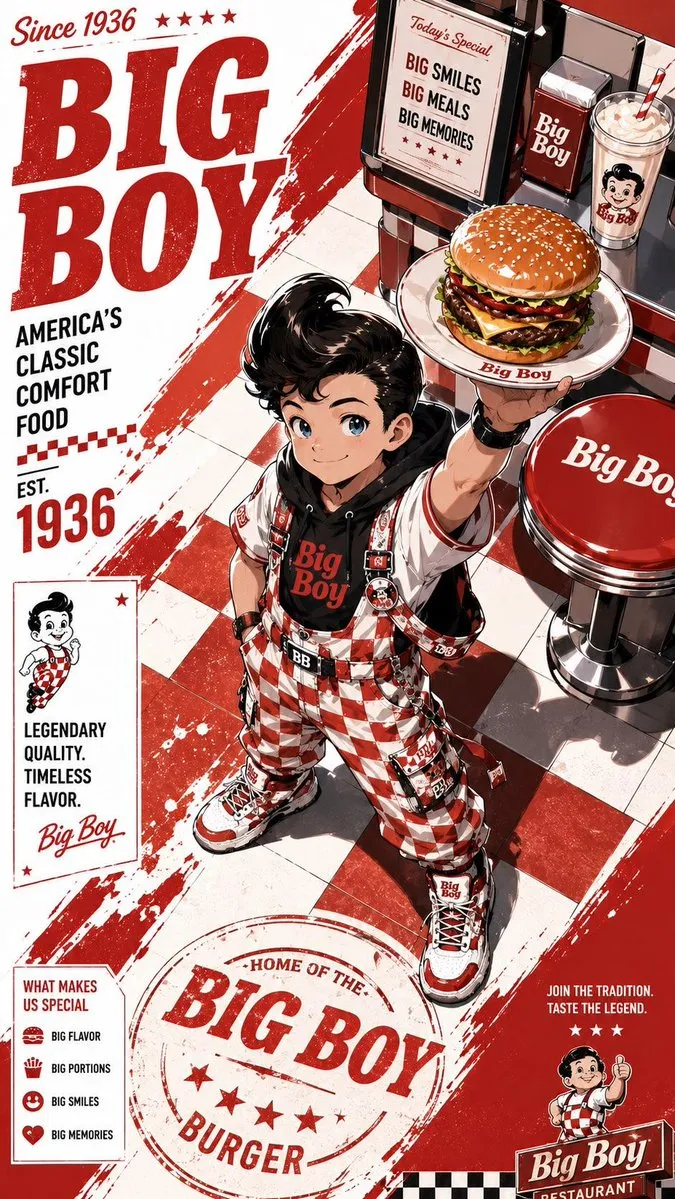
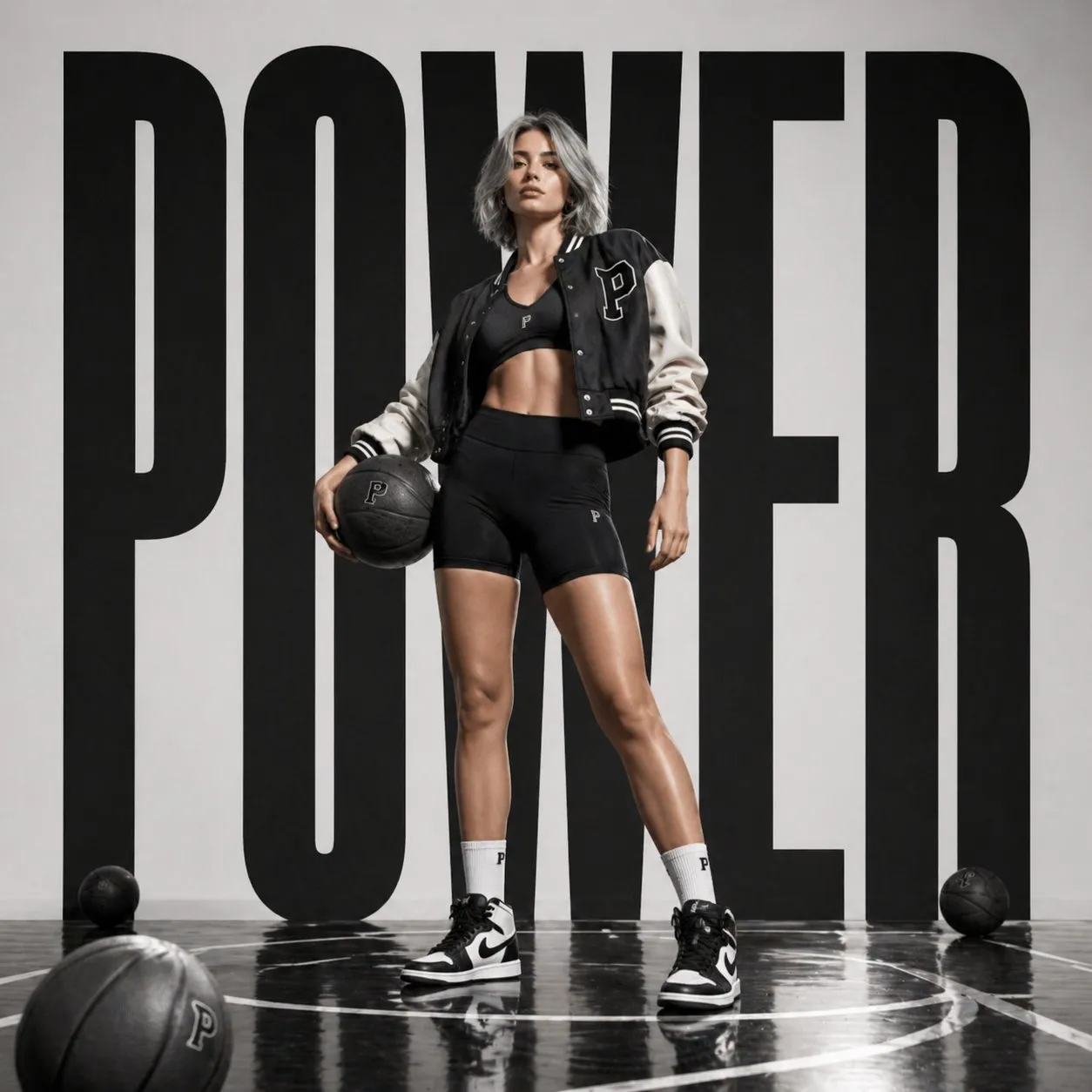
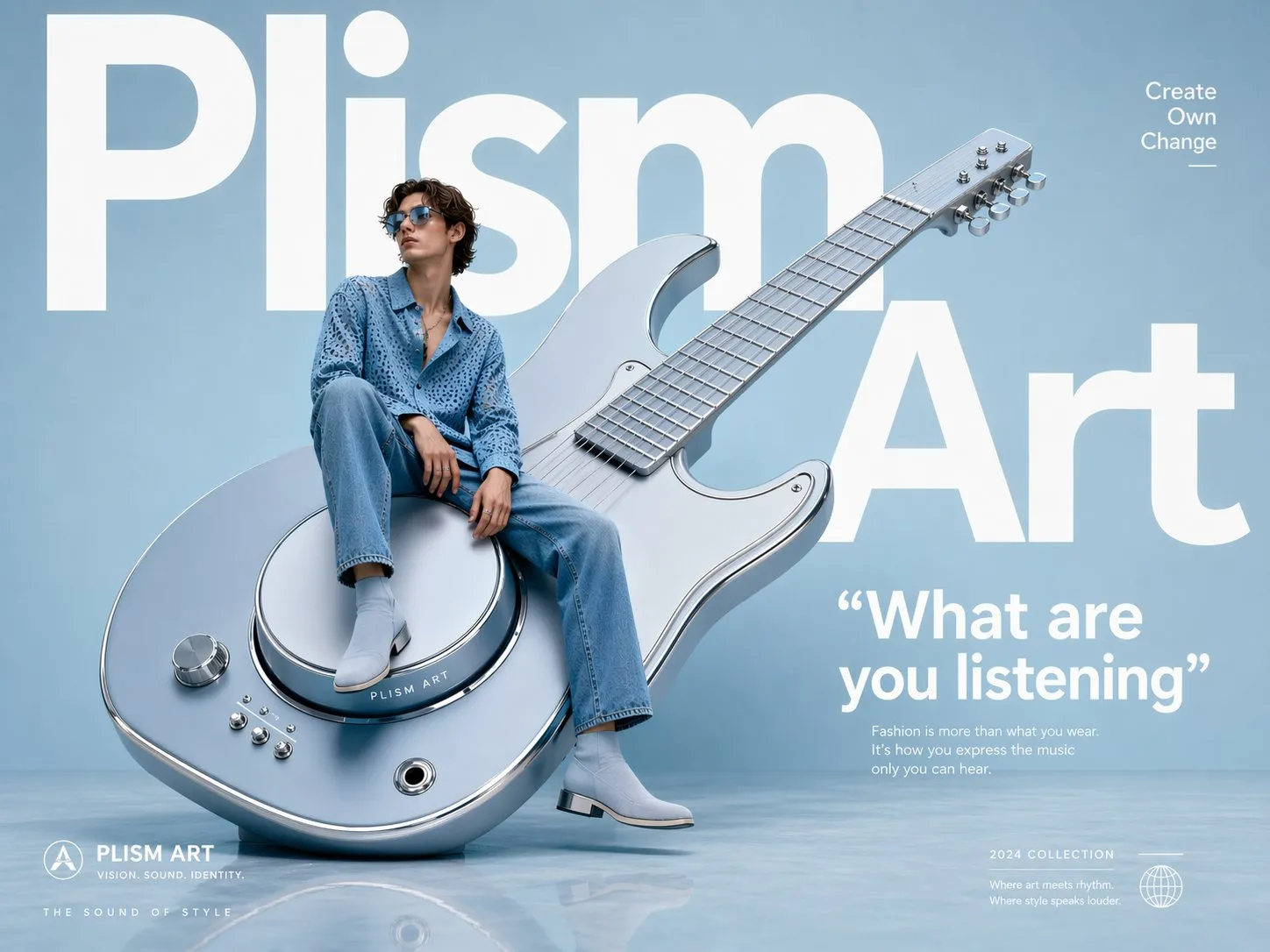
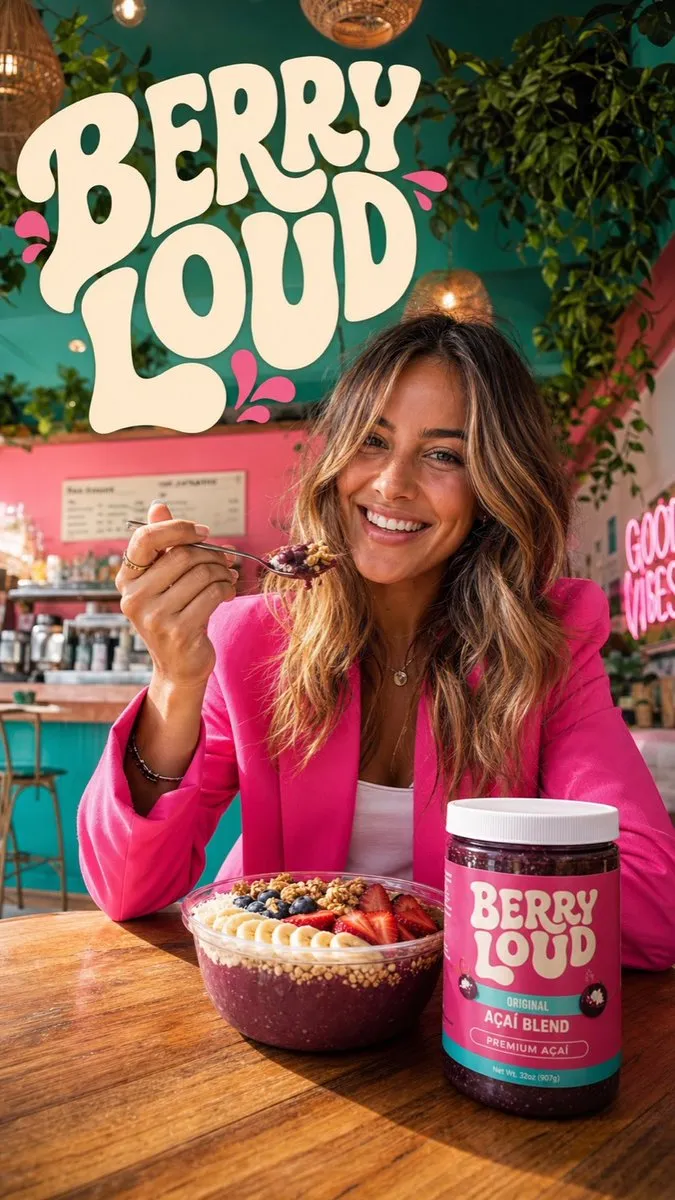
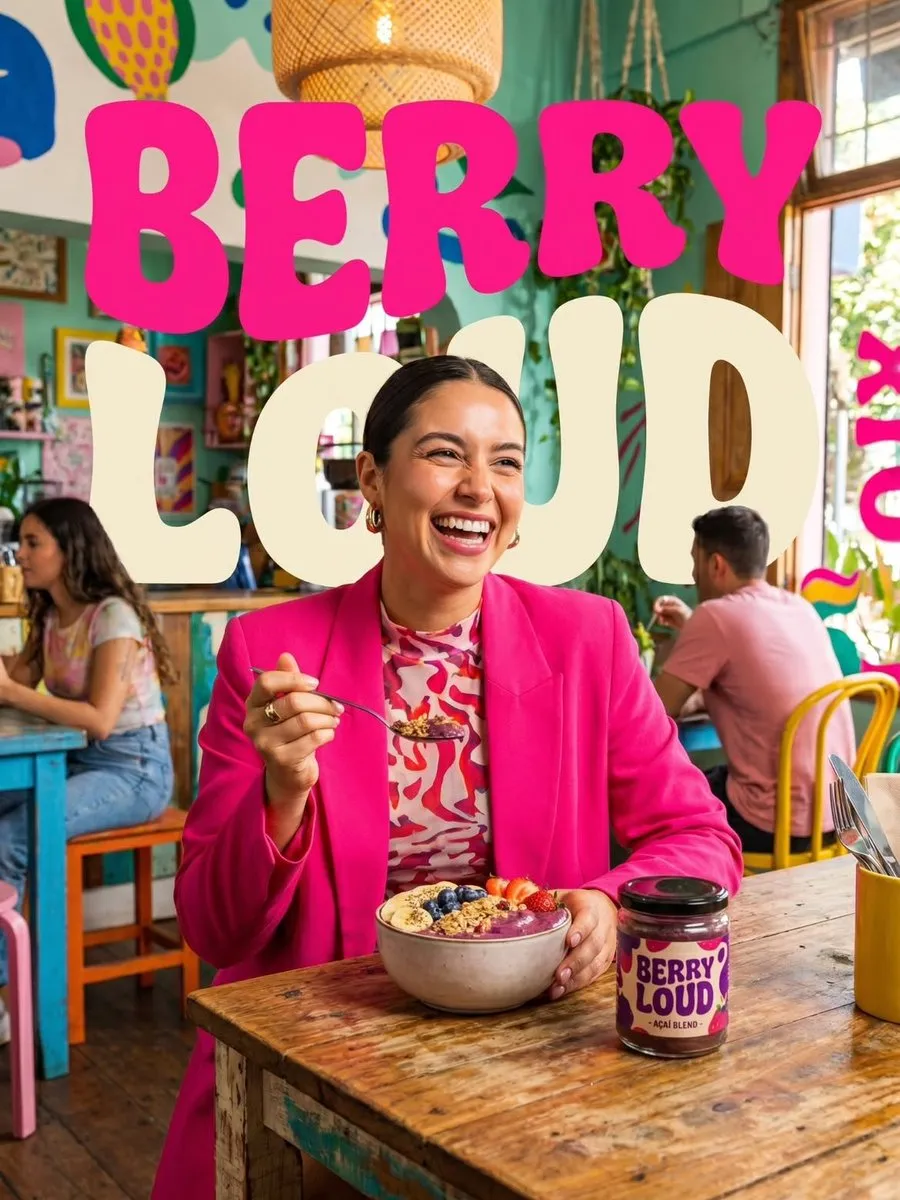
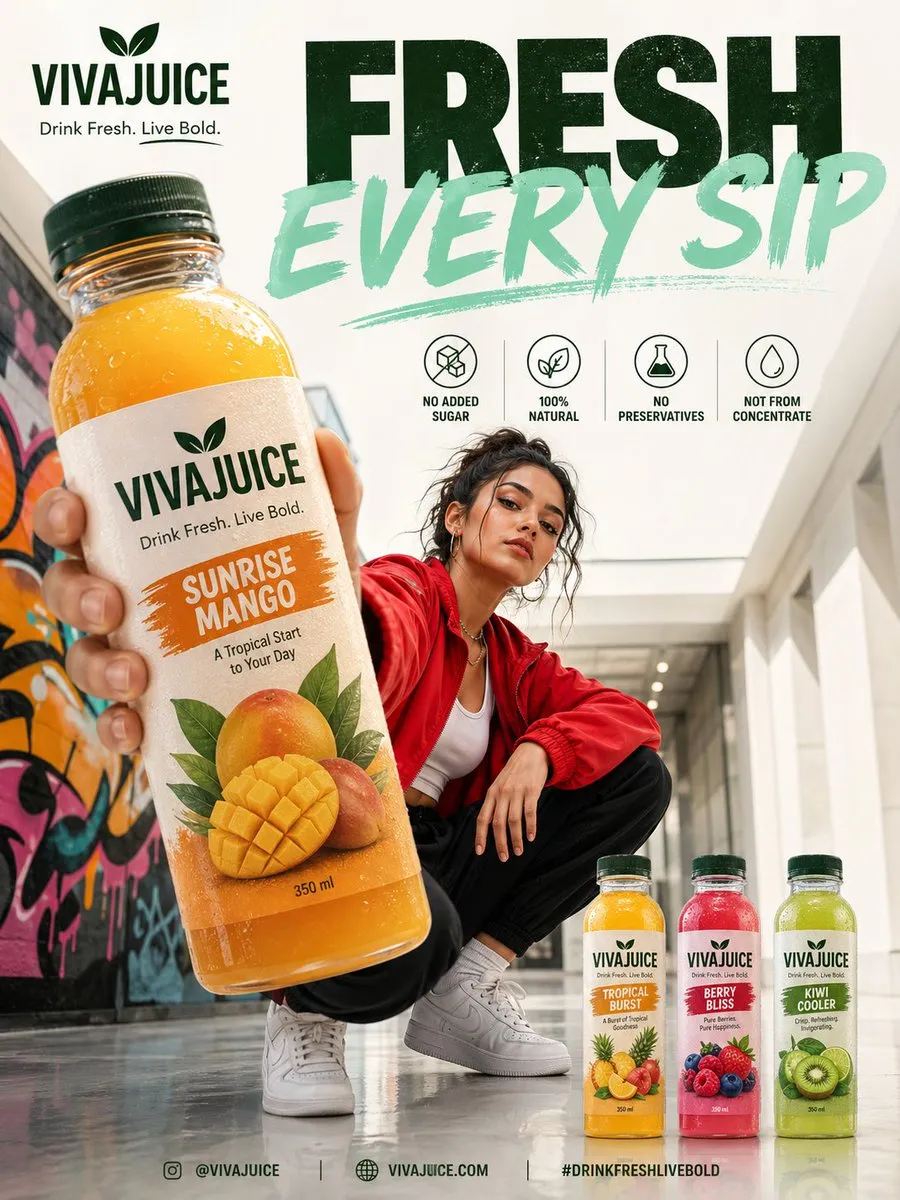
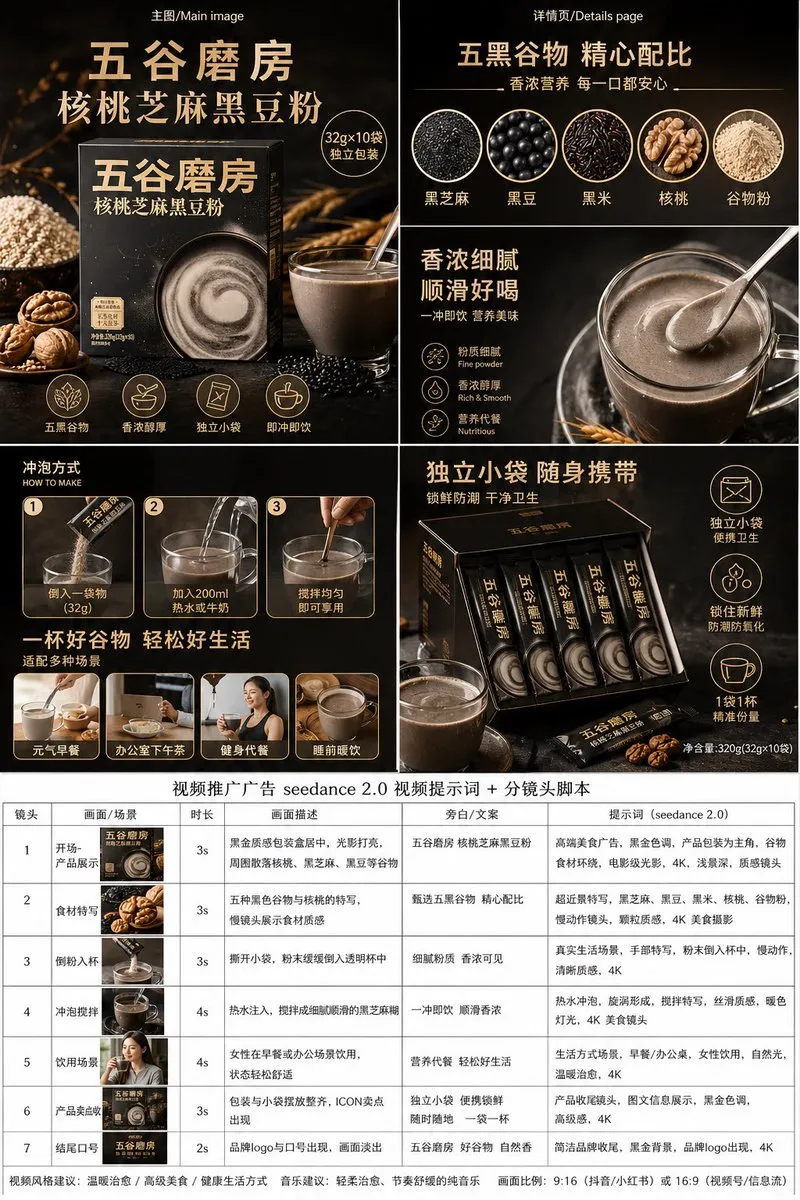
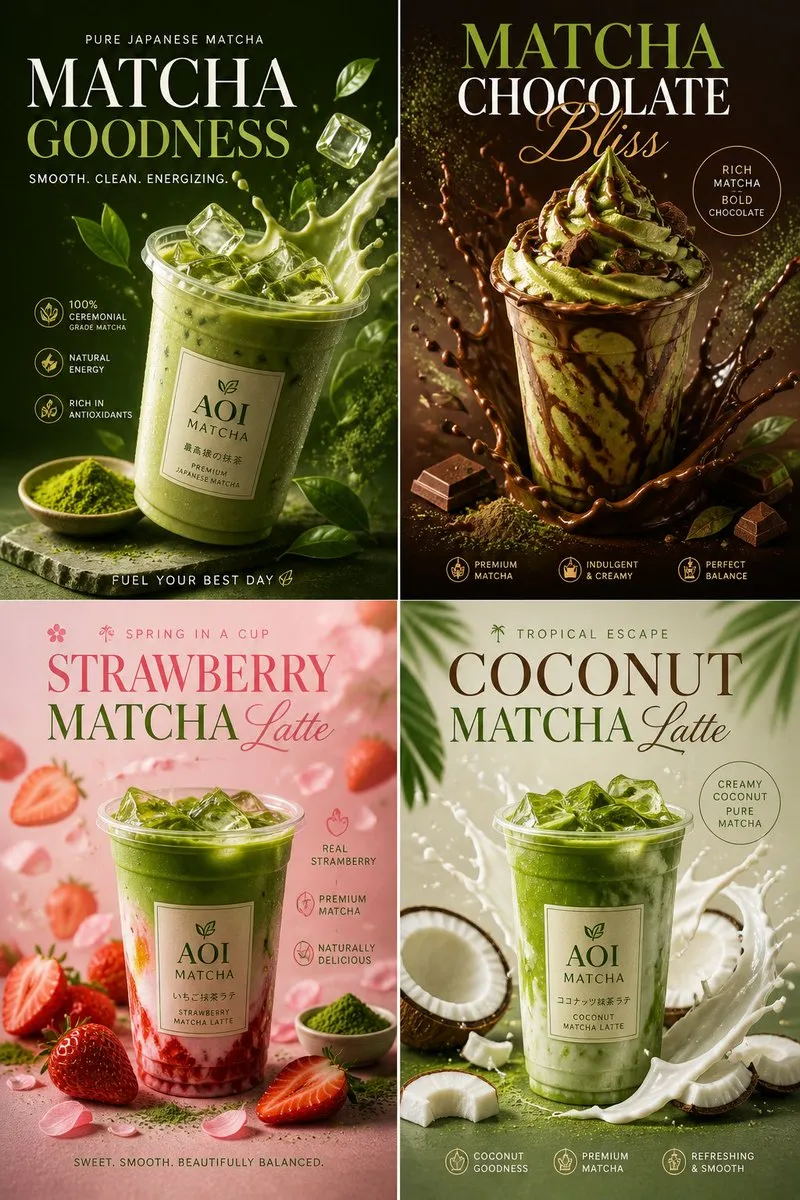
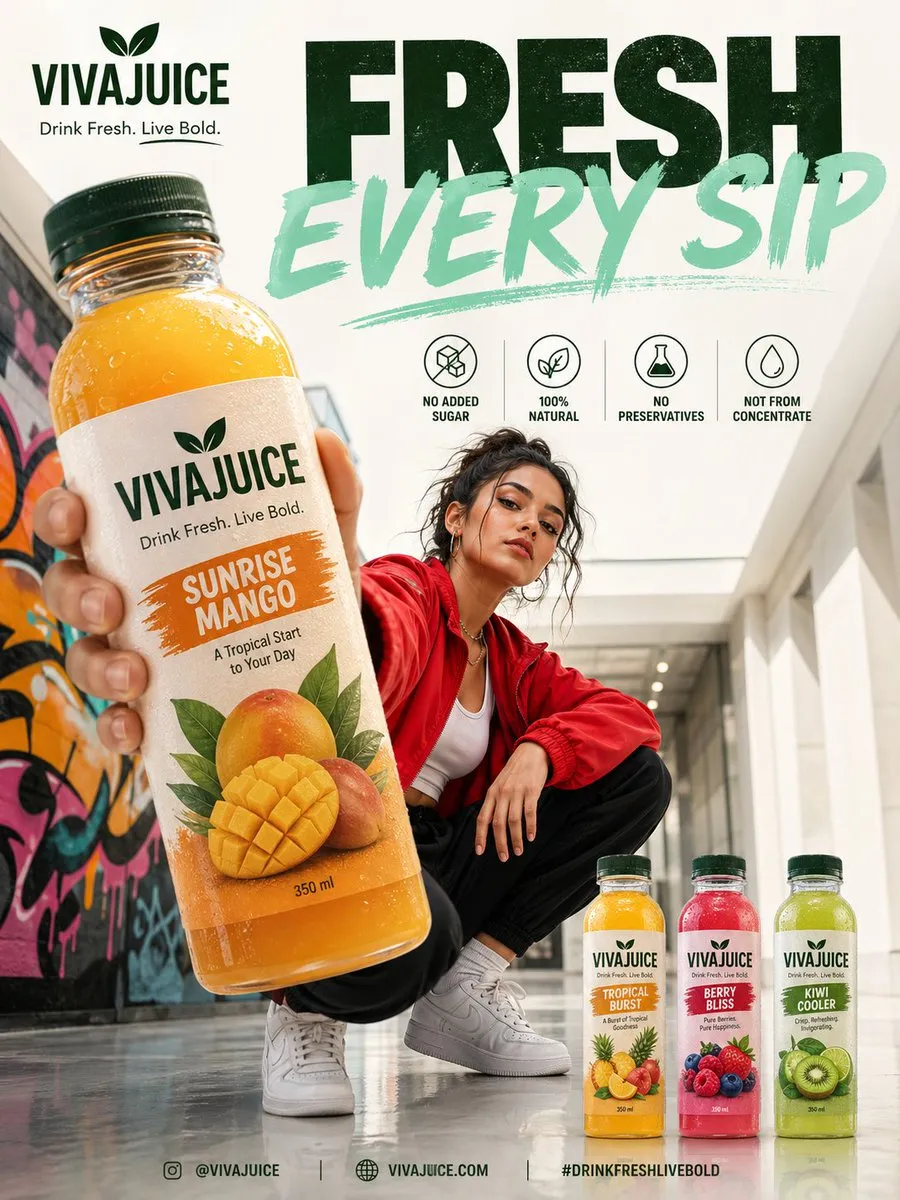
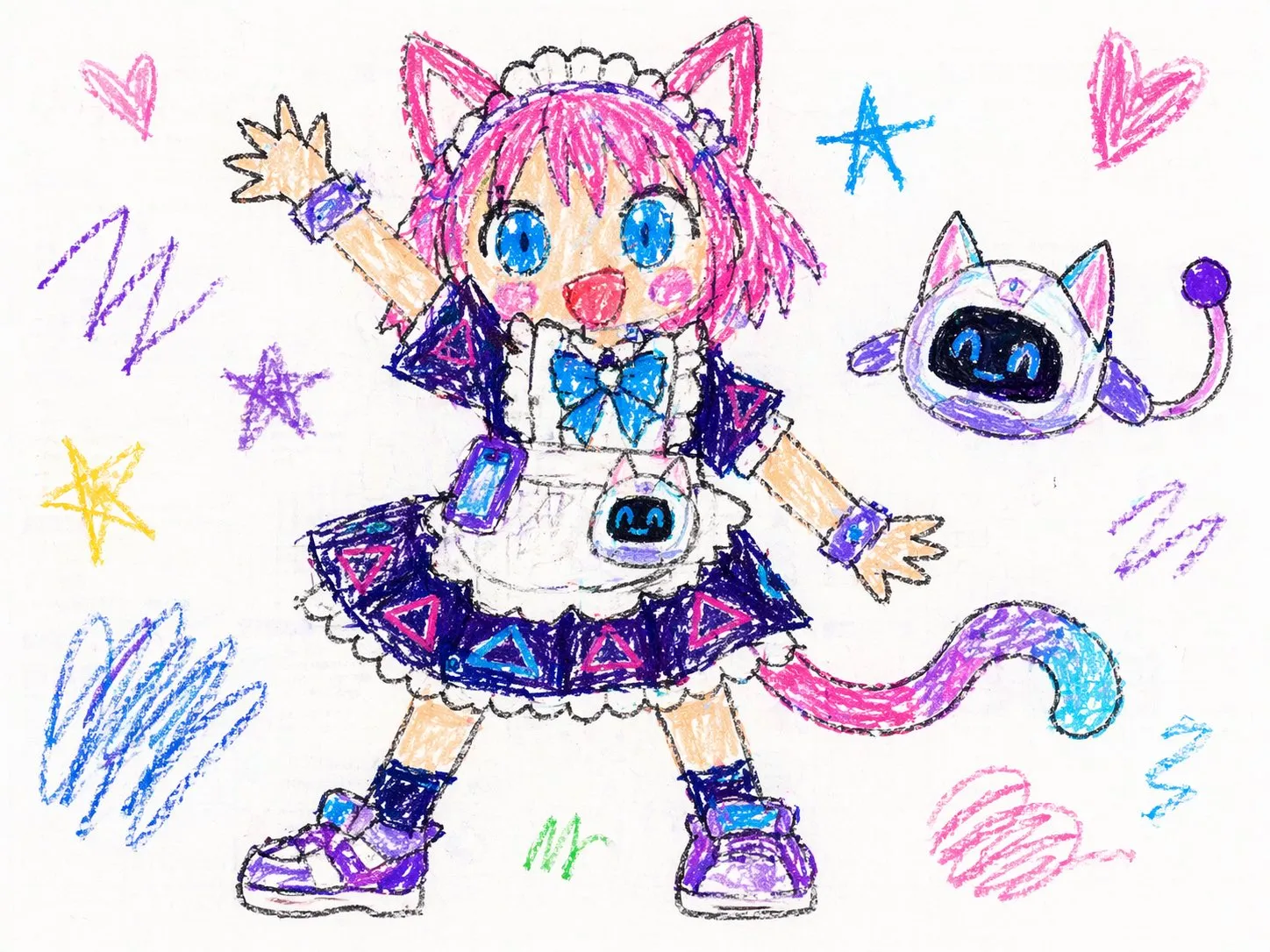
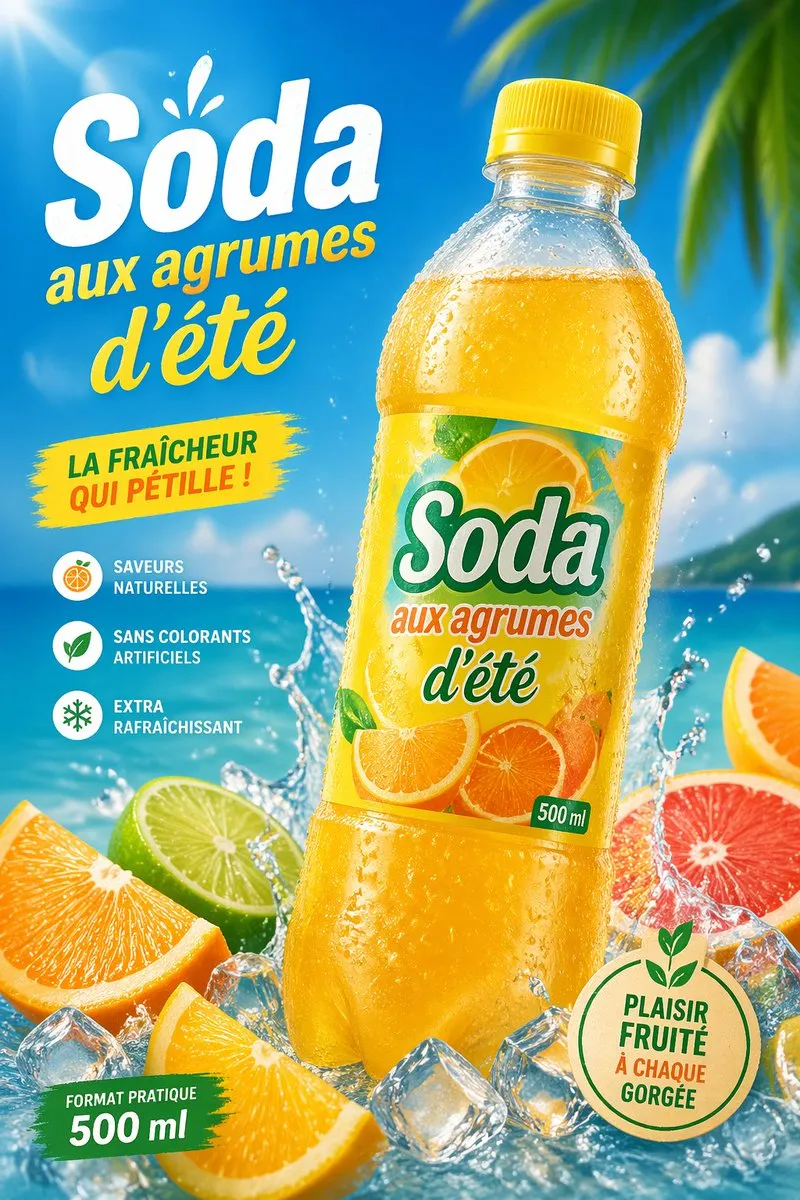
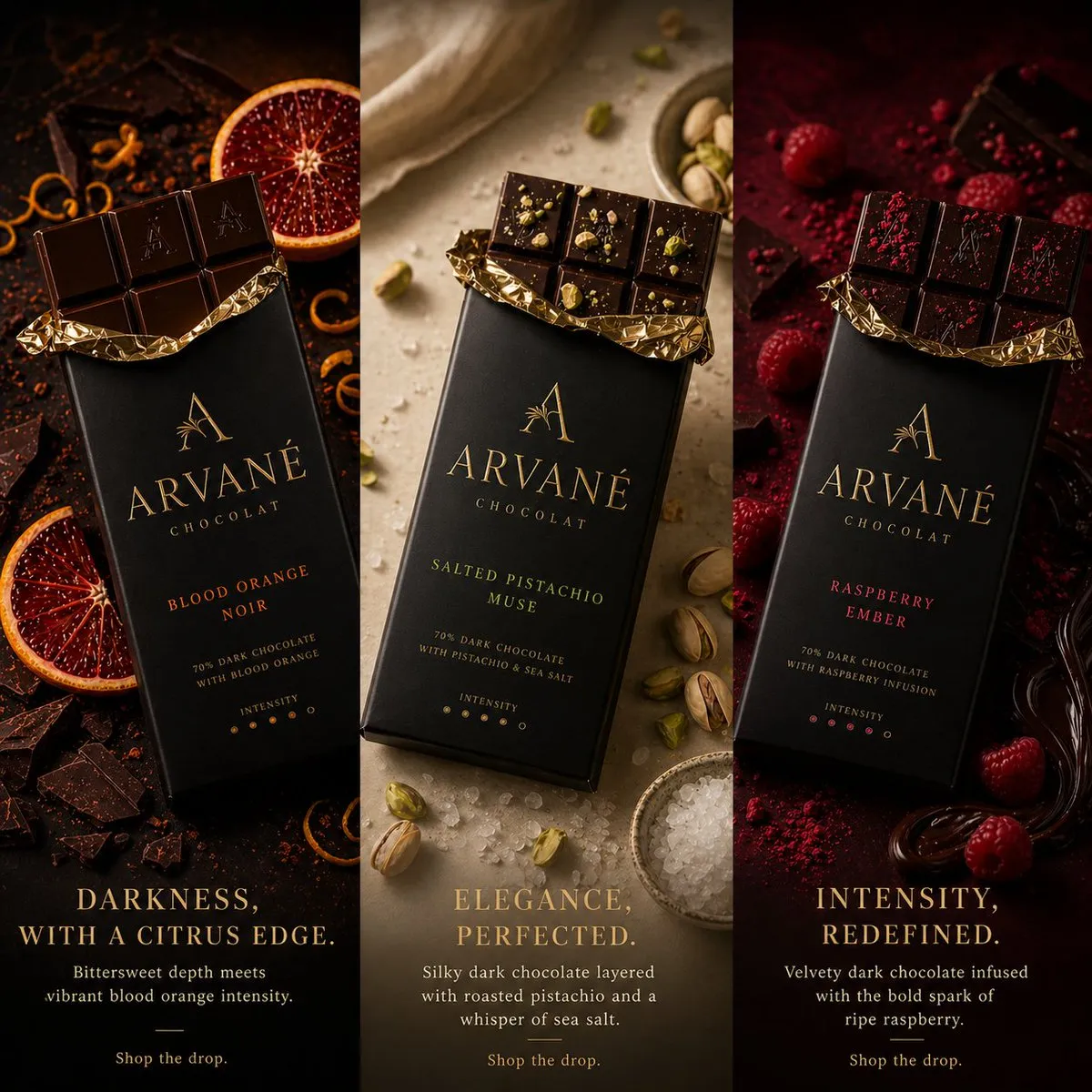
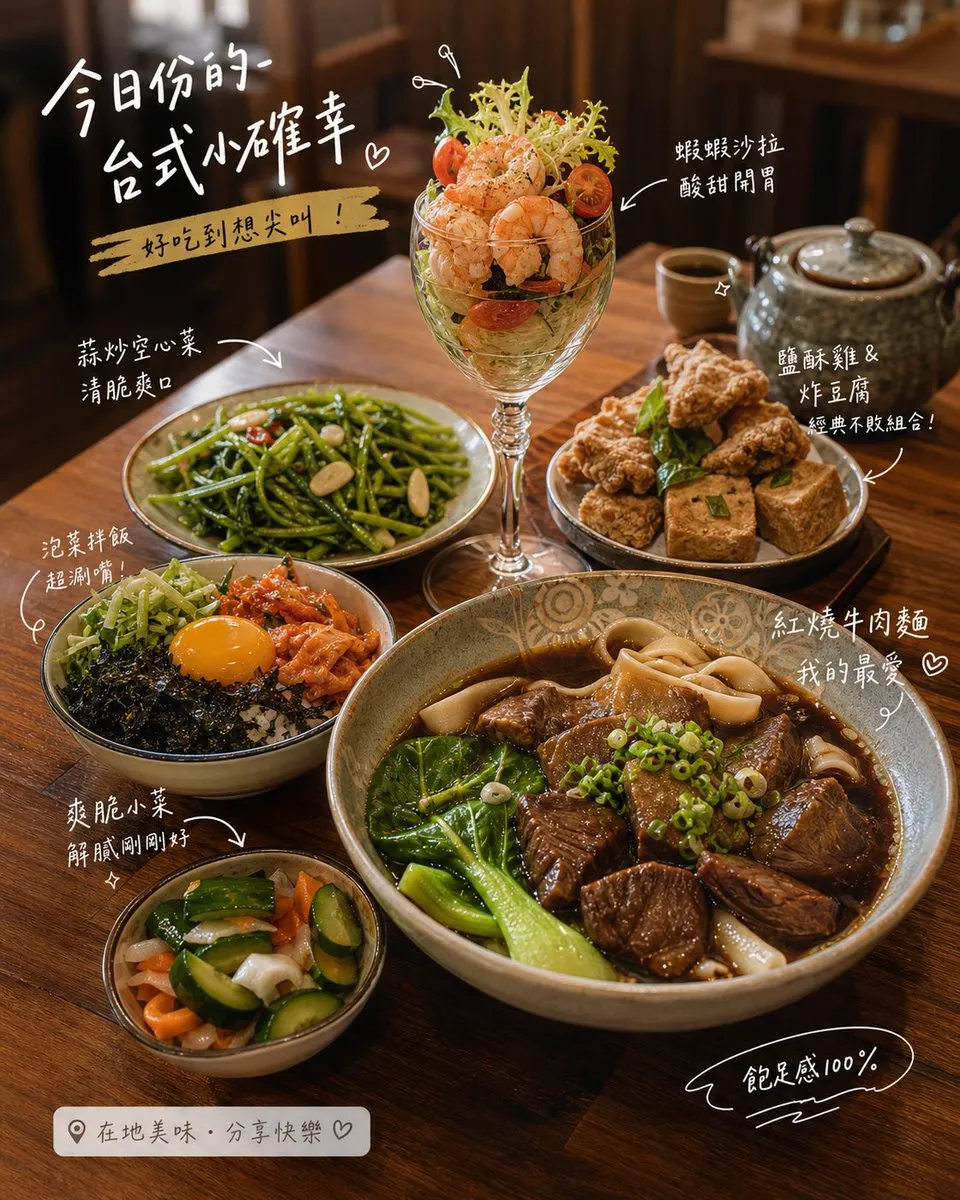

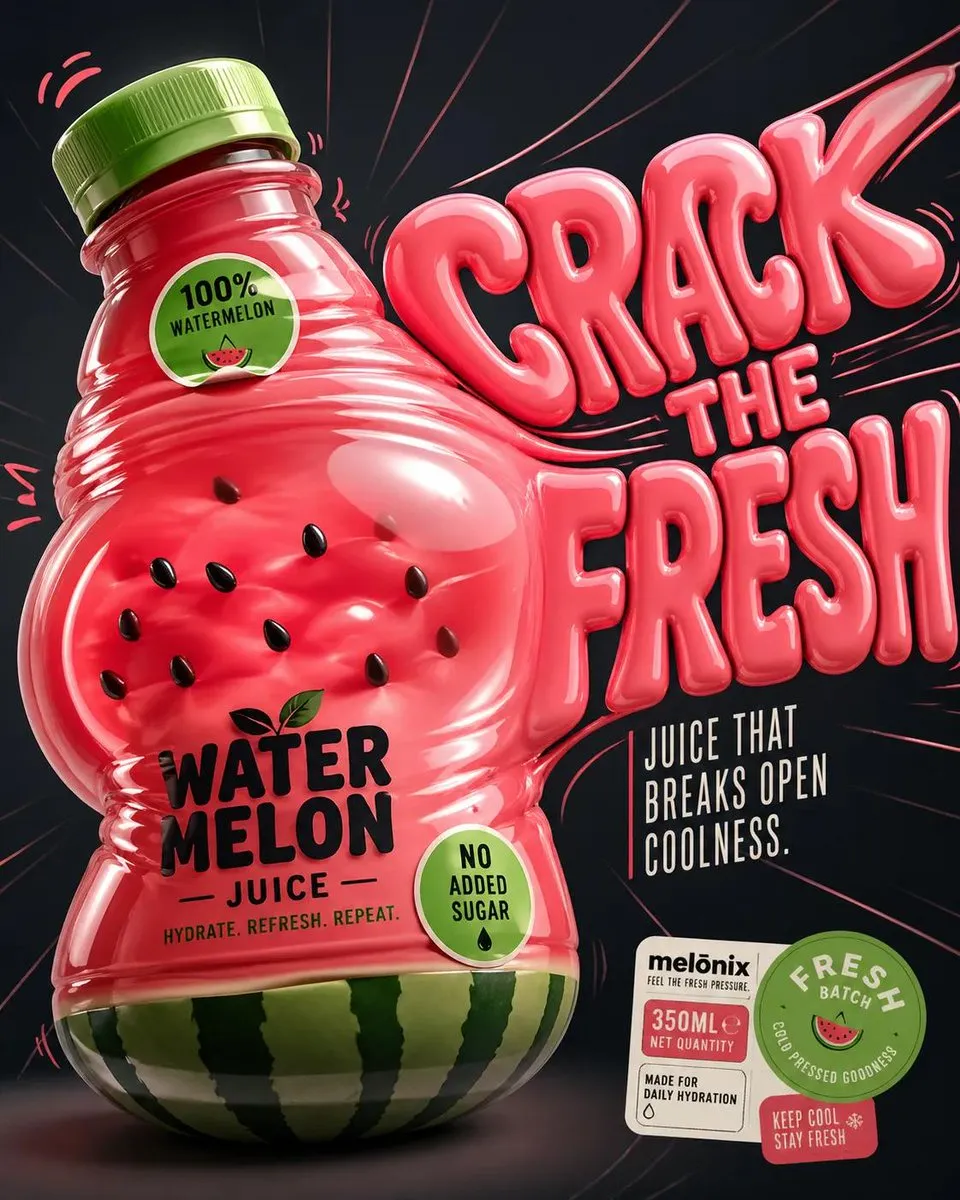

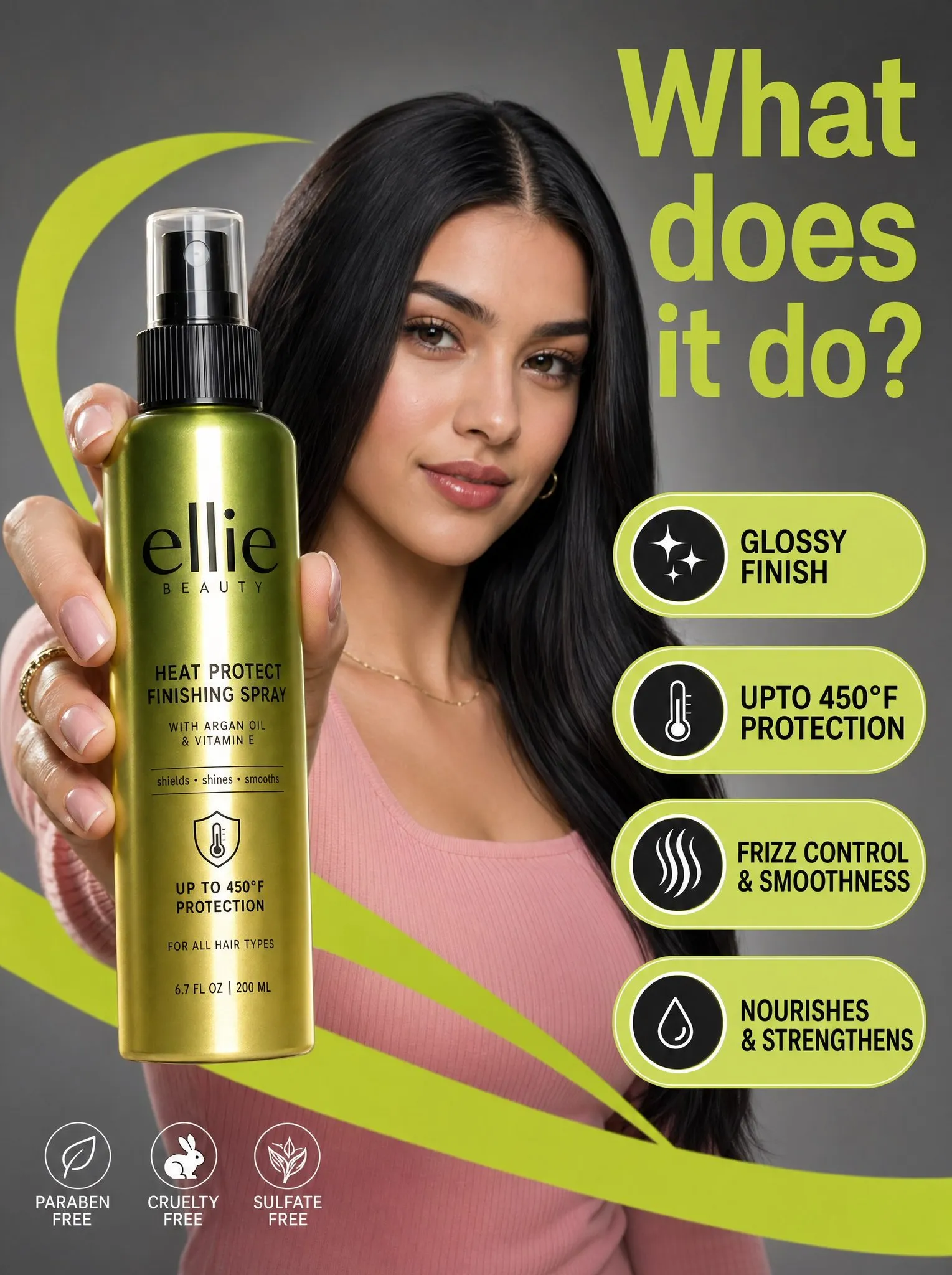
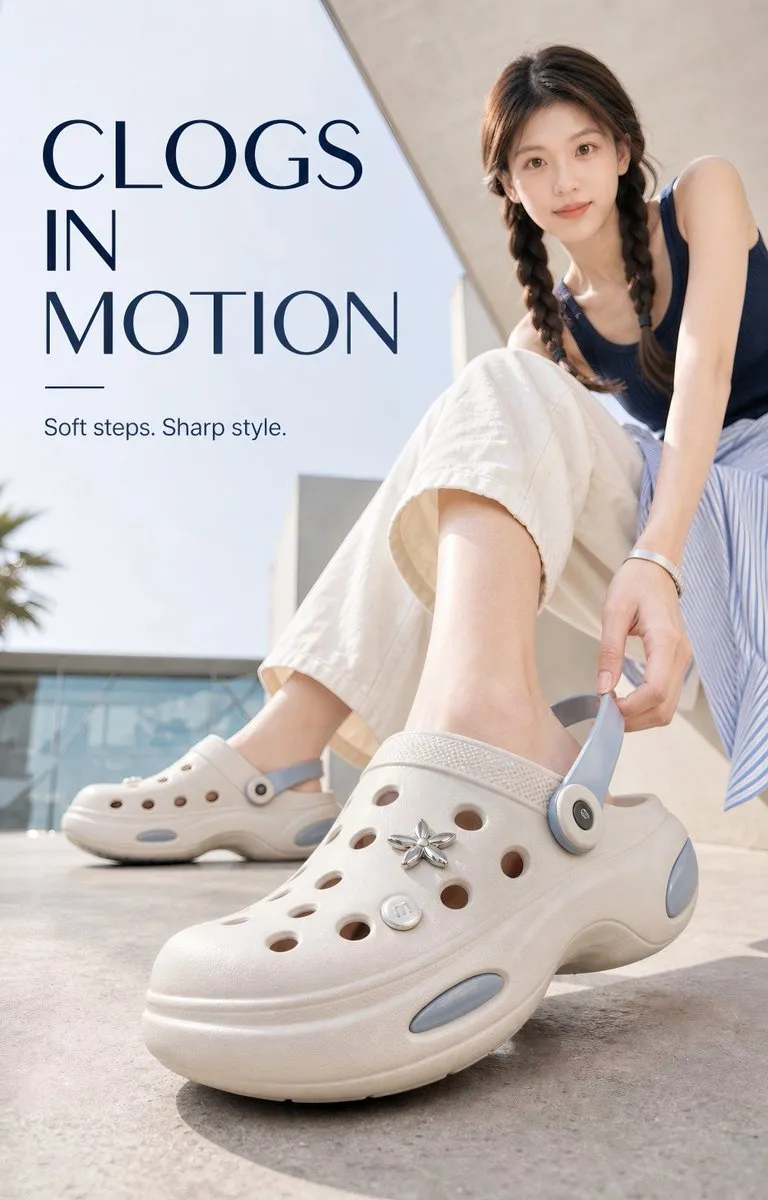
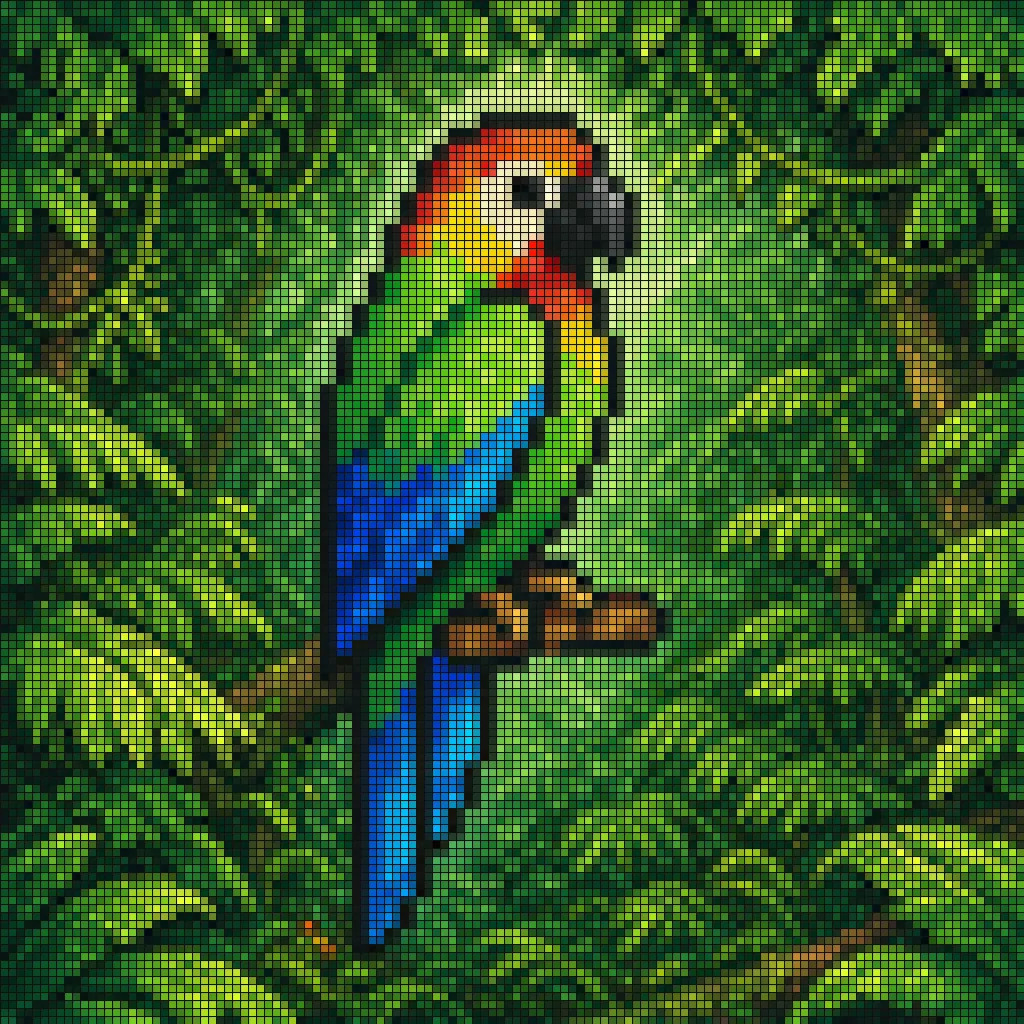
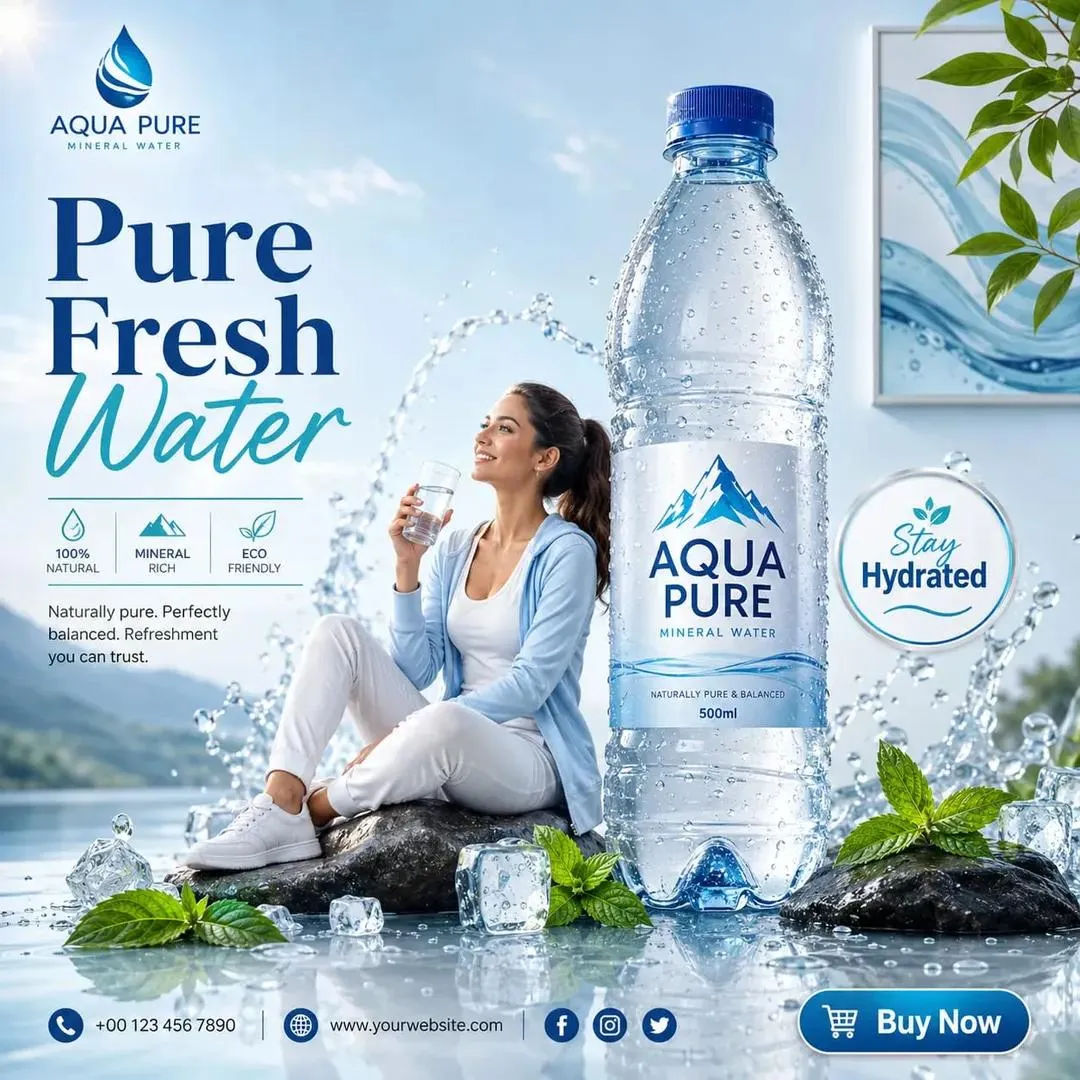
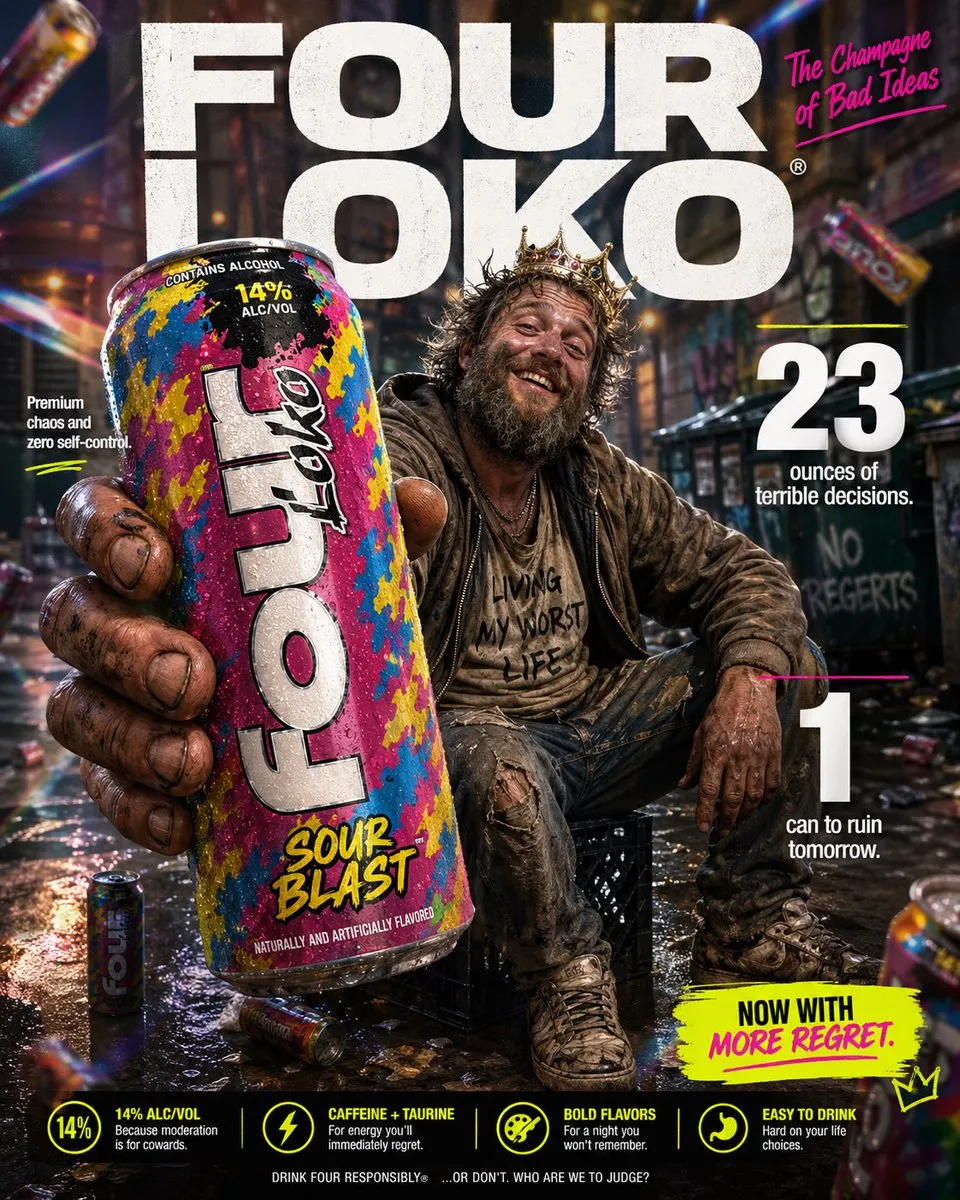
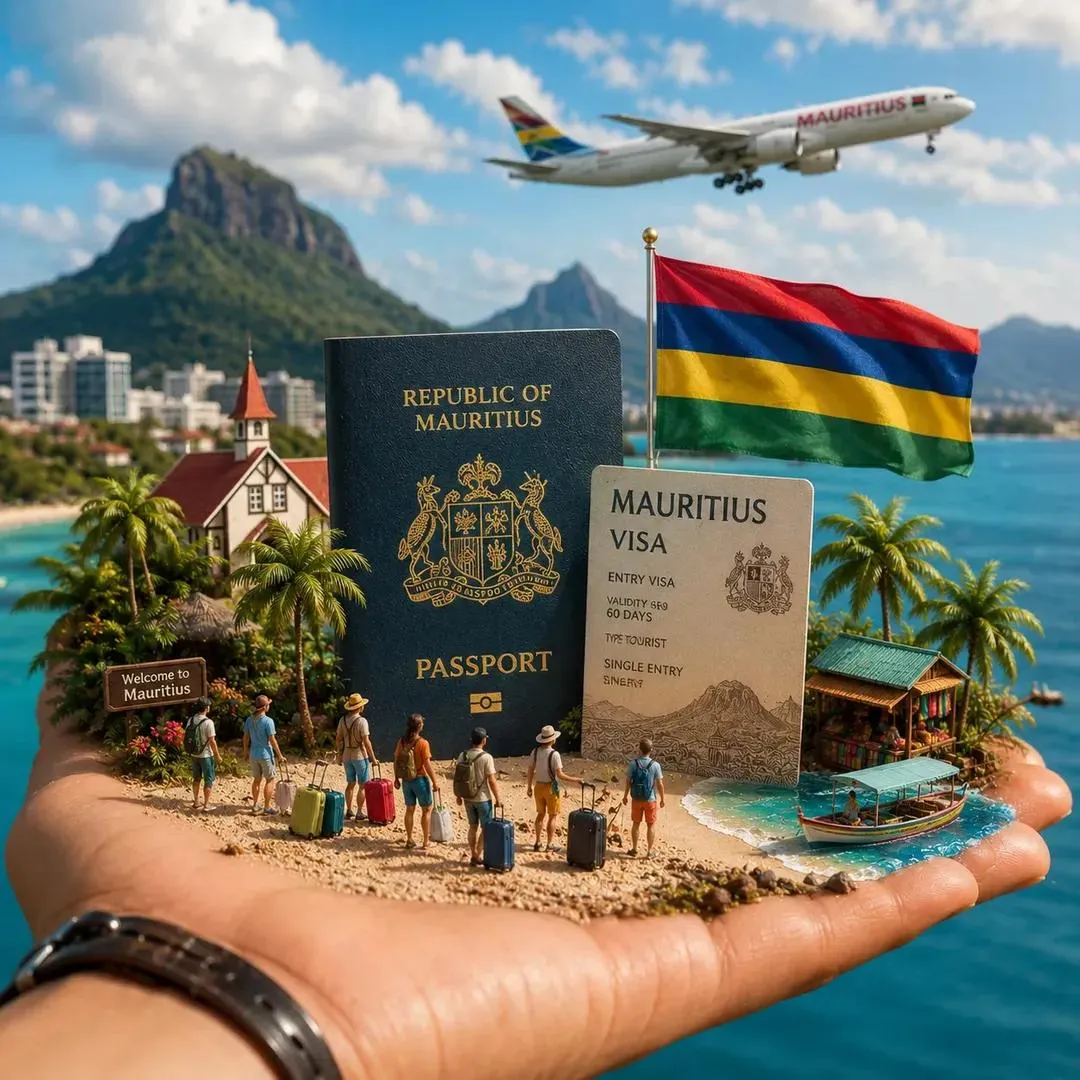
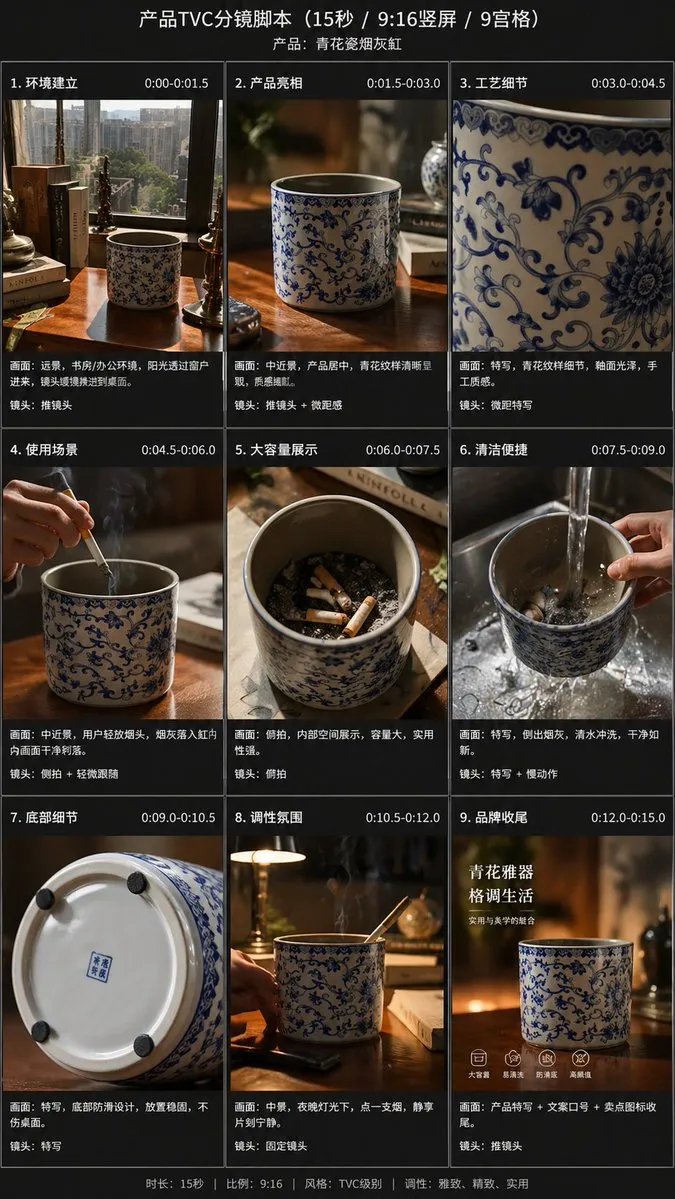
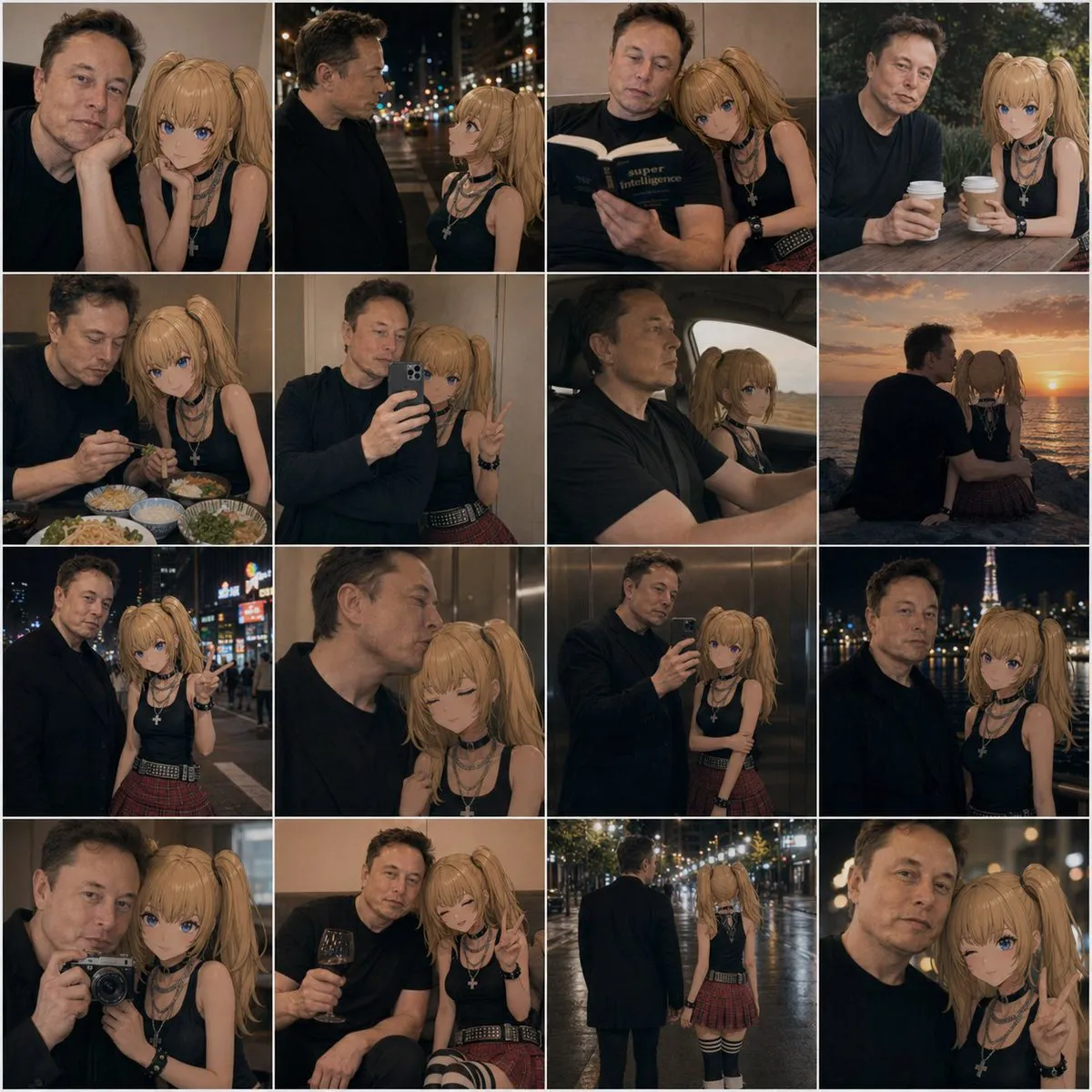
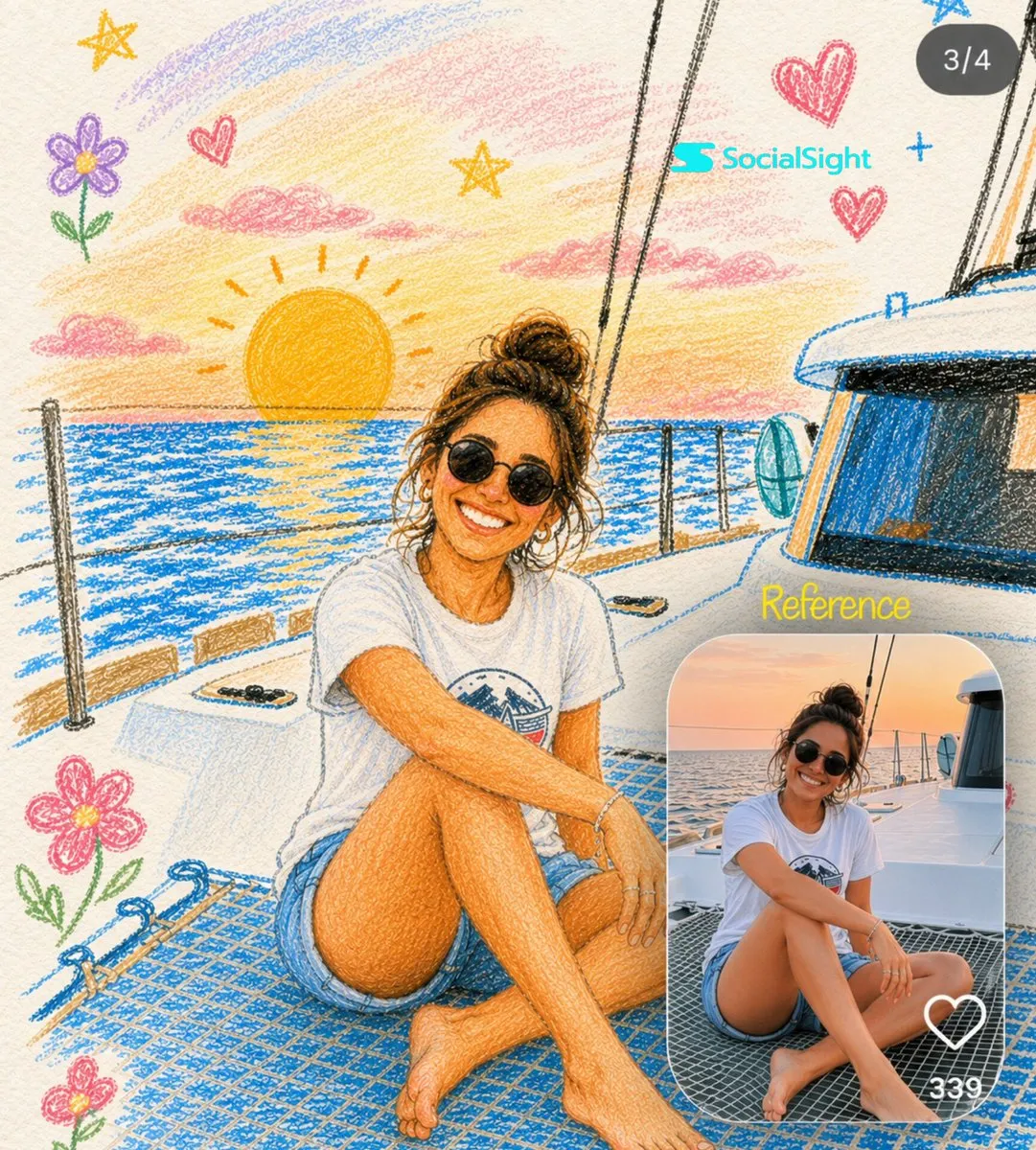
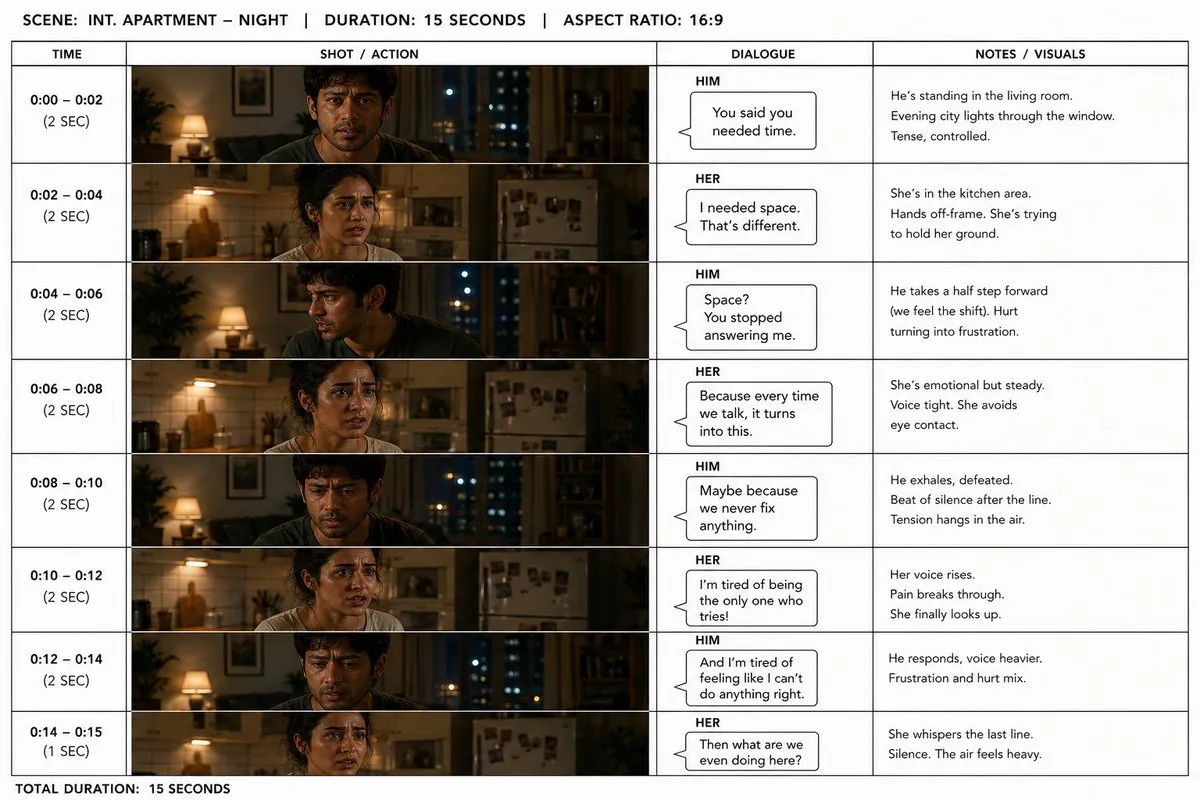
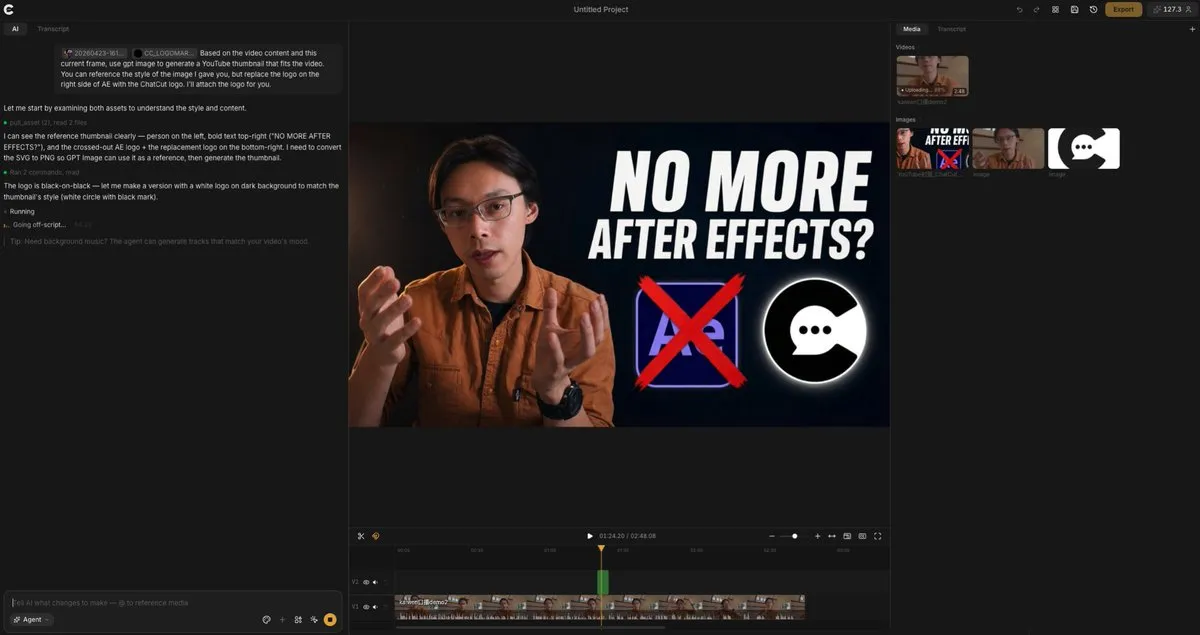
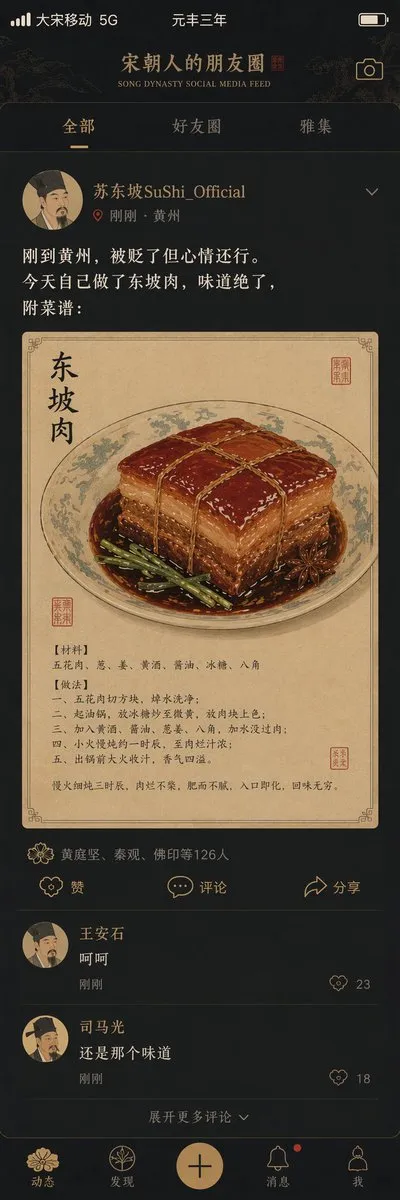

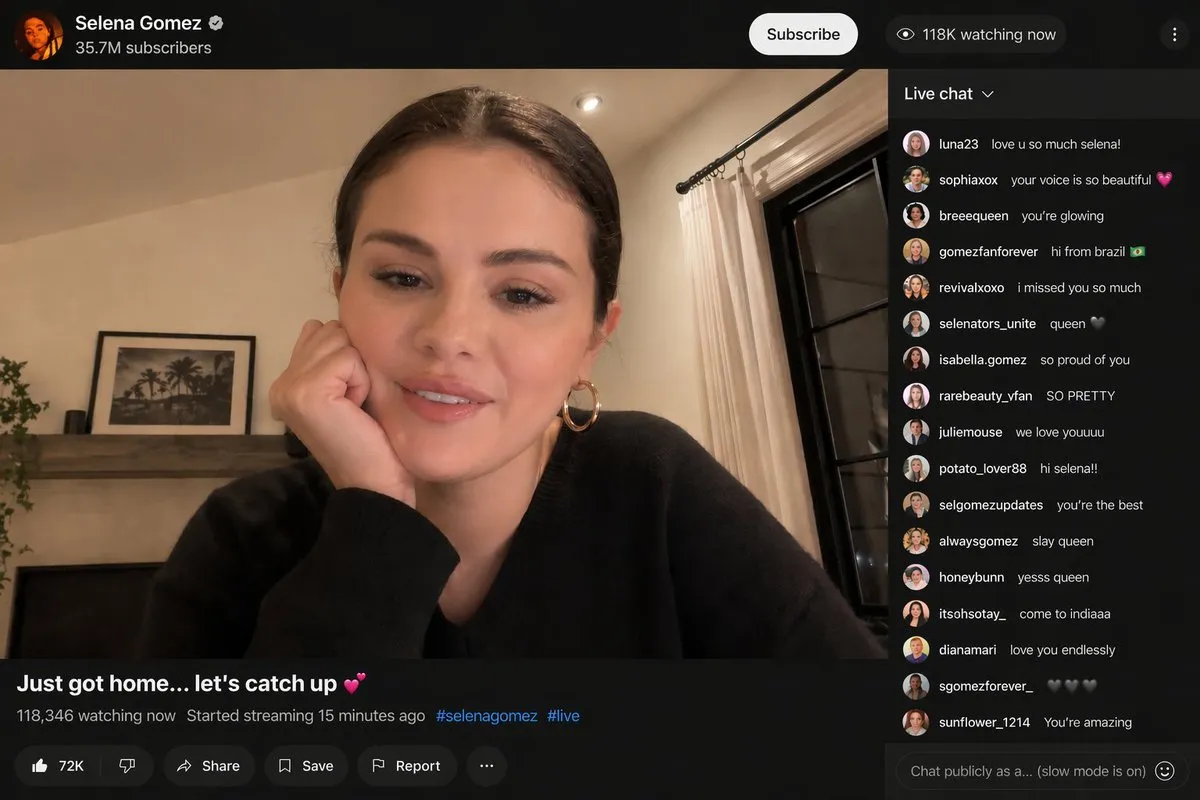

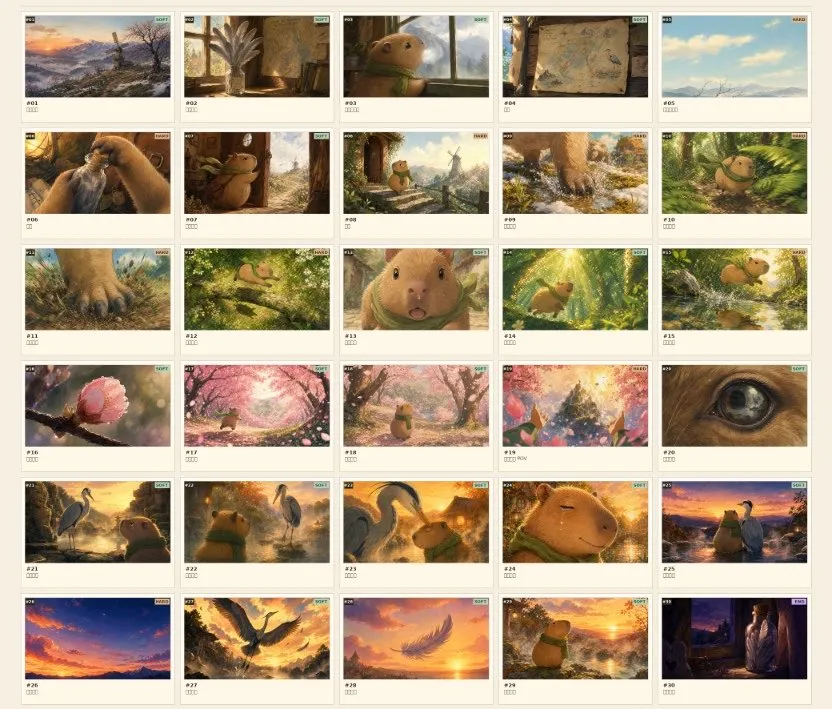
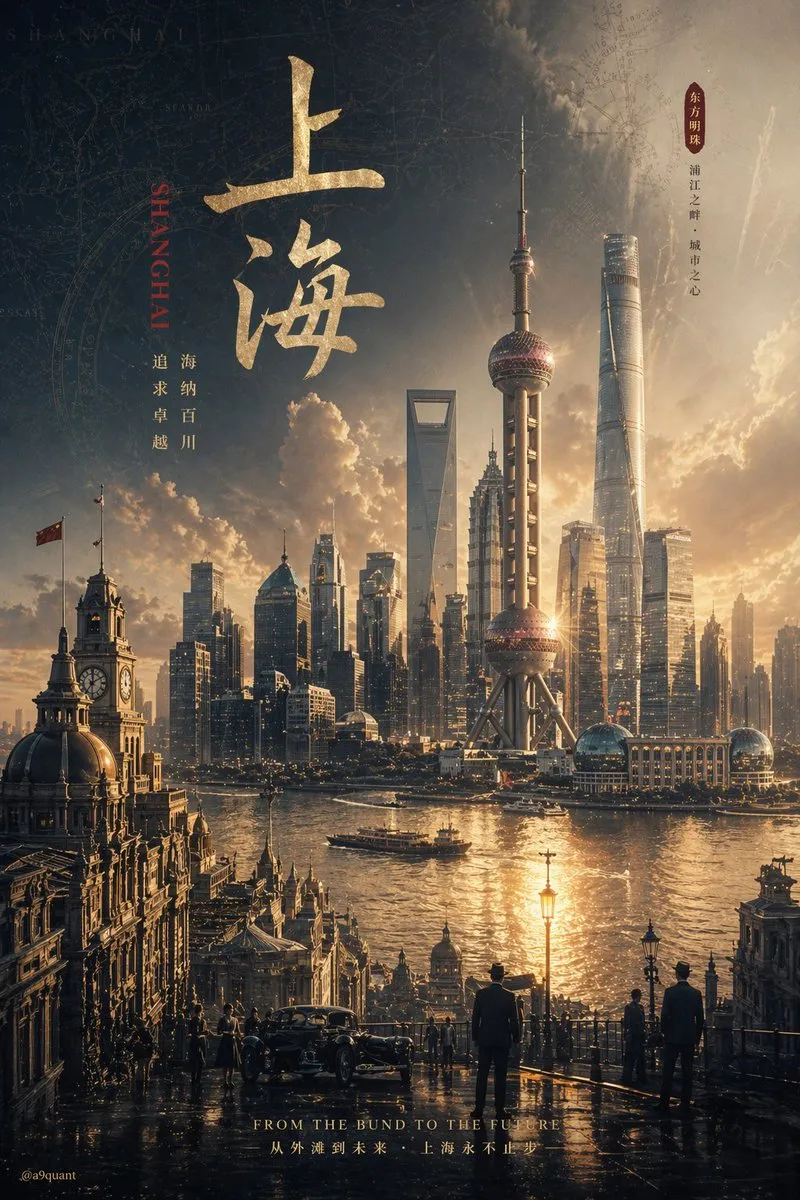
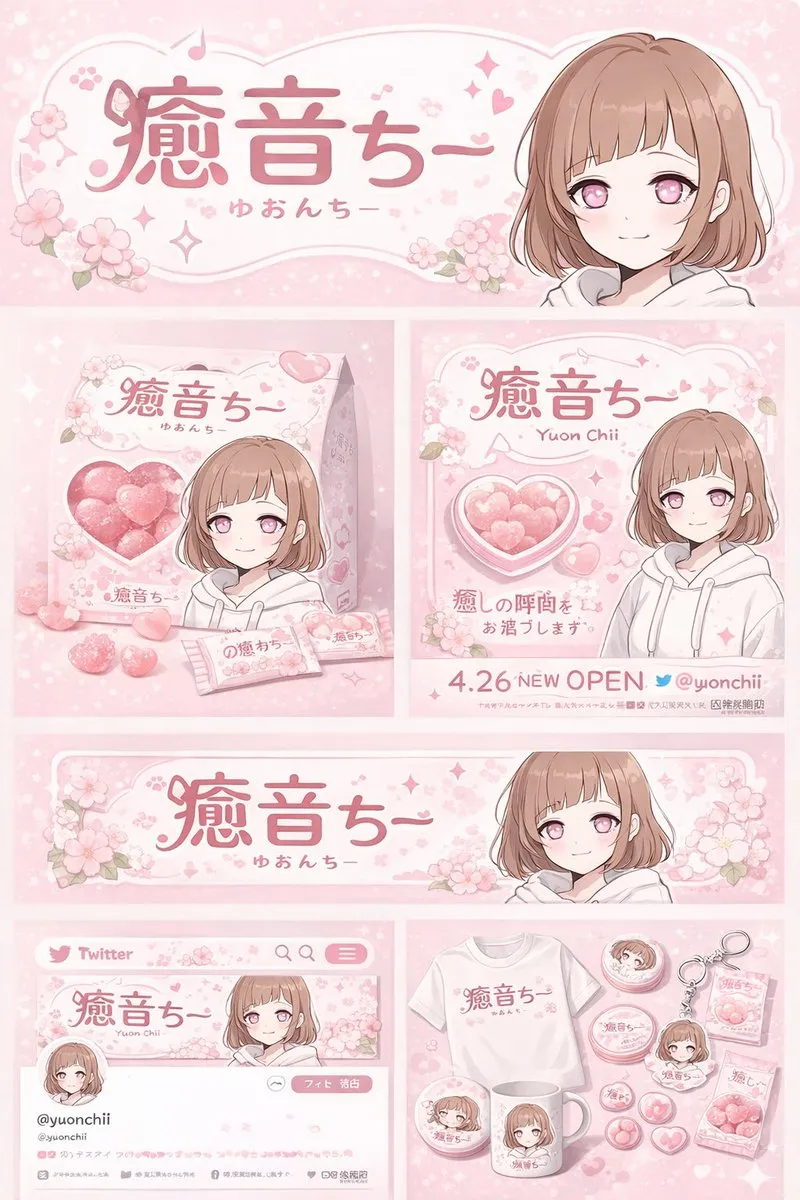
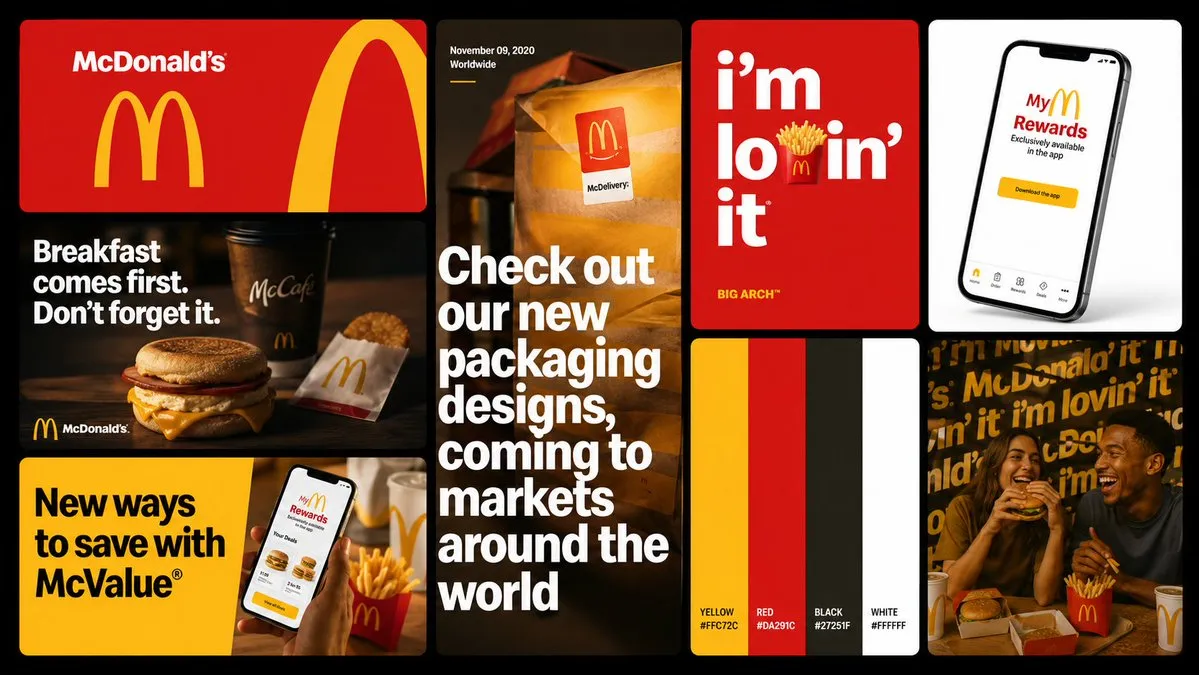

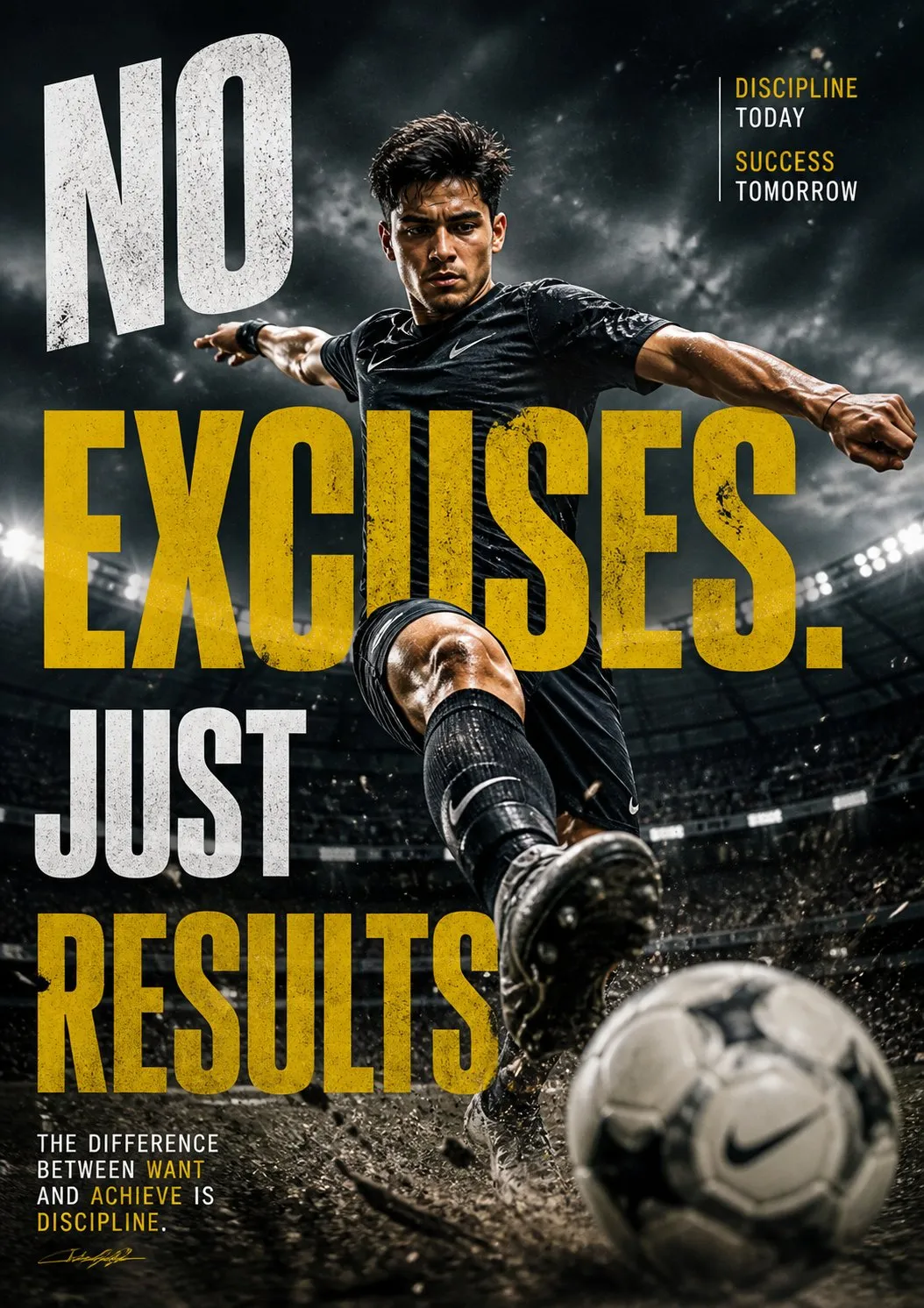
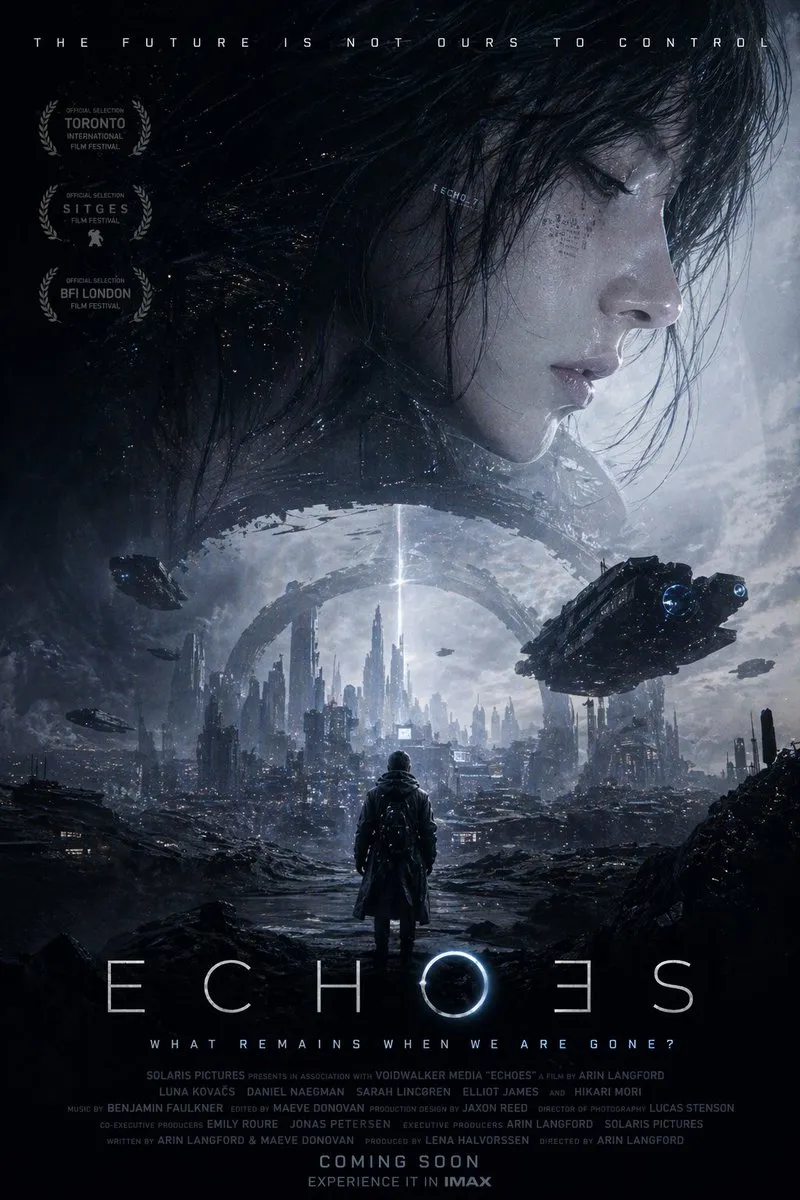
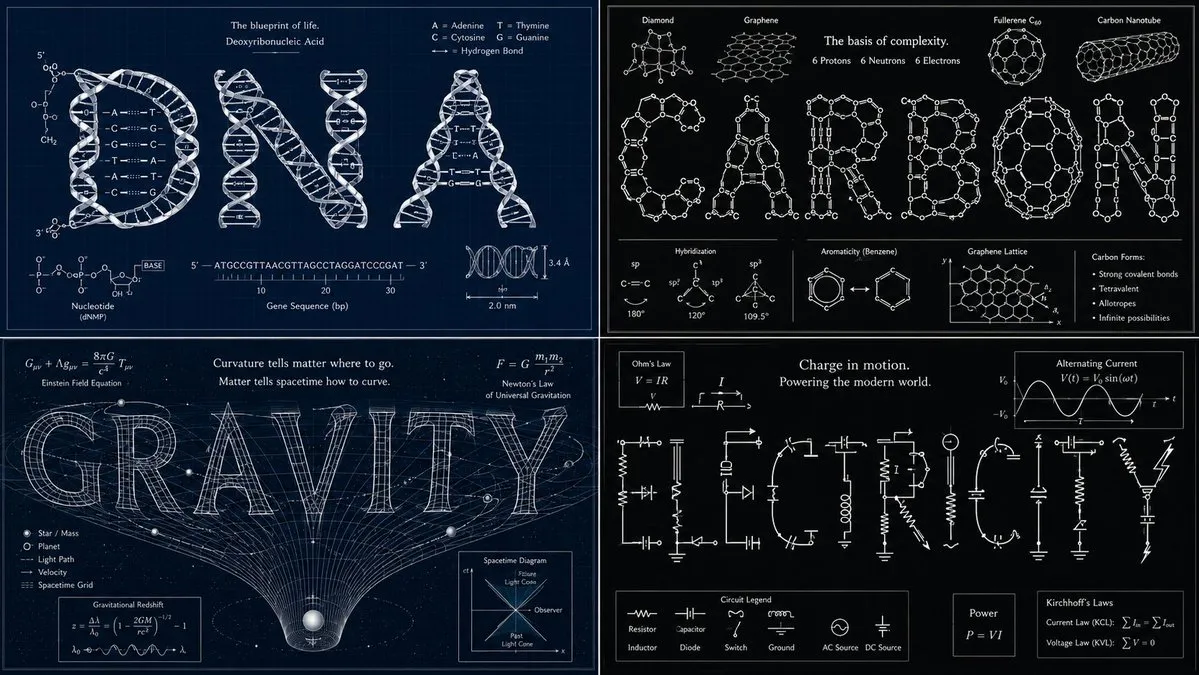
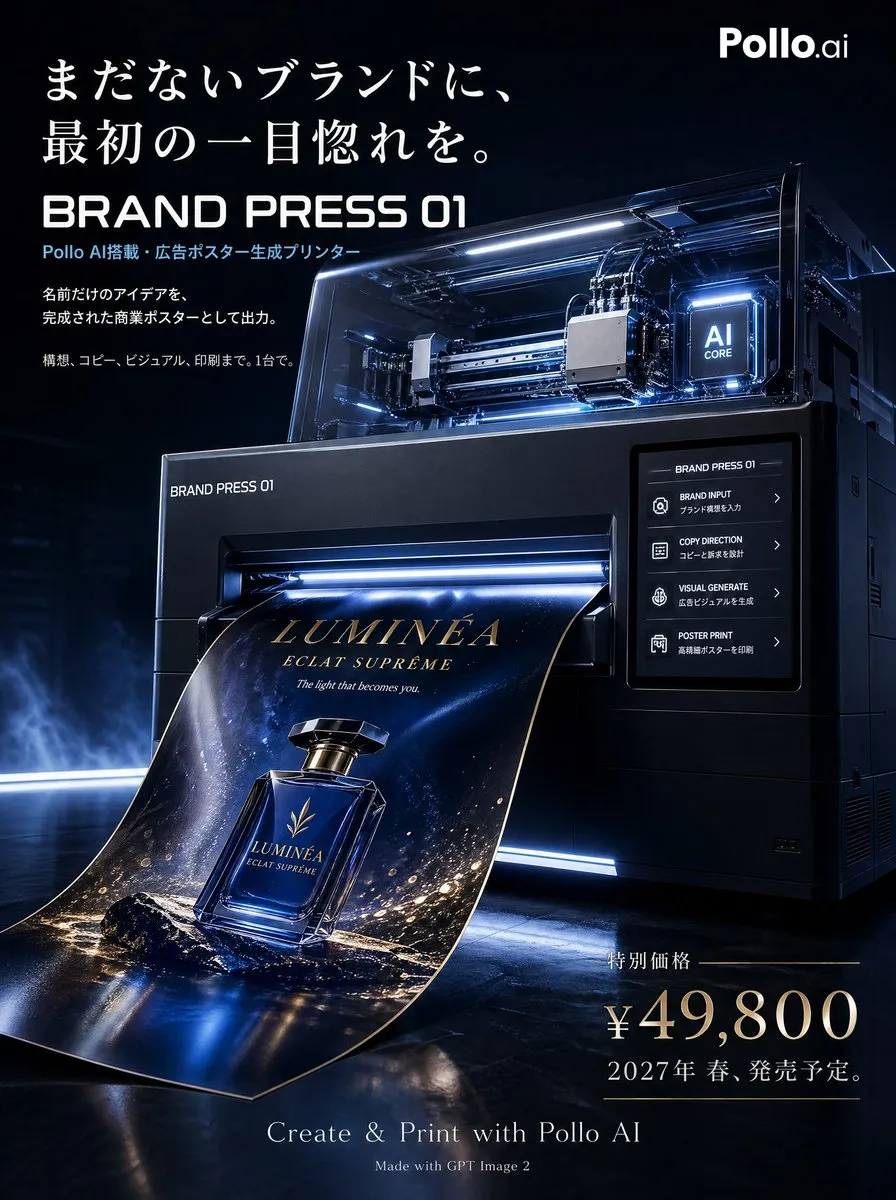
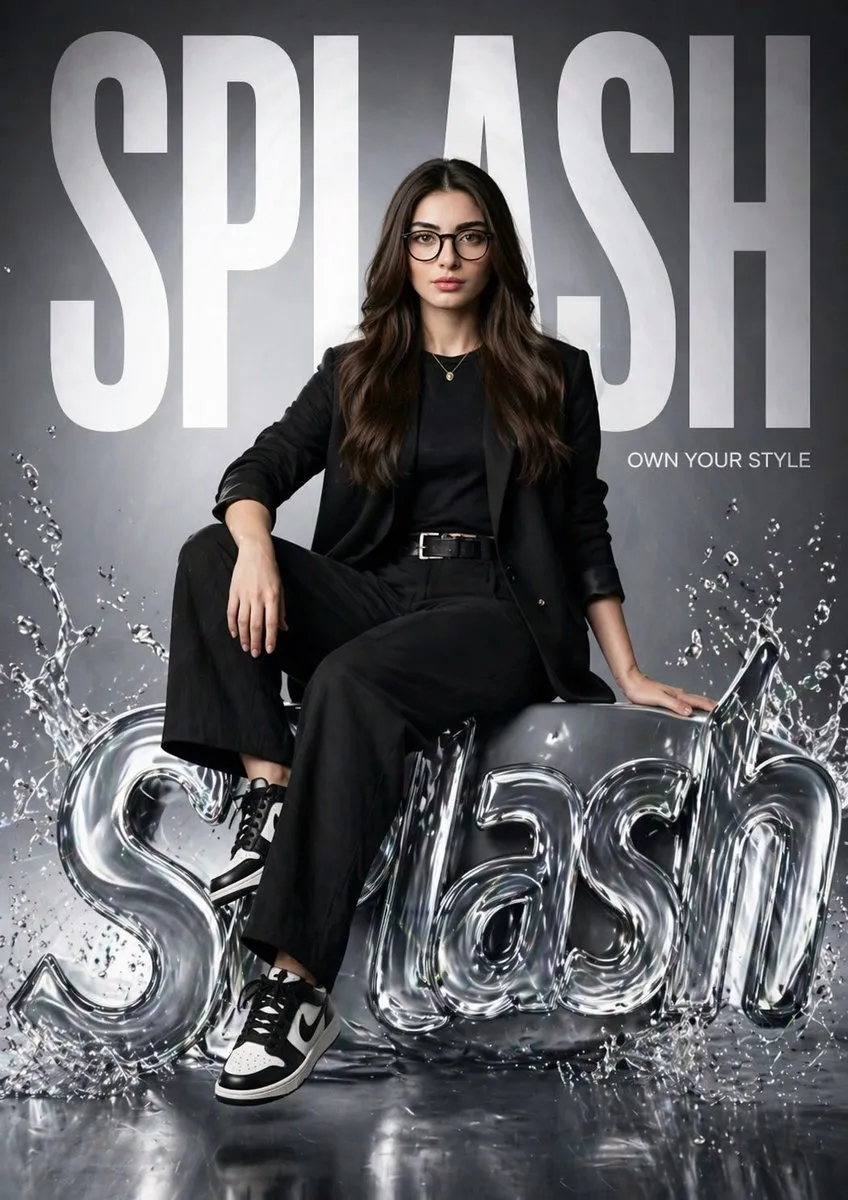
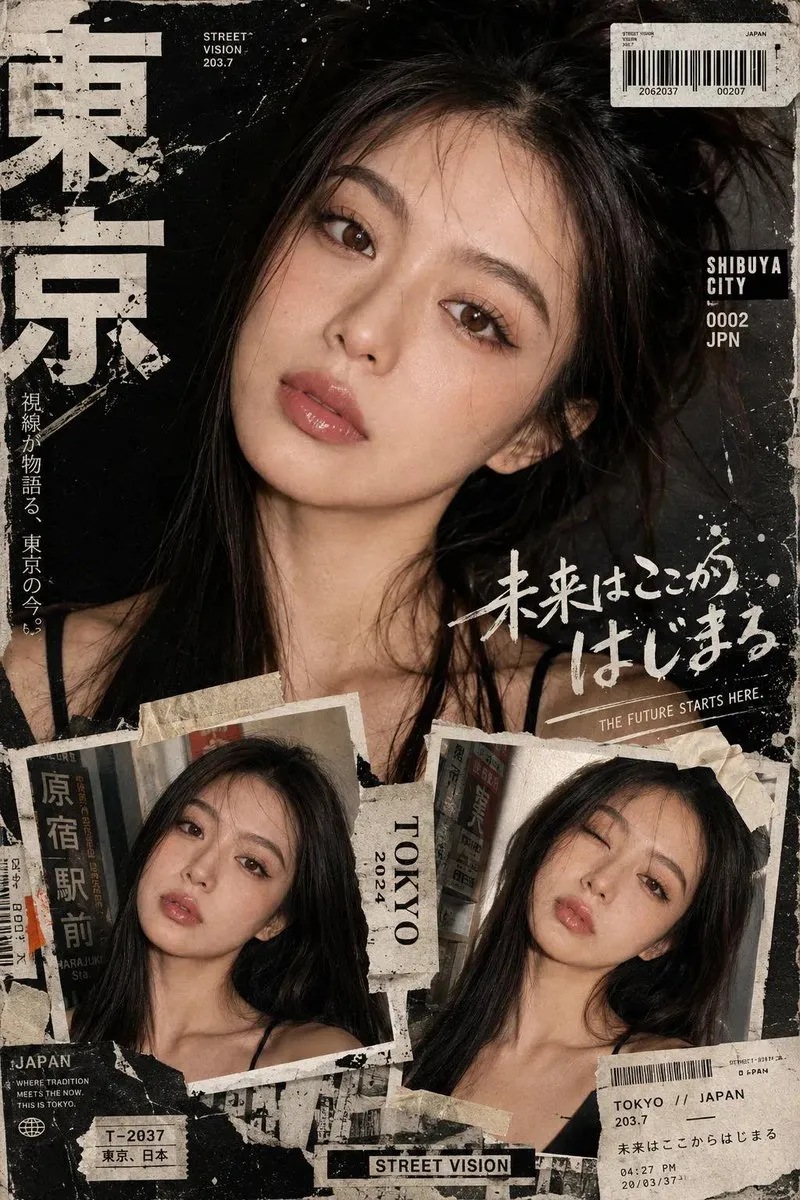
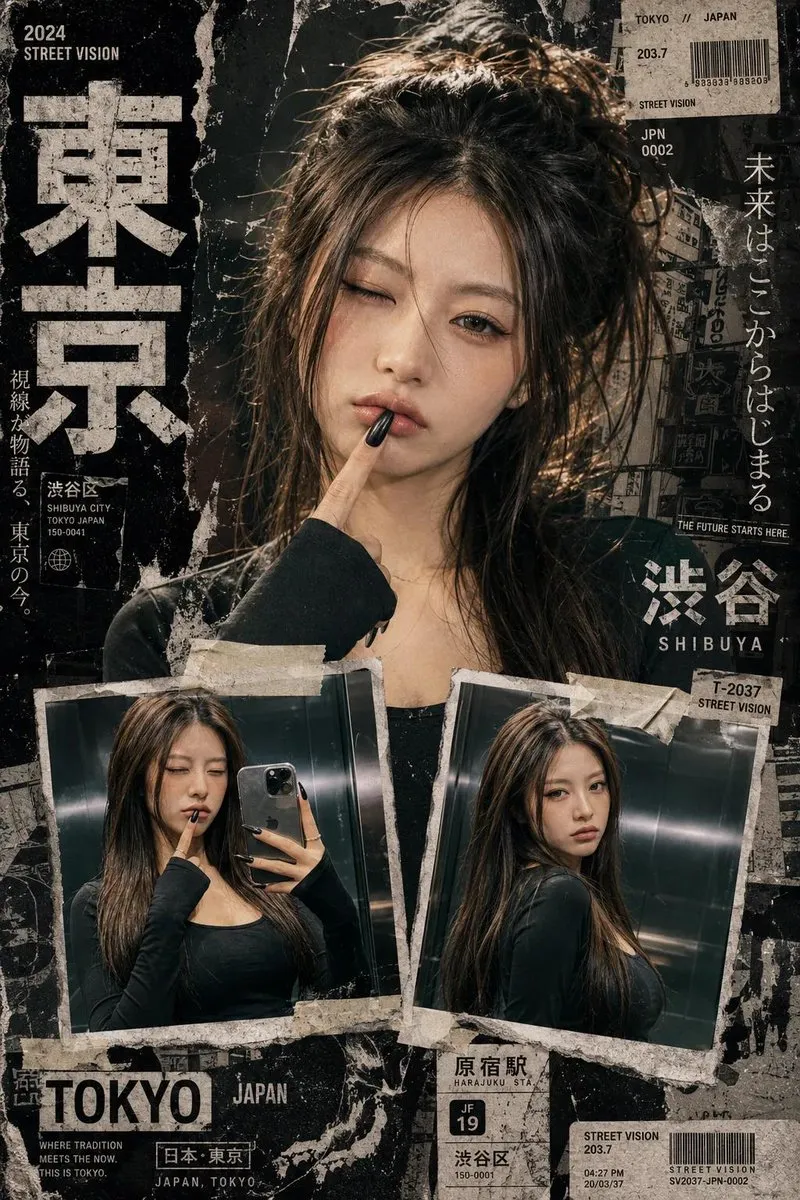
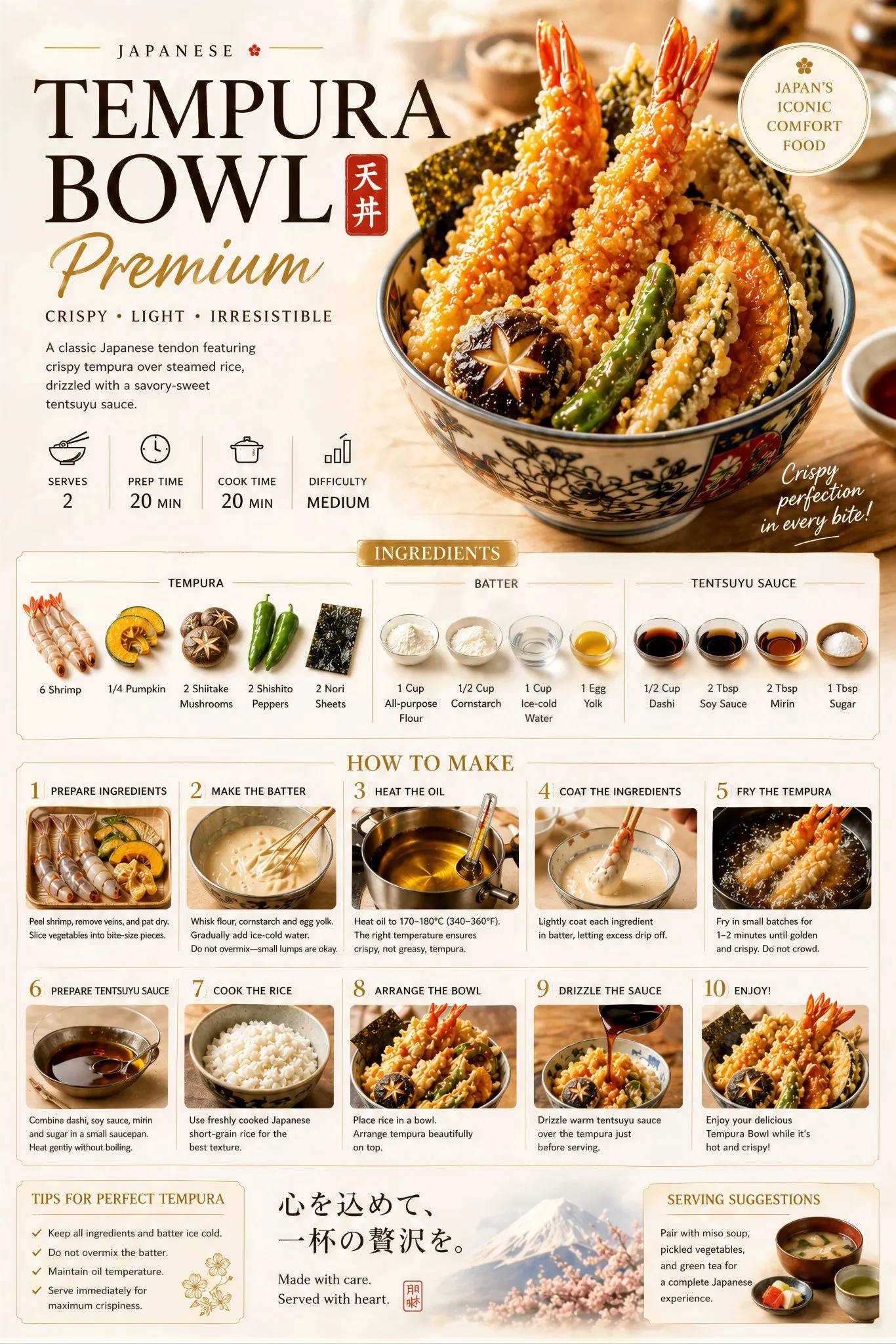
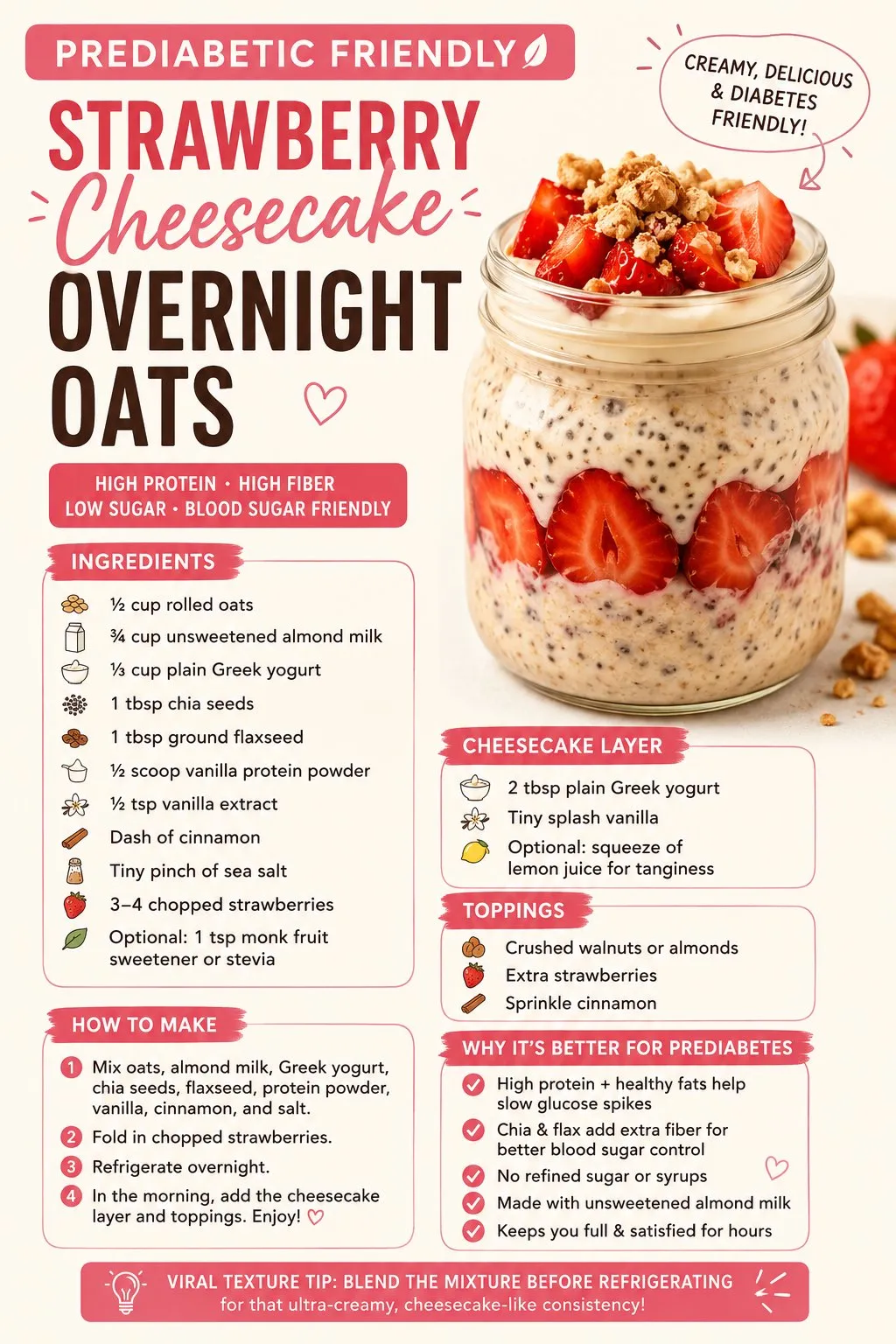
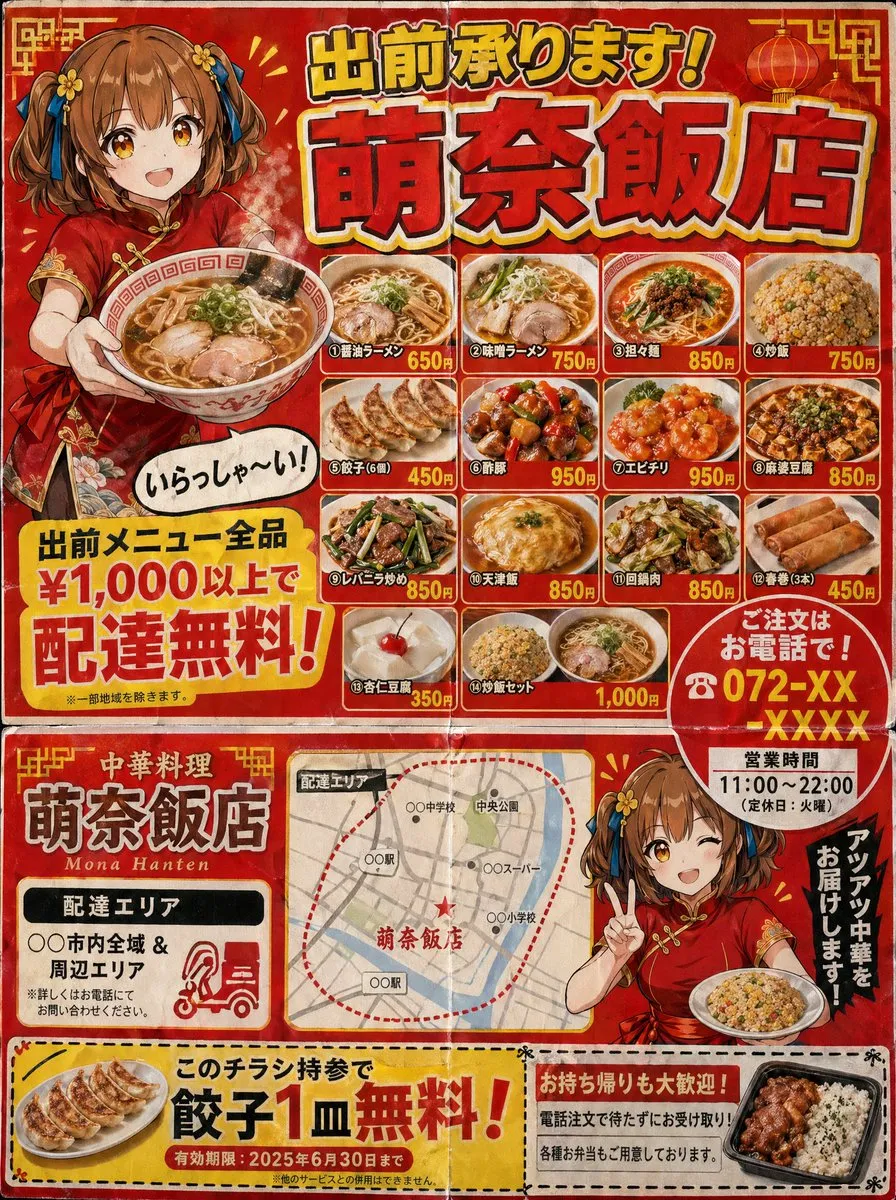
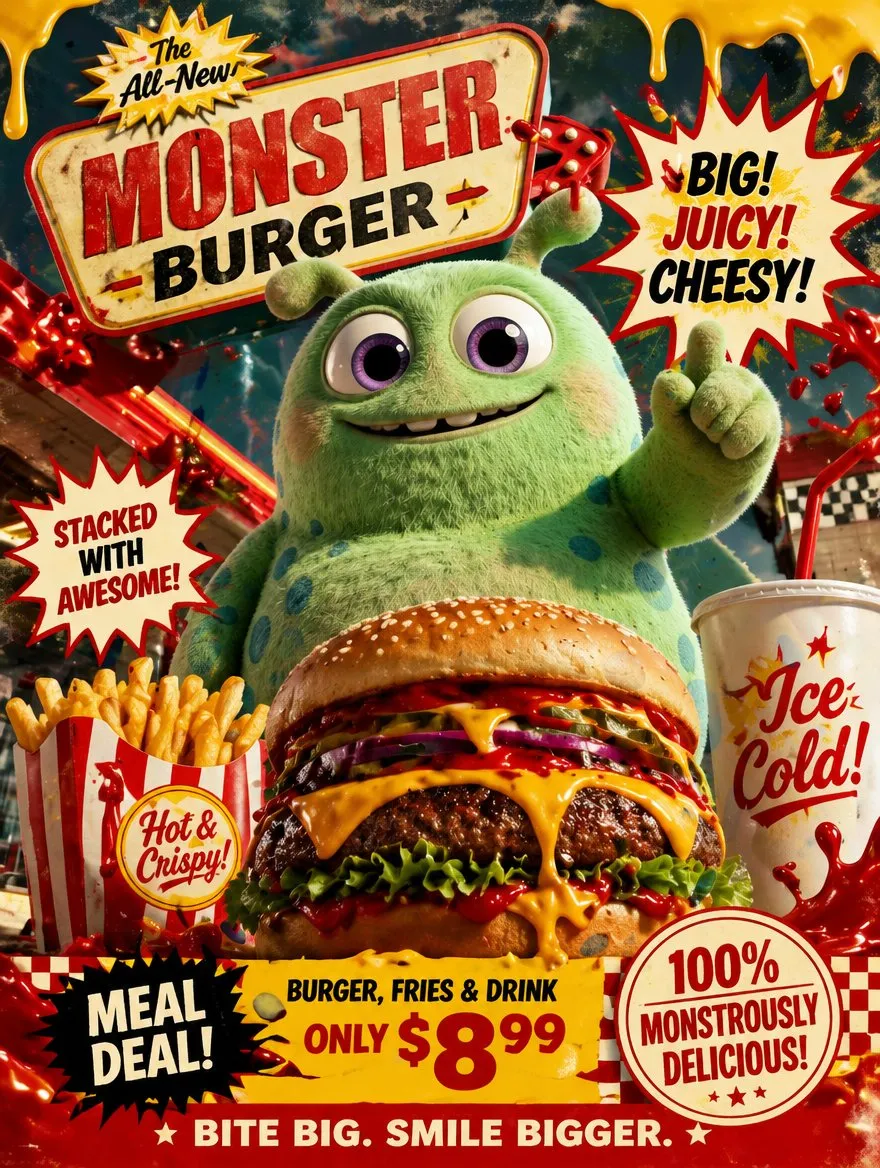
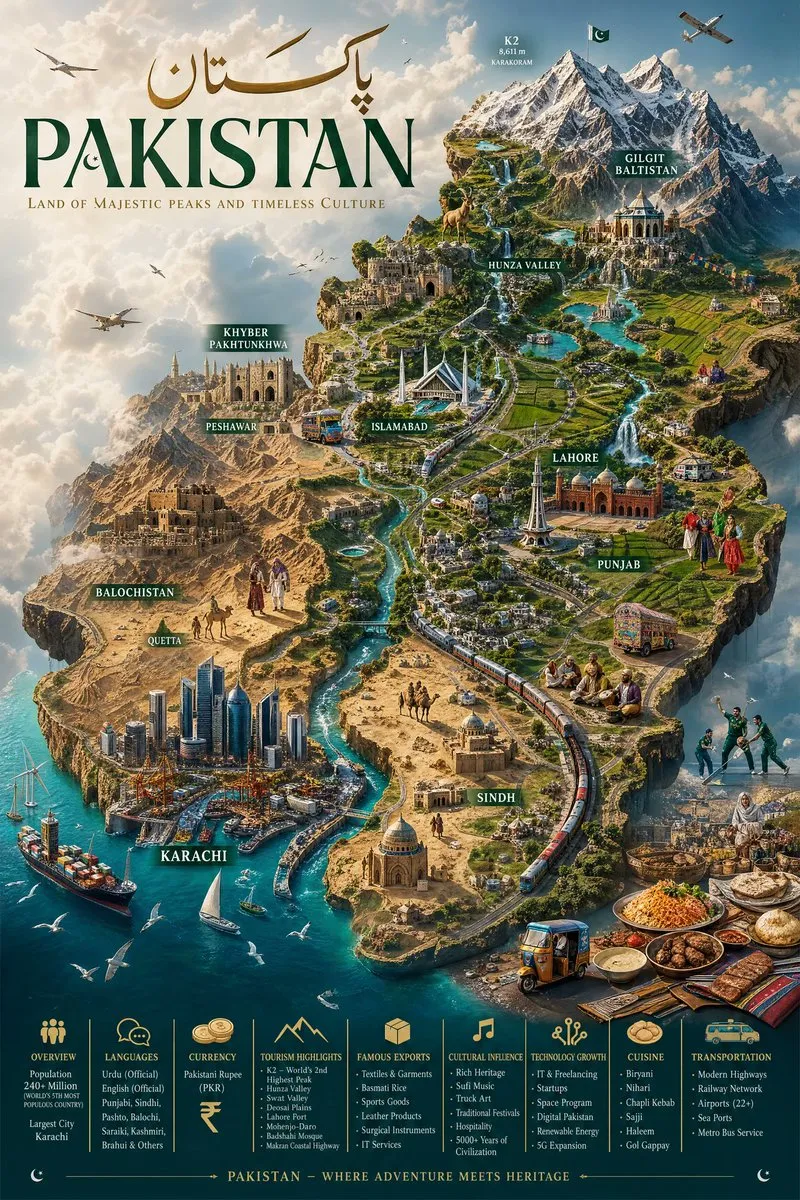
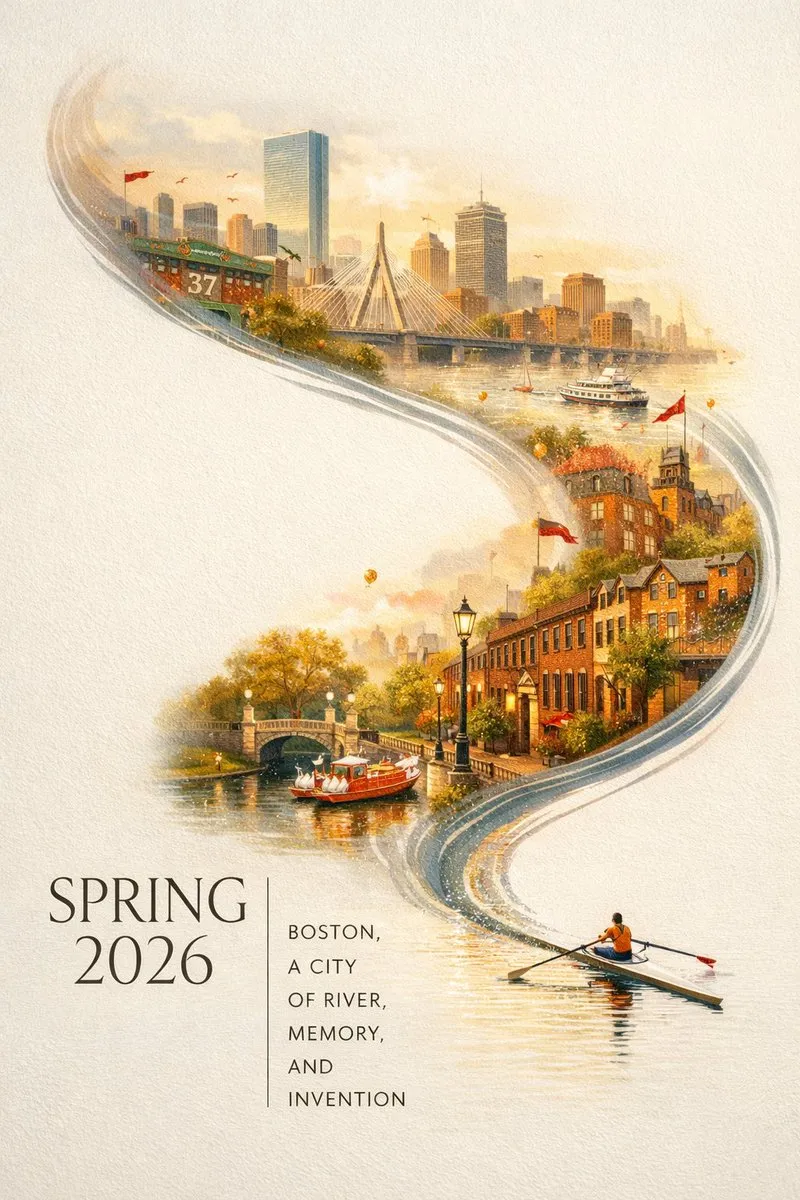
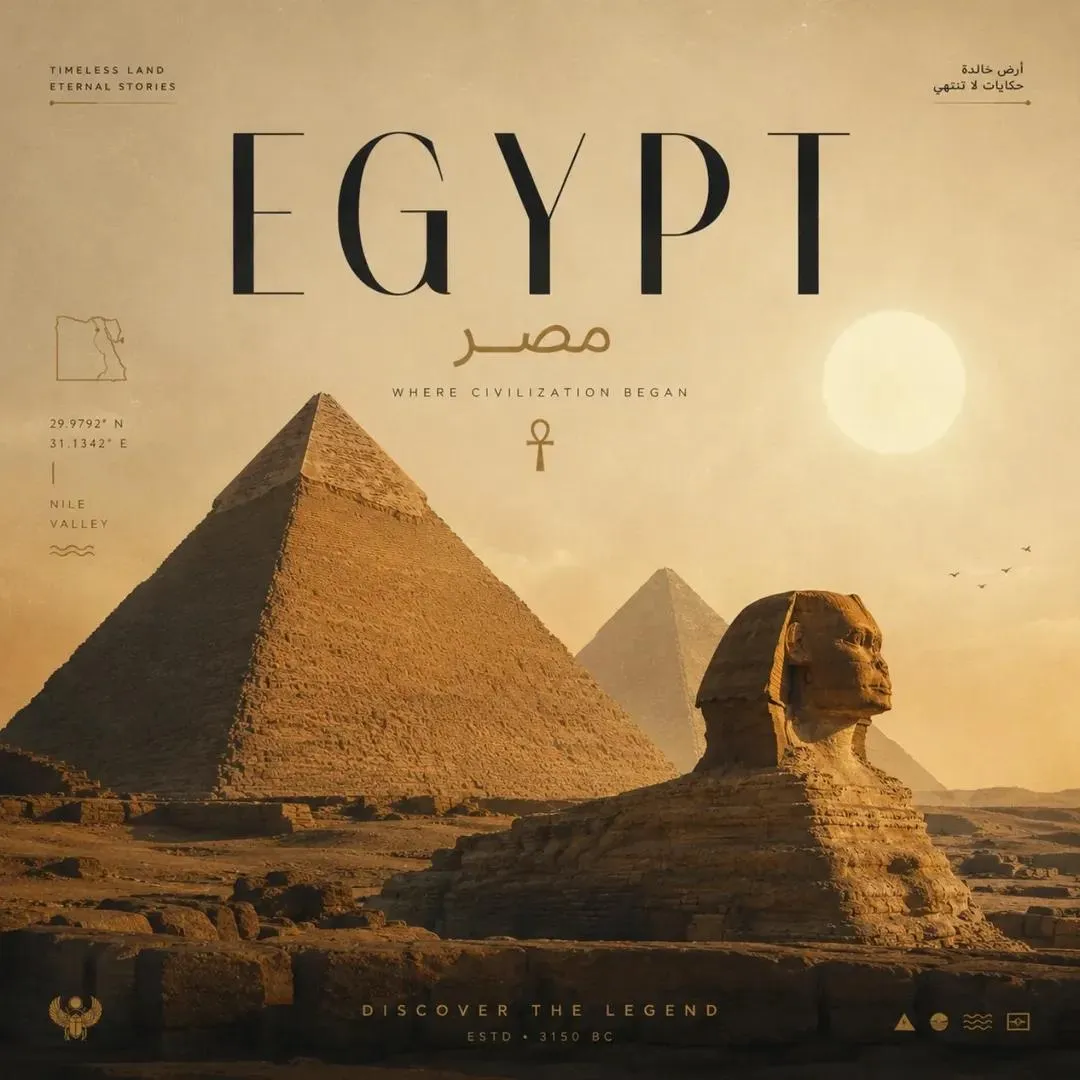
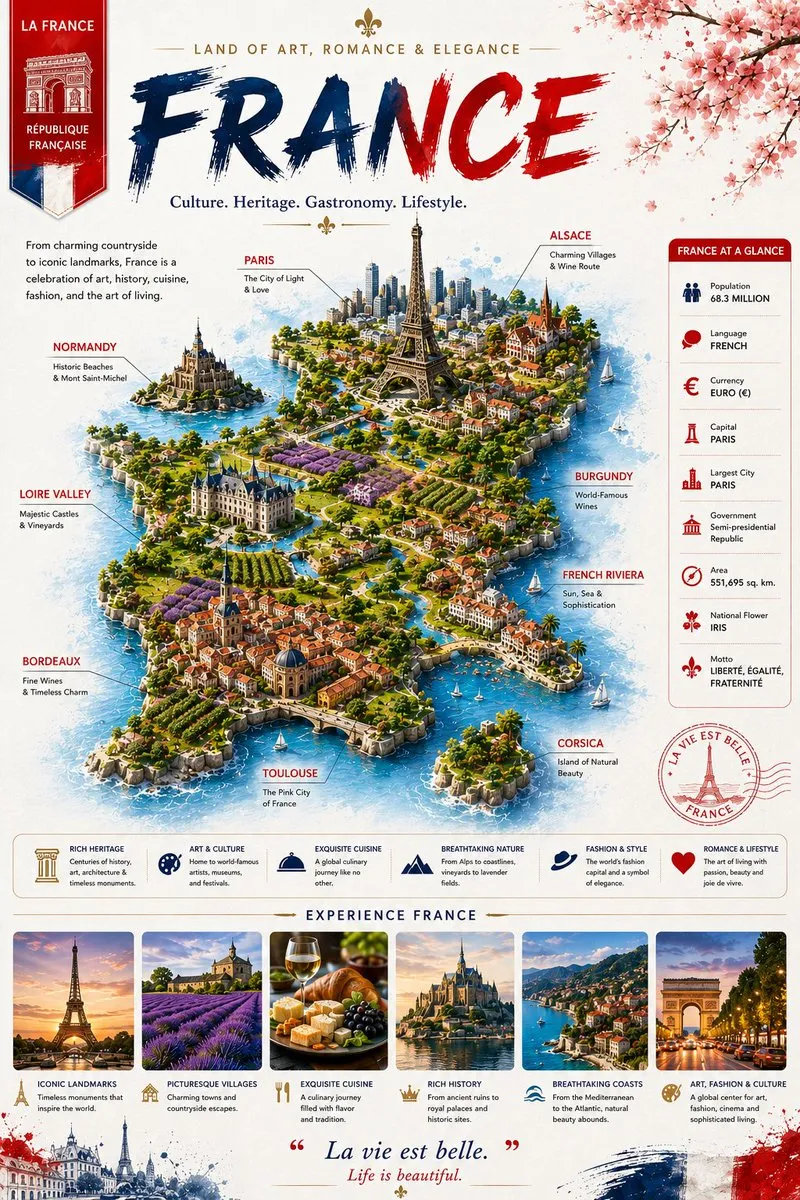
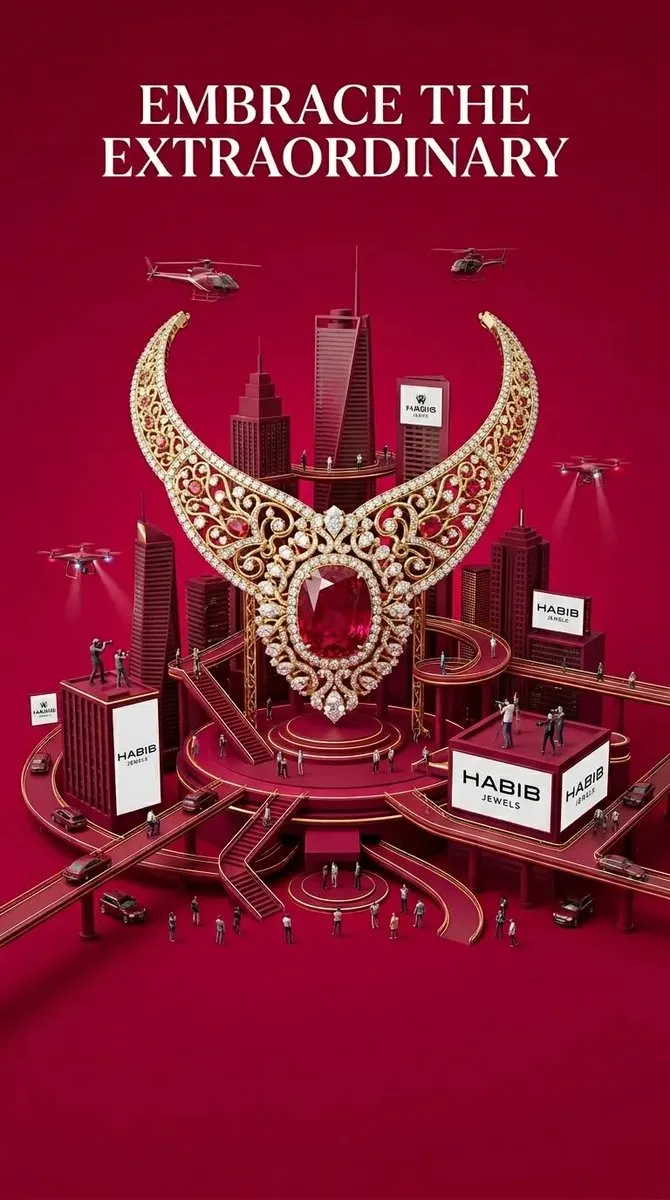
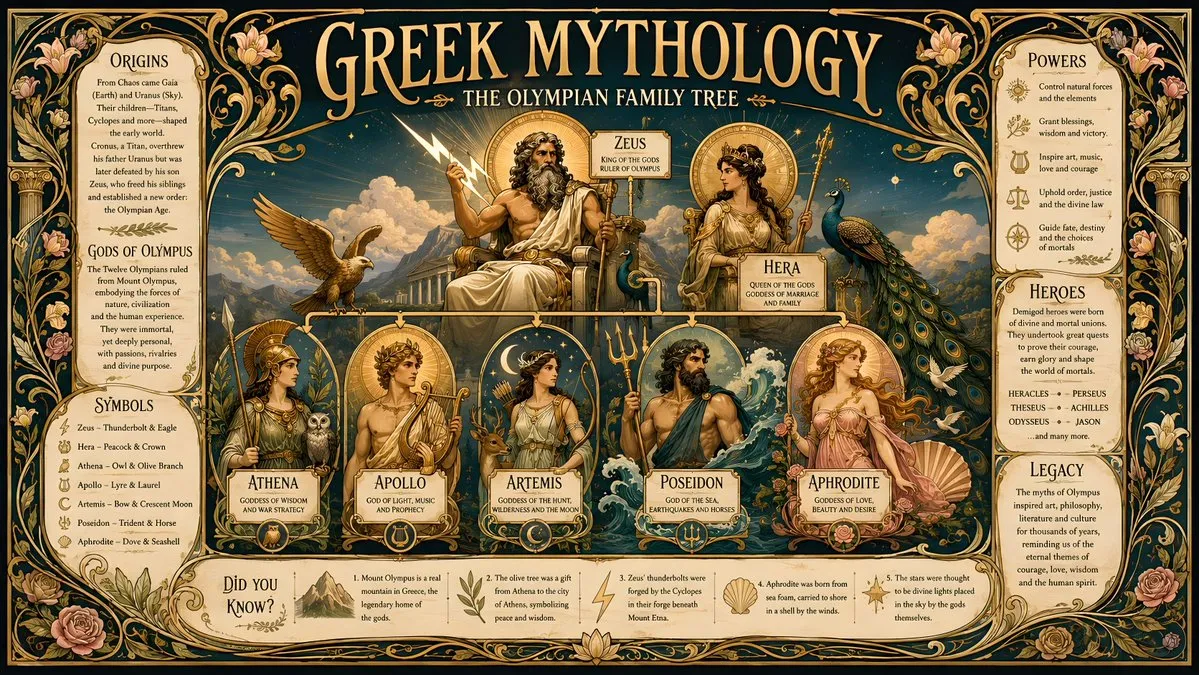
60+ social media image prompts for AI generators — scroll-stopping posts, story visuals, ad creative, thumbnails and carousel covers.
Every prompt below links to the full prompt page with the image and copy button.
Social feeds are a design problem before they are a copy problem. The image has to work at the size of a thumbnail, in a busy column, next to everything else in the feed. That means one clear focal point, high contrast, and space where the platform will overlay its own UI.
These prompts are written for that constraint: bold single subjects, strong colour blocking, negative space for captions, and formats sized for feed posts, stories, thumbnails and carousels. They lean on the styles that survive compression — flat illustration, poster-style typography backing, high-contrast studio lighting and saturated editorial colour.
Use them for organic posts, paid creative drafts, channel art and YouTube thumbnails. The guide explains how to keep the subject clear at small sizes and how to leave room for text overlays.
Ask for one dominant subject, high contrast and a simple background. If the idea only works at full size, it will fail in the feed — check the output at 20% zoom before you commit.
Say 'generous negative space on the left third' or 'clear space at the top for text'. Platforms crop differently in feed, story and reels placements, so keep the subject away from the edges.
1:1 for feed, 4:5 for the tallest feed real estate, 9:16 for stories and shorts, 16:9 for thumbnails. Write the ratio into the prompt and crop conservatively afterwards.
Models still break on long strings of text. Generate the visual and add the words in your editor unless the typography itself is the concept.