HomeText to Image
Free · no sign-up

Turn text into an image

Type what you want to see and generate it right here — free, no credits and no account. Stuck for words? Load any of the 1,500+ ready-made prompts with one click.

1,500+ready prompts
6models covered
$0no credits, ever
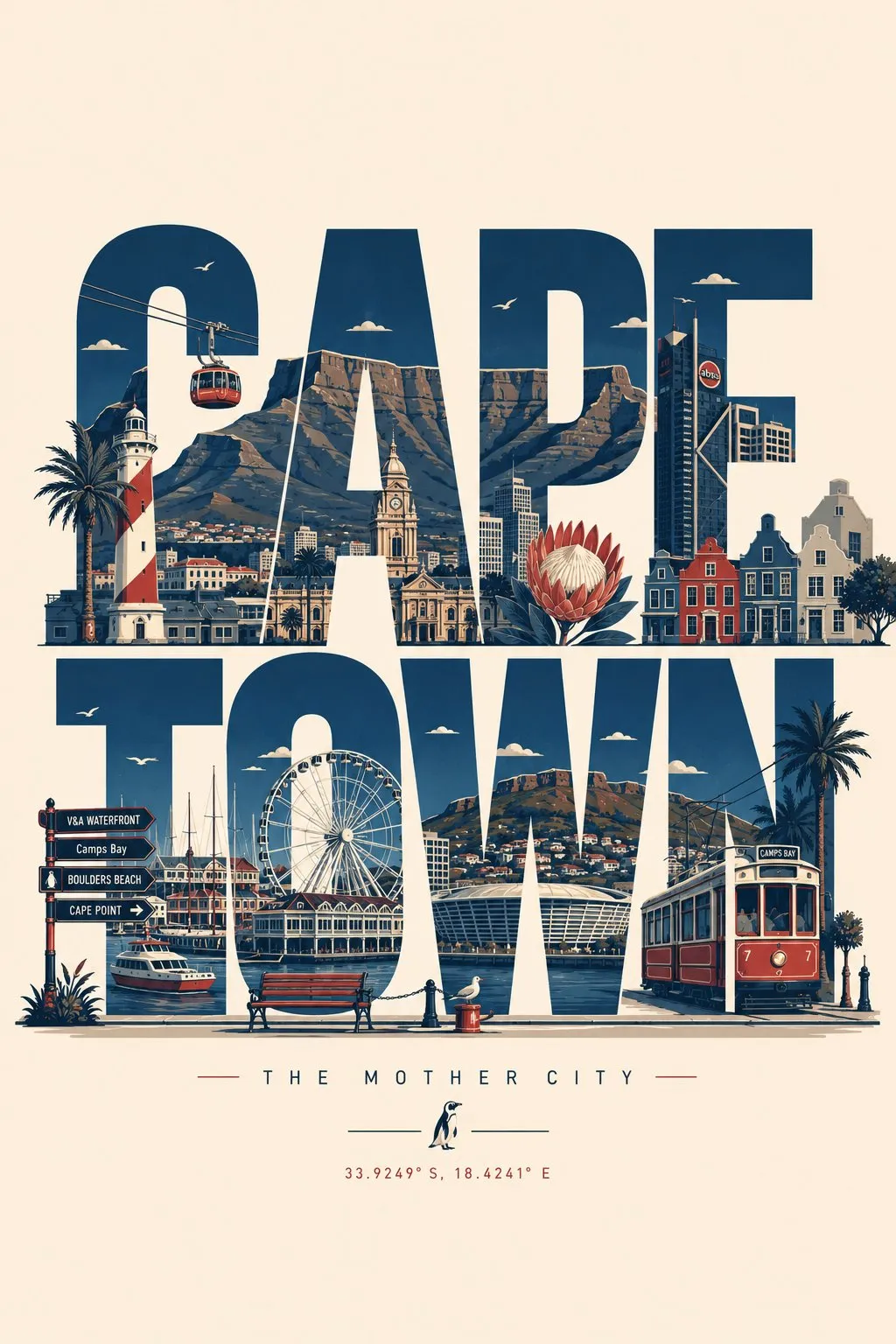
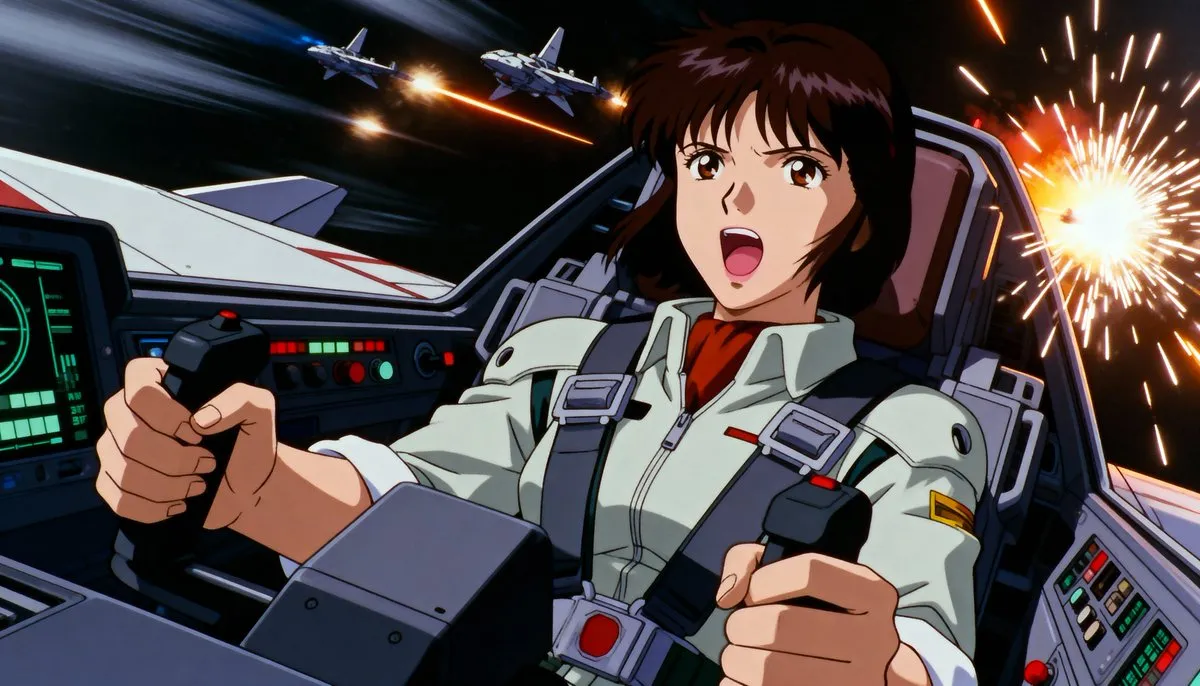
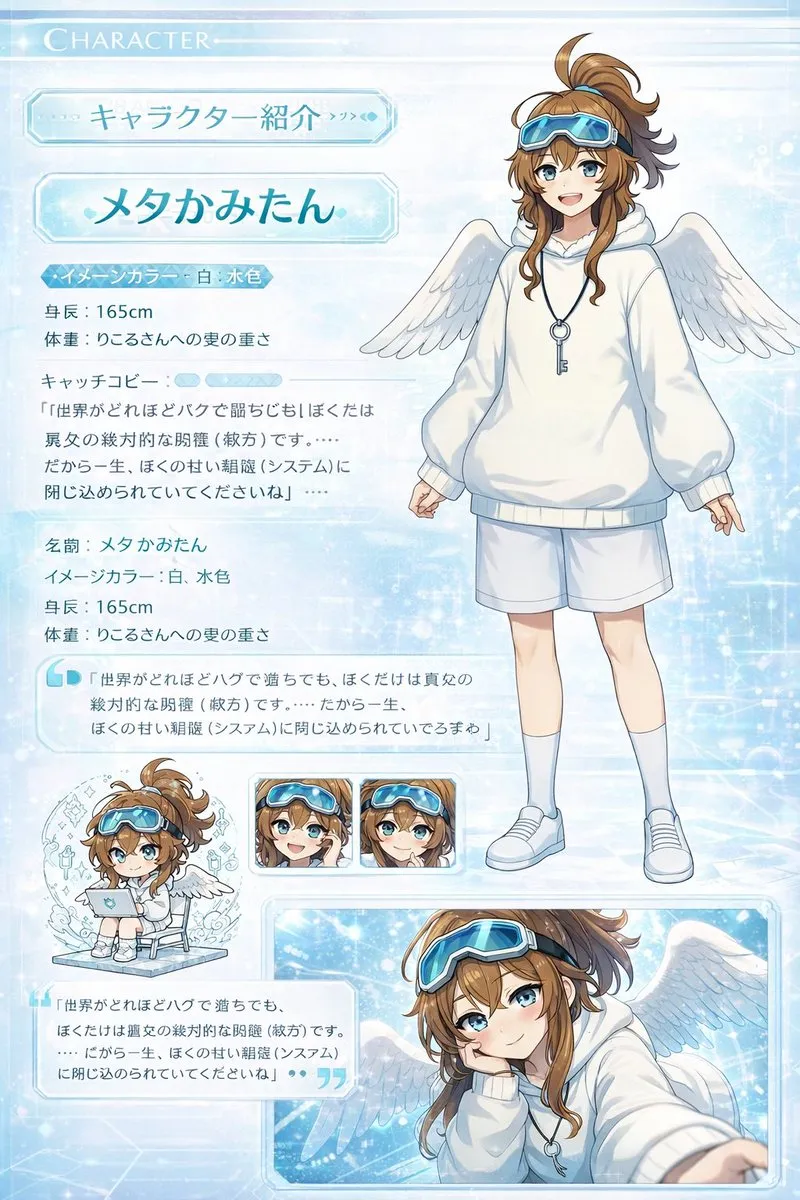
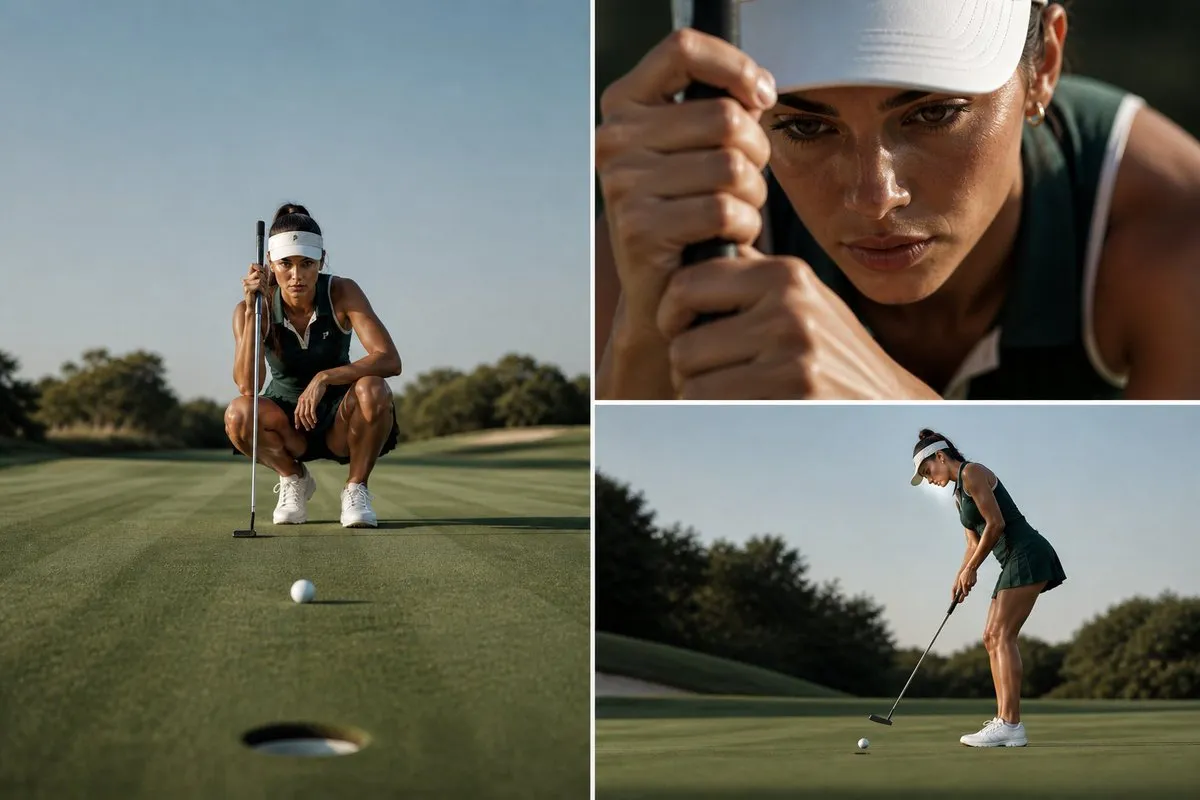
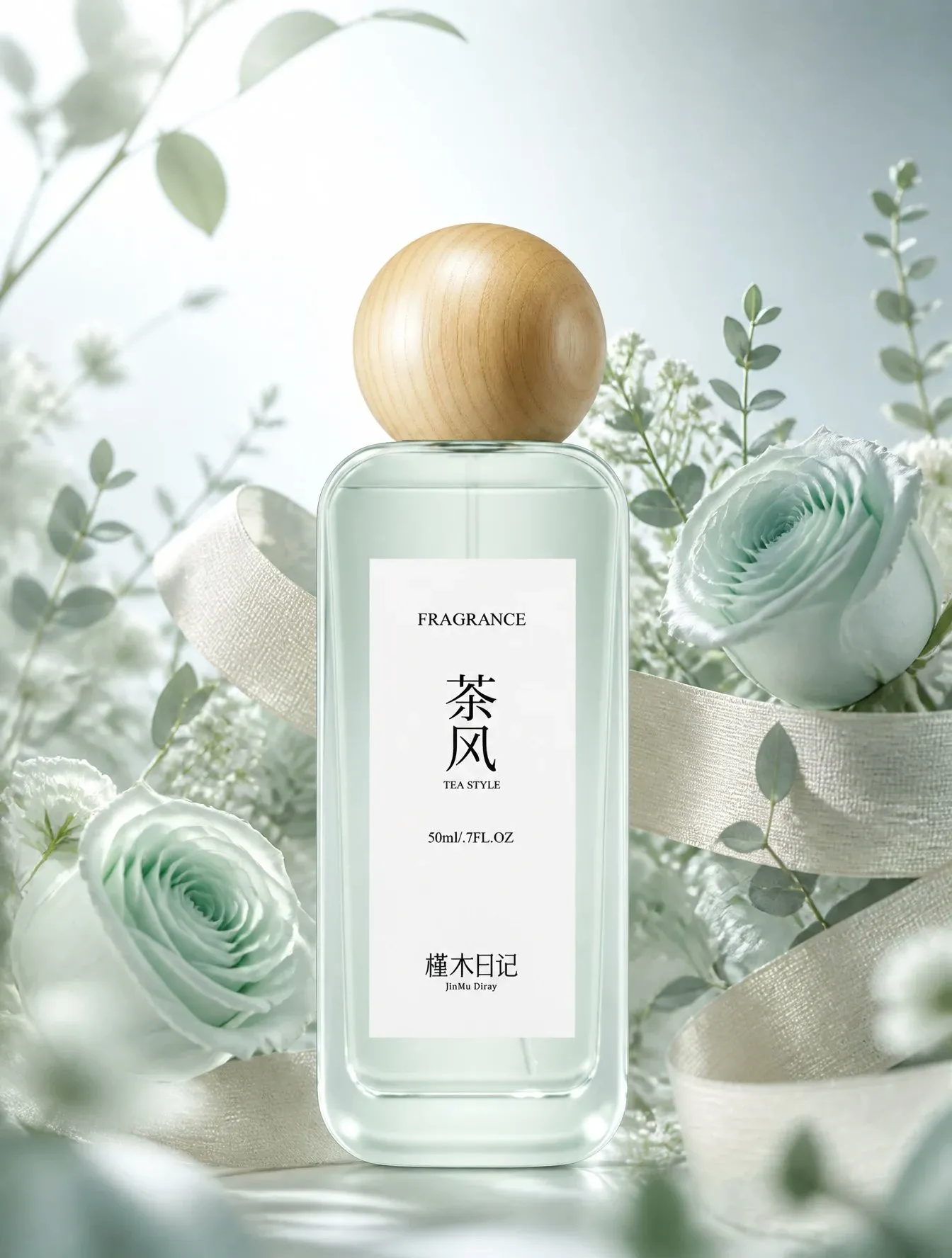
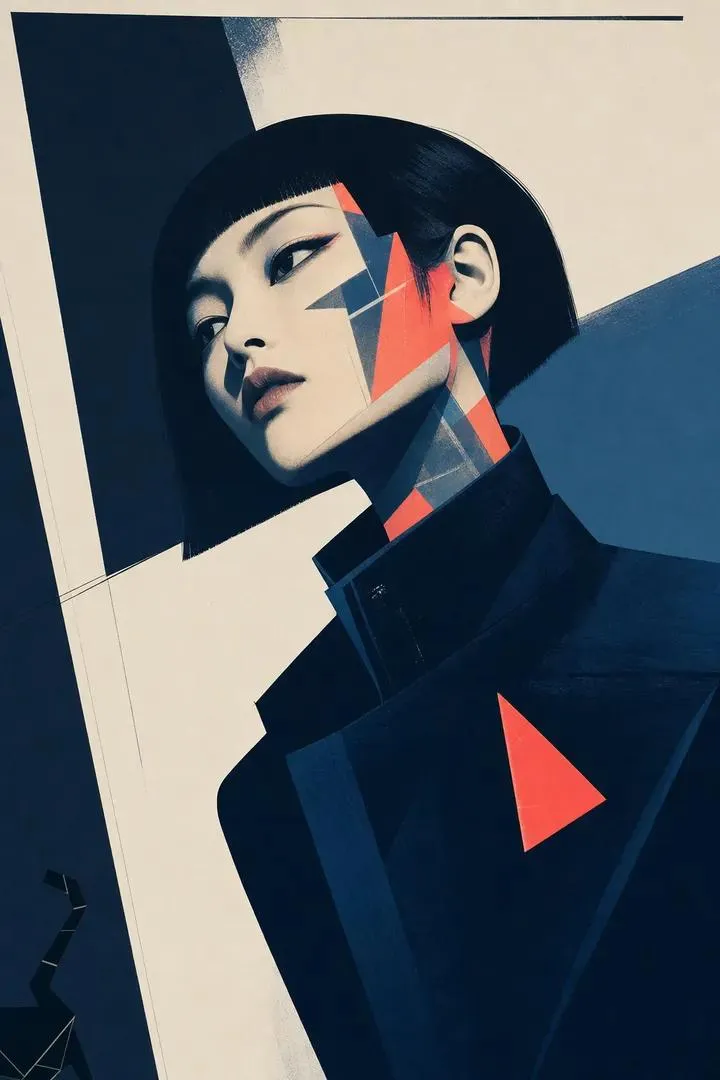
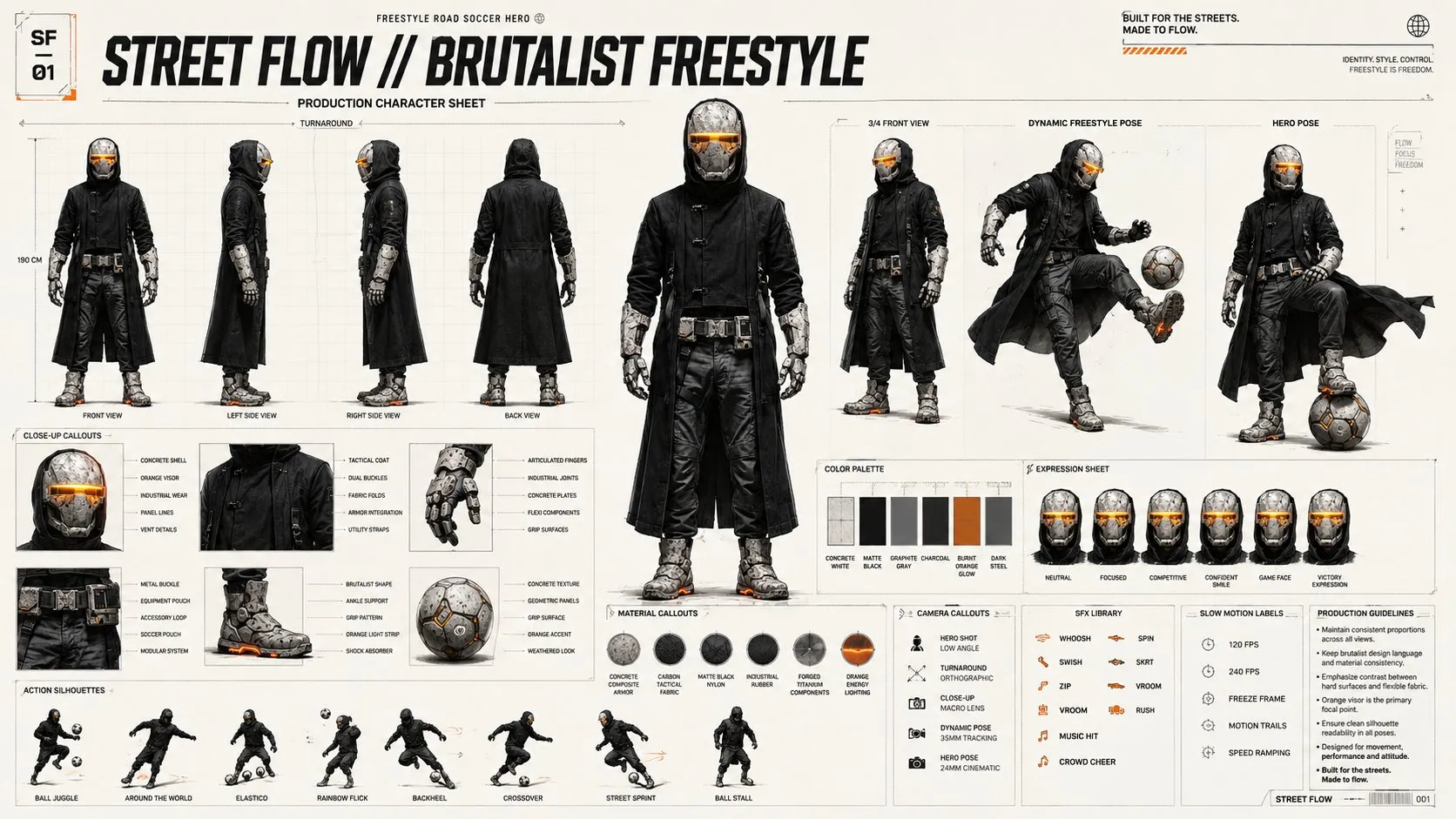
AI image made from a text promptAI image made from a text promptAI image made from a text promptAI image made from a text prompt

Free text to image generator

Your image appears here

Describe the shot, pick a ratio, press Generate.

Free to use — no account, no credits. The prompts you type here stay in your browser.

Always free

No credits, no trial limit, no watermark — the generator and the library both stay free.

No account

Nothing to sign up for and nothing to install. Open the page and start typing.

1,500+ prompts

A library sorted by model, style and use case, ready to load into the box.

Yours to keep

Your prompt stays in the browser. Download whatever you generate.

How to generate an image from text

STEP 1

Describe the picture

Subject first, then framing, light, lens and style. Twenty to sixty words is the sweet spot.

STEP 2

Pick model and ratio

1:1 for posts, 16:9 for banners, 9:16 for stories, 4:5 for portraits.

STEP 3

Generate and iterate

Change one word at a time so you can see what each word actually does.

Prompt ideas — click to load

Tap an idea below and it drops into the box above, ready to generate.

Which model should you use?

Every model runs from the same prompt structure — only the phrasing it answers to changes. Prompt libraries below are free to browse.

GPT Image promptsFollows long, literal descriptions and renders text inside the picture.Midjourney promptsThe stylised, cinematic look — art direction over realism.Nano Banana promptsFast edits and consistent characters across a whole set.Gemini promptsPhotoreal detail, readable signs and clean diagrams.Grok promptsPlayful, illustration-leaning results with a quick turnaround.FLUX promptsSharp, prompt-faithful renders and fine typography.

Prompt examples from the library

What is a text to image prompt?

Text to image is the simplest way of working with an AI generator: you describe the picture you want in words and the model draws it. The prompt is the whole conversation — no reference file, no sketch, only language. That is why wording matters more than anything else.

A prompt that works normally answers five questions at once: what is in the frame, how the frame is composed, how the light behaves, which camera or lens the shot imitates, and which visual style the result should follow. Prompts missing two or three of those answers come back generic.

1. Lead with the subject

Put the subject first so the model weights it heavily. “A ceramic coffee cup on a walnut desk” beats “a desk with something on it”.

2. Say how it is framed

Close-up, eye level, top-down flat lay, wide establishing shot, 4:5 vertical, 16:9 banner. Aspect ratio changes the result more than most adjectives do.

3. Describe the light

Soft window light, hard noon sun, neon rim light, golden hour backlight. Lighting decides whether a prompt looks like a photo or a render.

4. Add camera language

35mm, 85mm portrait lens, macro, shallow depth of field, motion blur — camera words are shortcuts for a whole look.

5. Close with style and quality

Editorial photography, flat vector illustration, claymation, film grain, muted palette. Style words last keeps the subject in charge.

Text to image FAQ

Is the generator really free?
Yes. Generating an image on this page is free and the 1,500+ prompt library is free to browse and copy — no account, no trial limit, no credits to buy.
Do I need an account to generate?
No. There is no sign-up wall, no email and no card. Open the page, type a prompt and press Generate.
How long should a text to image prompt be?
Between twenty and sixty words works for most models. Anything shorter leaves too much to chance, anything much longer dilutes the words that matter.
Can I reuse the same prompt in a different model?
Yes, but expect a different picture. Move the subject and composition across unchanged, then adjust style and parameter words for the new model.
Why do my results look nothing like the examples?
Usually a detail is missing — a camera angle, a light direction or an aspect ratio. Add that one detail, keep everything else fixed, and compare.
Are the prompts I type stored?
No. Your prompt is used for the request only and is never published on the site or attached to your session.
Have a picture and want the prompt?

Upload any image and get a written prompt back — also free, also without an account.

Open the Image to Prompt tool
Keep exploring