Free · no sign-up
Turn any image into a prompt
Found a picture you want to recreate? Upload it and get a written prompt back — free, with no account, no credits and nothing to install.
5 MBmax upload
5details described
$0no credits, ever
Found a picture you want to recreate? Upload it and get a written prompt back — free, with no account, no credits and nothing to install.
Free to use — the image is sent once, described, and never published.
Upload an image and get the prompt back without an account, credits or a paywall.
The picture is broken down the moment you press the button — nothing to install.
JPG, PNG or WebP, up to 5 MB. Screenshots and AI renders work as well as camera photos.
Subject, framing, light, colour and style in one sentence you can paste anywhere and edit.
Pick a JPG, PNG or WebP under 5 MB — or drop one straight onto the box. Nothing is published.
The tool describes subject, composition, lighting, colour and style instead of hunting for the original file.
Paste the prompt into any generator and change the parts you want to differ — subject usually, lighting rarely.
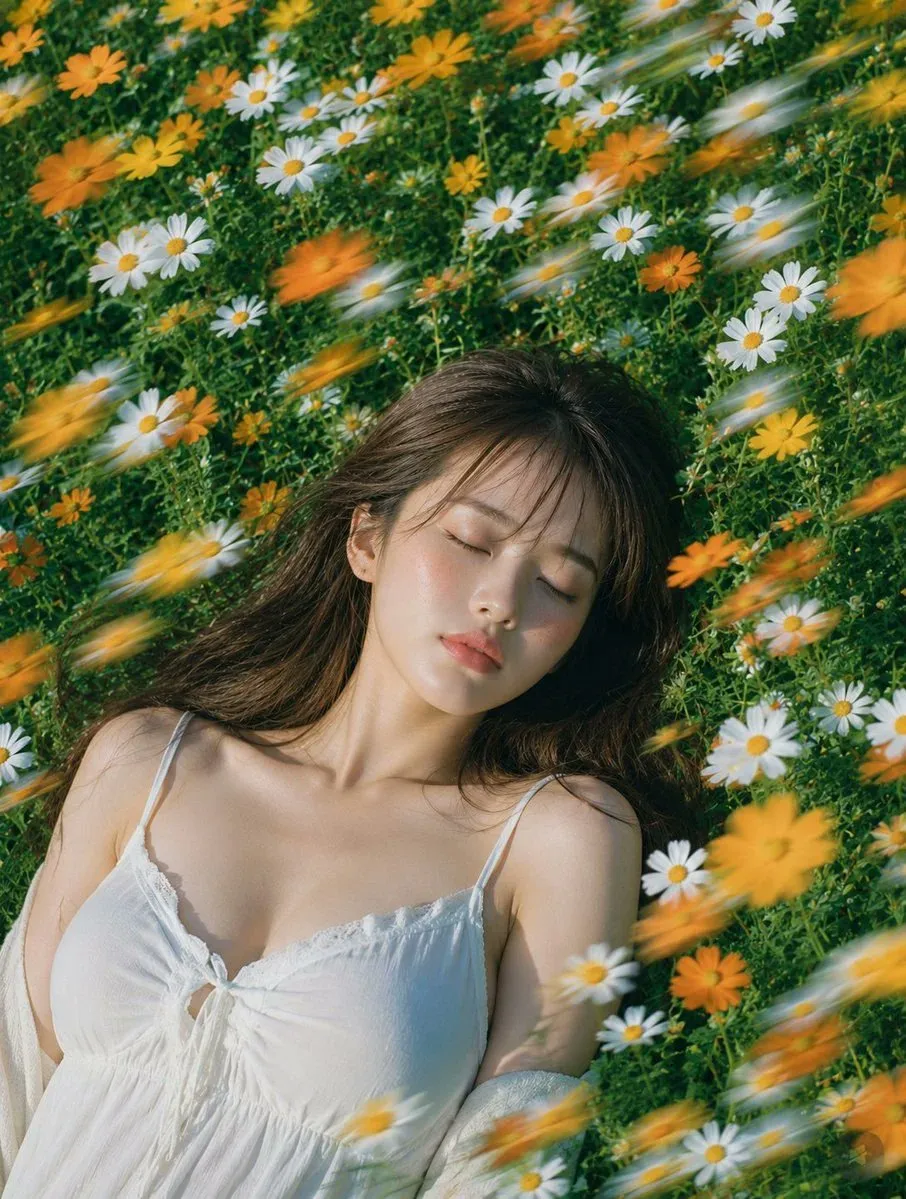
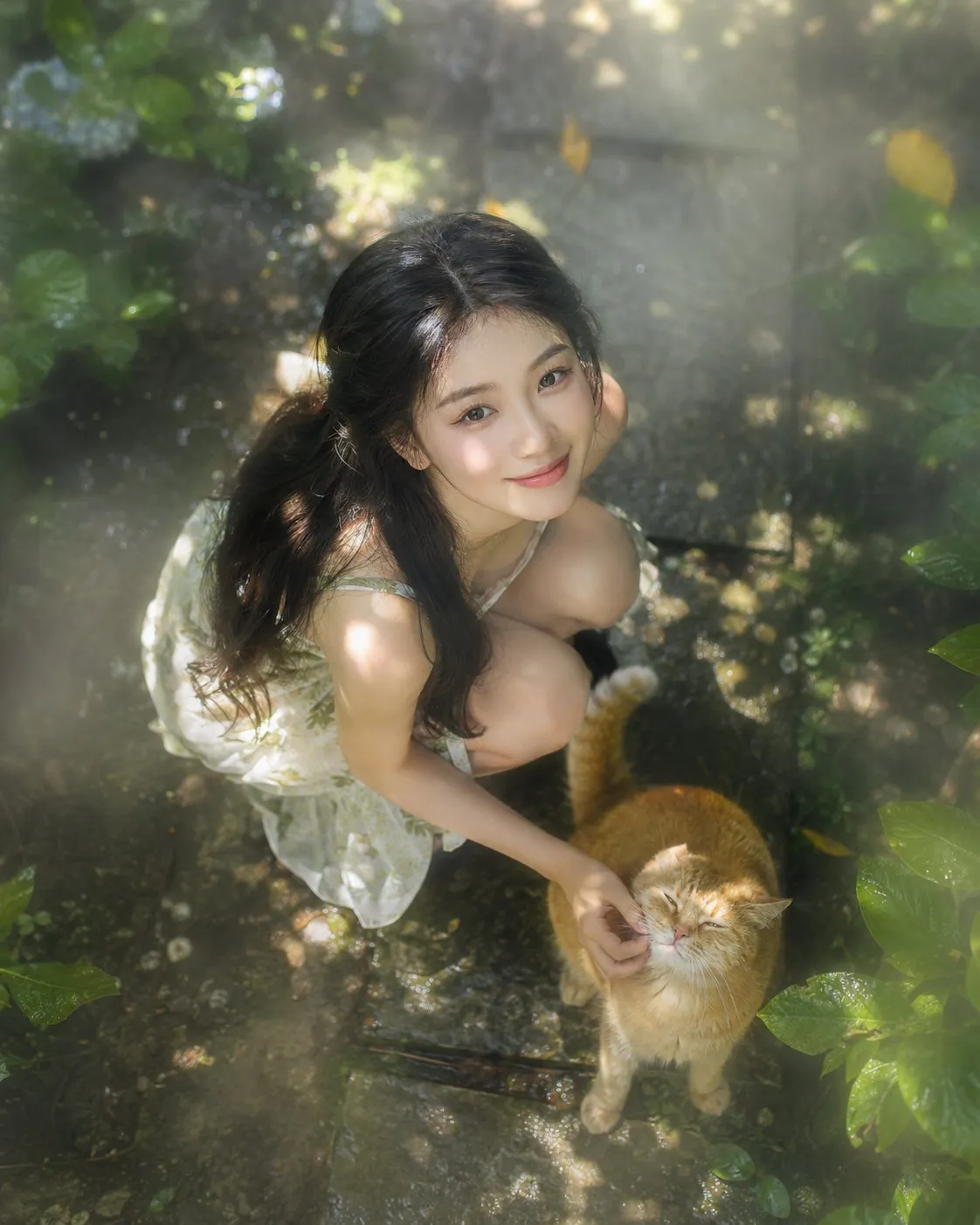
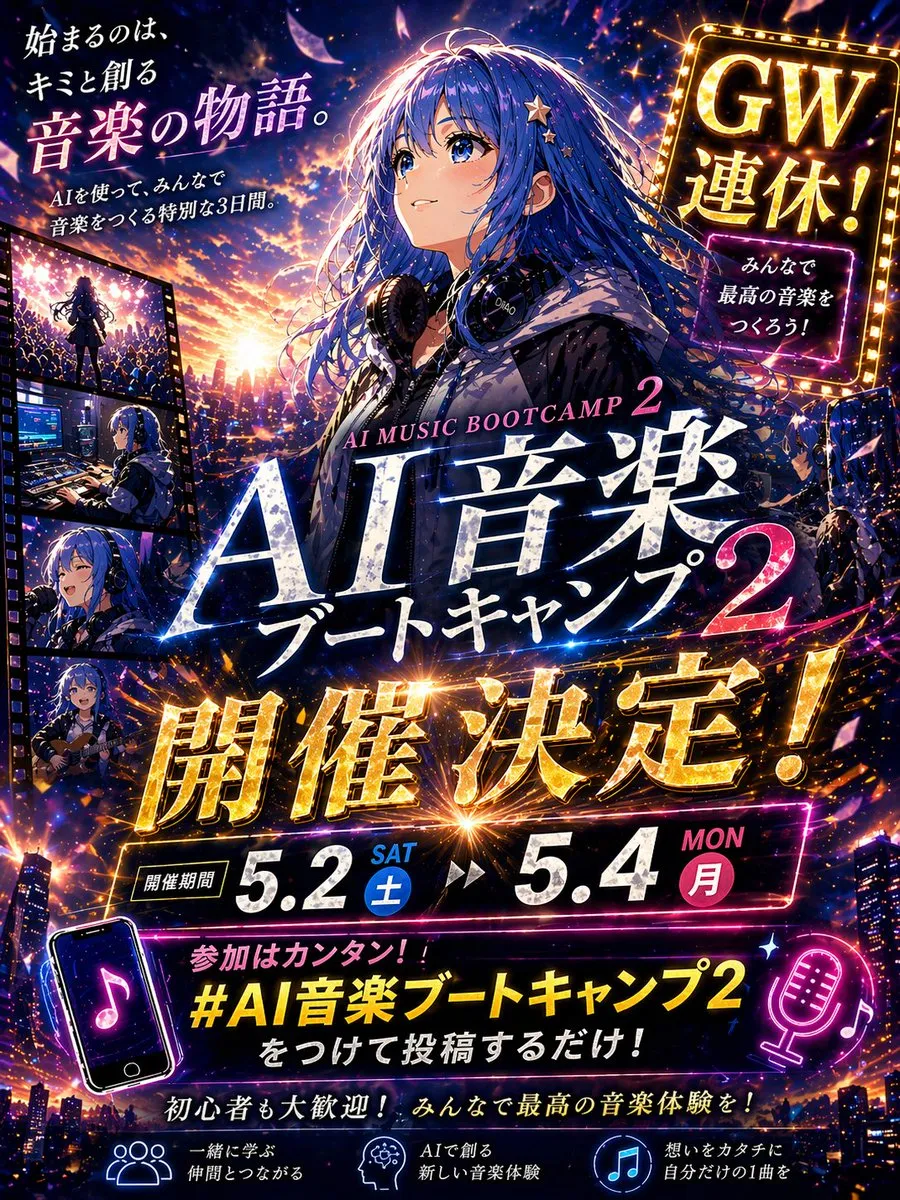
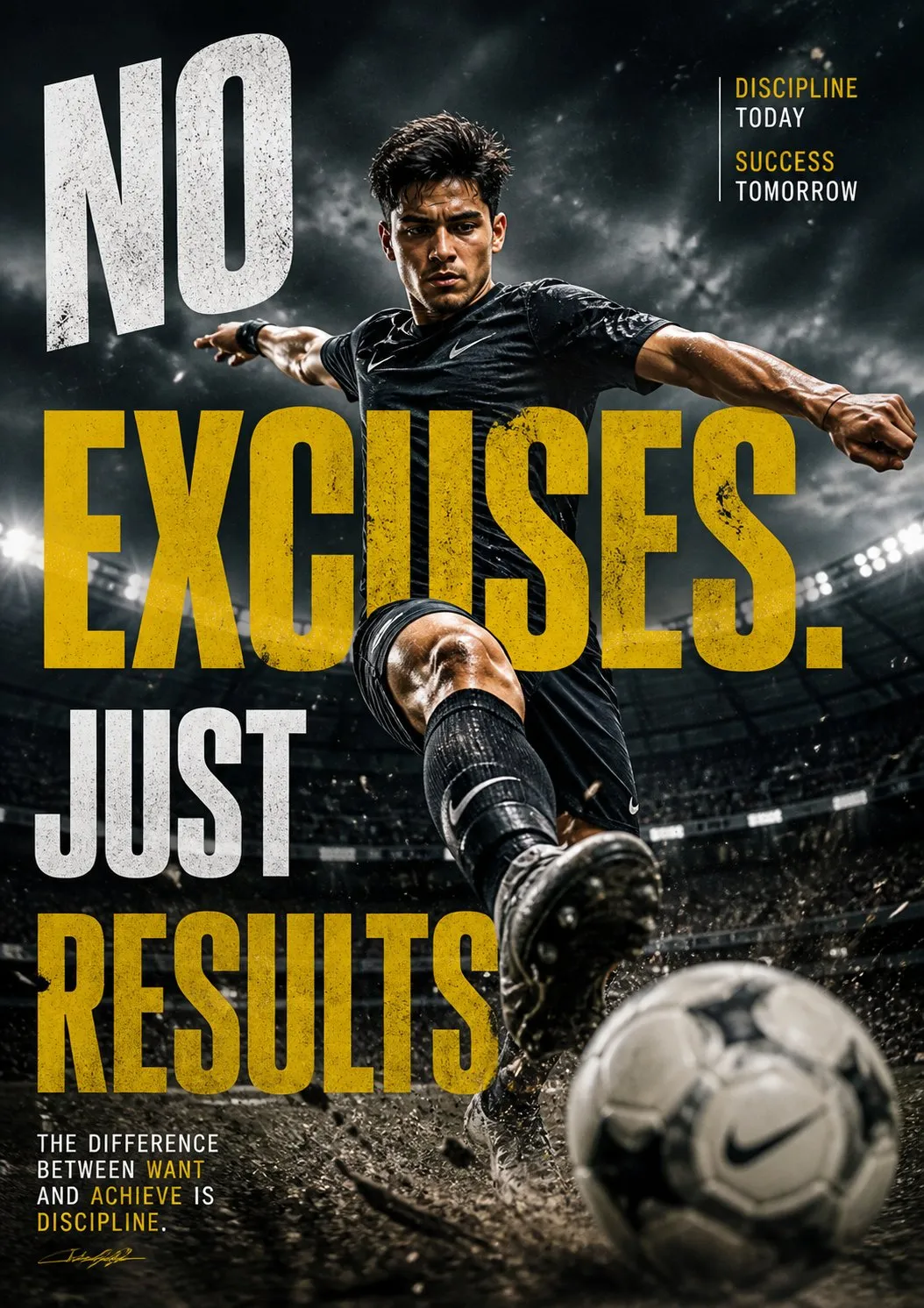
Anything reads well: portraits, product shots, street scenes, flat-lays, 3D renders. If you have no image to hand yet, start from one of these descriptions instead.
Five things the description always tries to answer, because a prompt missing two of them comes back generic.
What is in the frame, foreground and background, and what the scene is made of.
Framing and aspect ratio — close-up portrait, eye-level two-thirds, wide 16:9 scene.
Direction and quality: soft window light, hard noon sun, backlit rim, artificial neon.
Palette from muted film tones to saturated poster colour, plus the mood they carry.
Photograph, 3D render, illustration, poster, film still — whatever the image reads as.
Once you have the prompt back, adapt it — or start from one of these 1,500+ ready-made prompts.
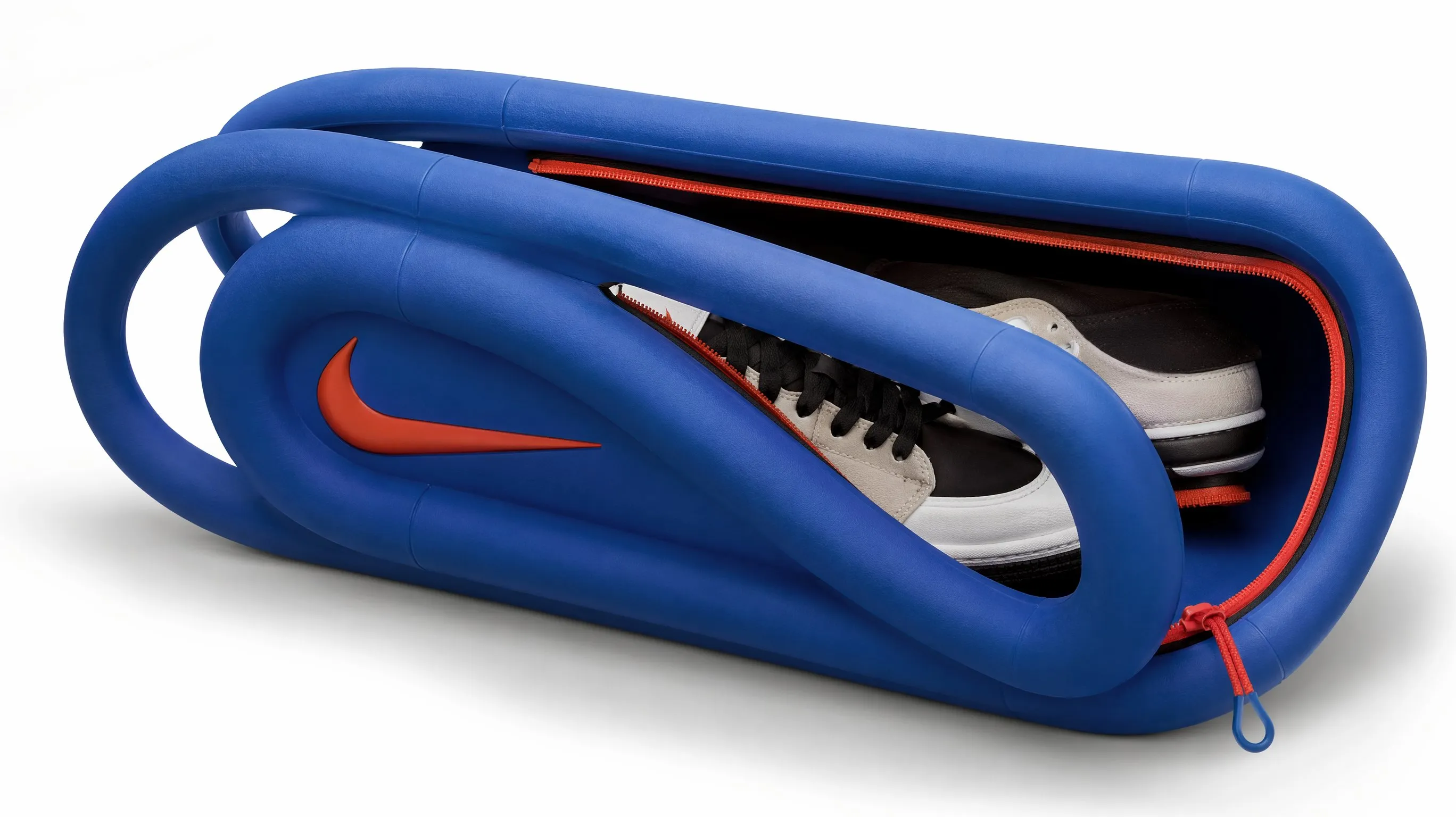
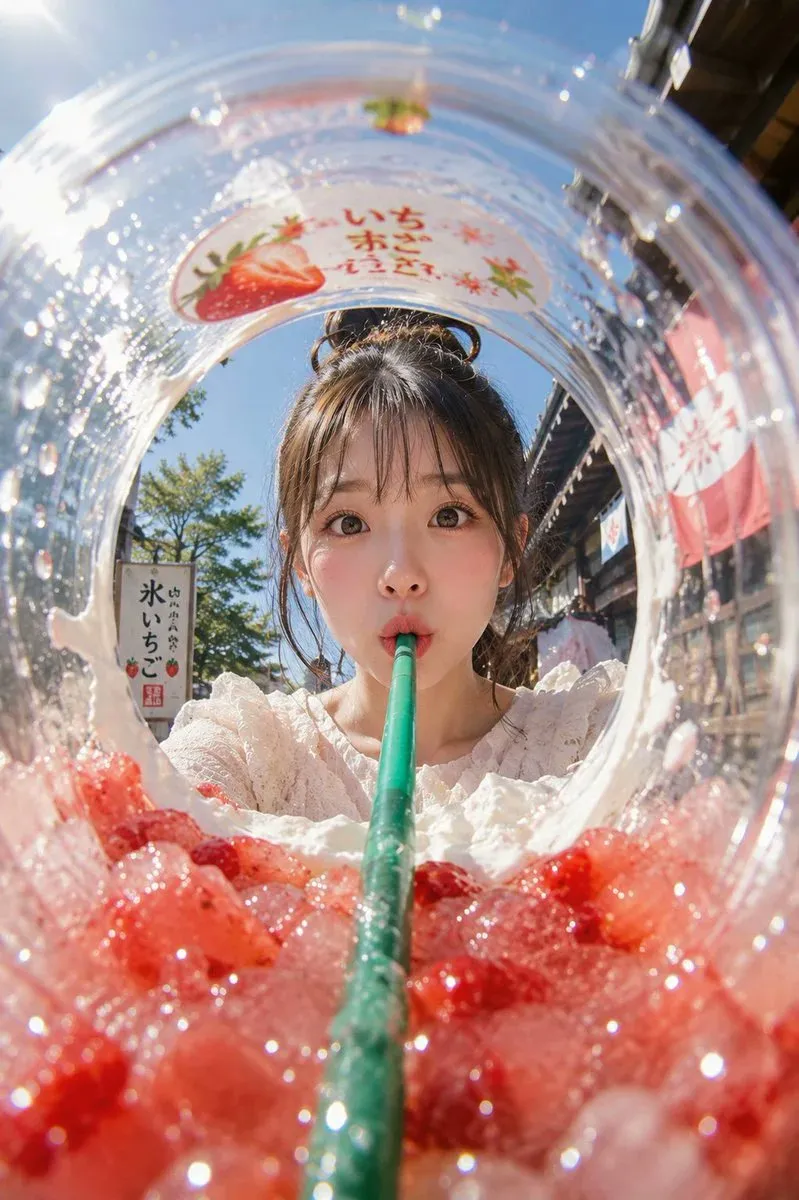
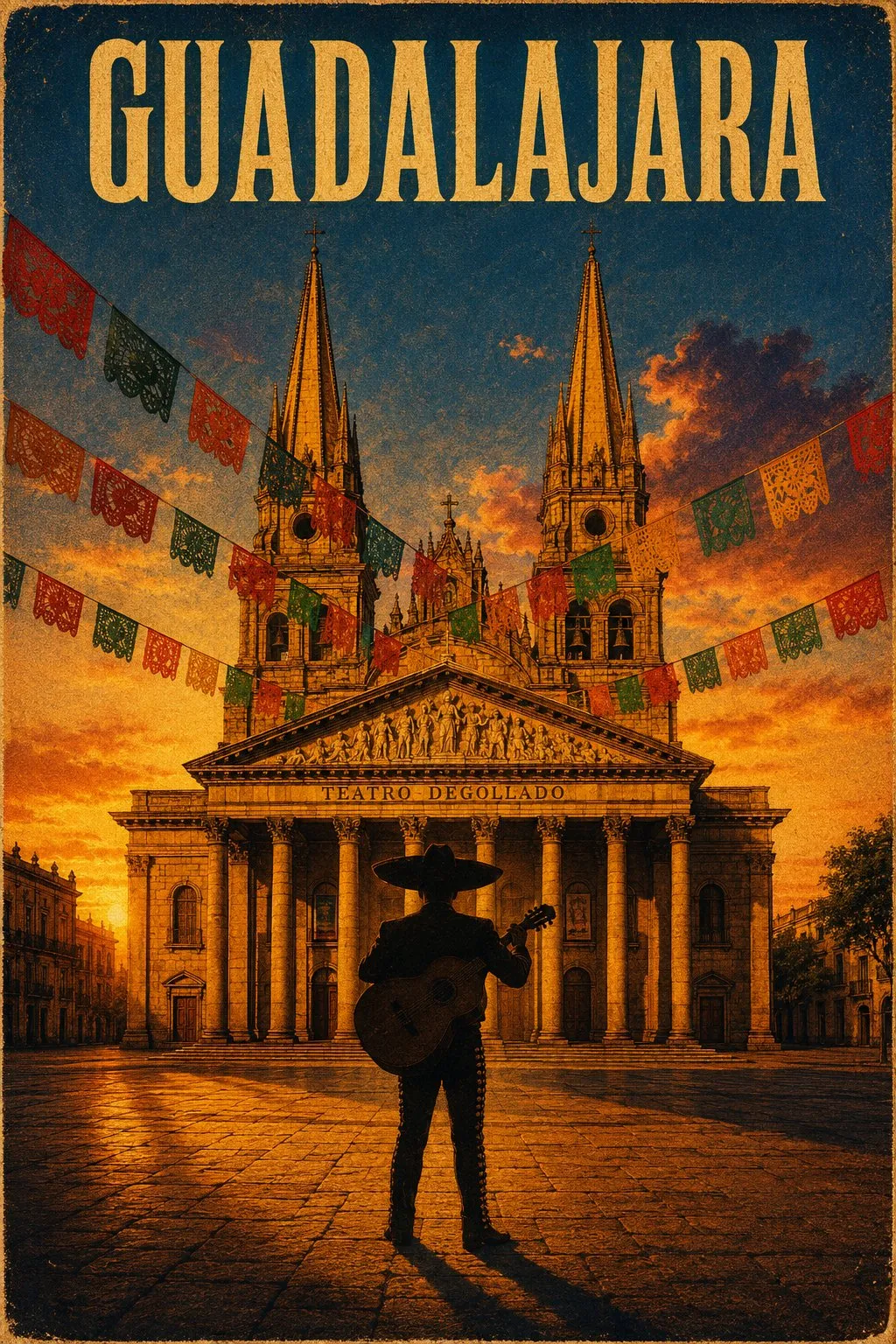
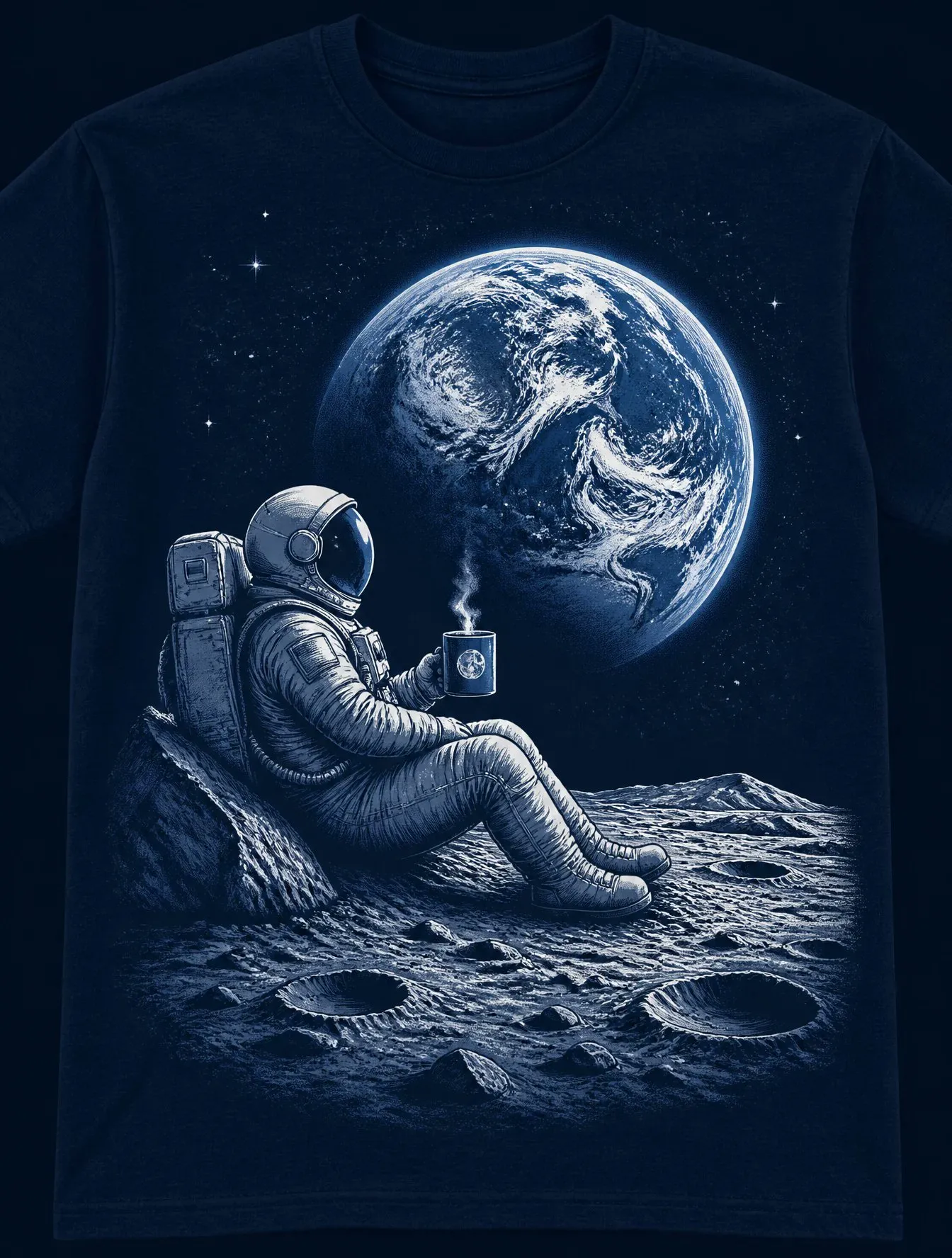
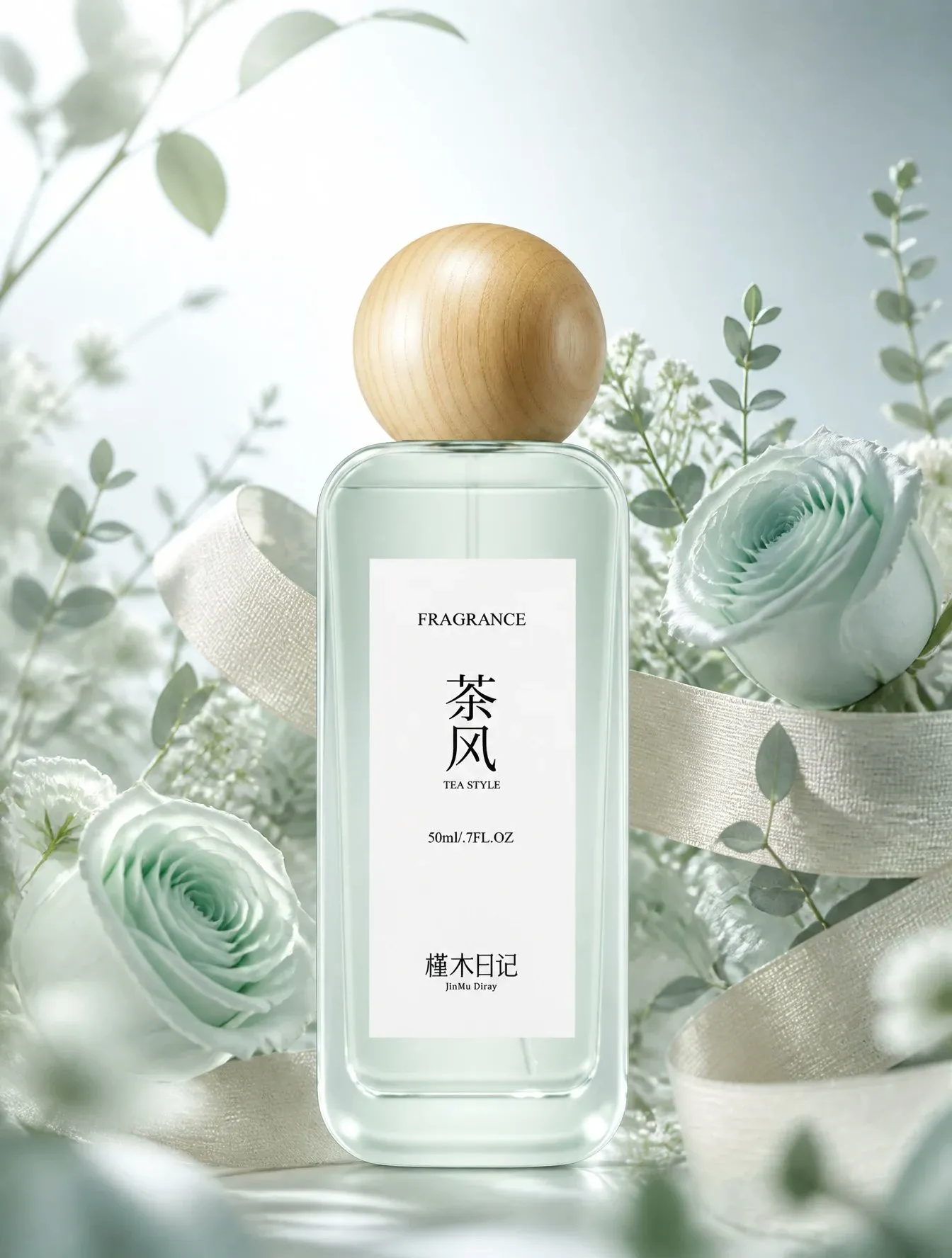
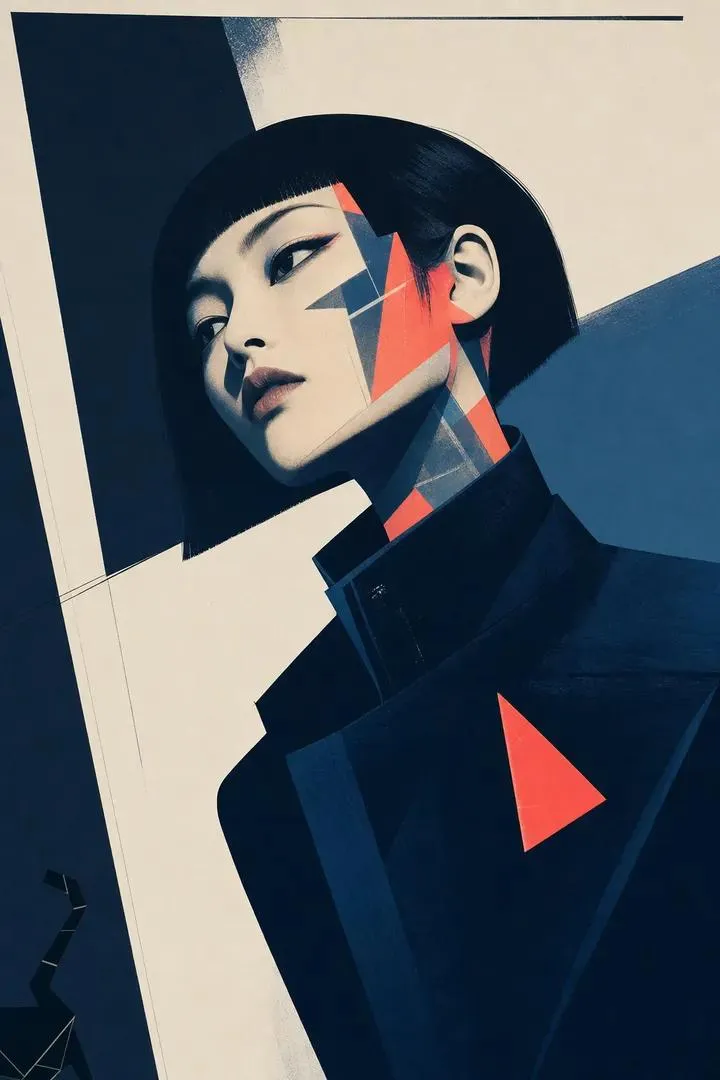
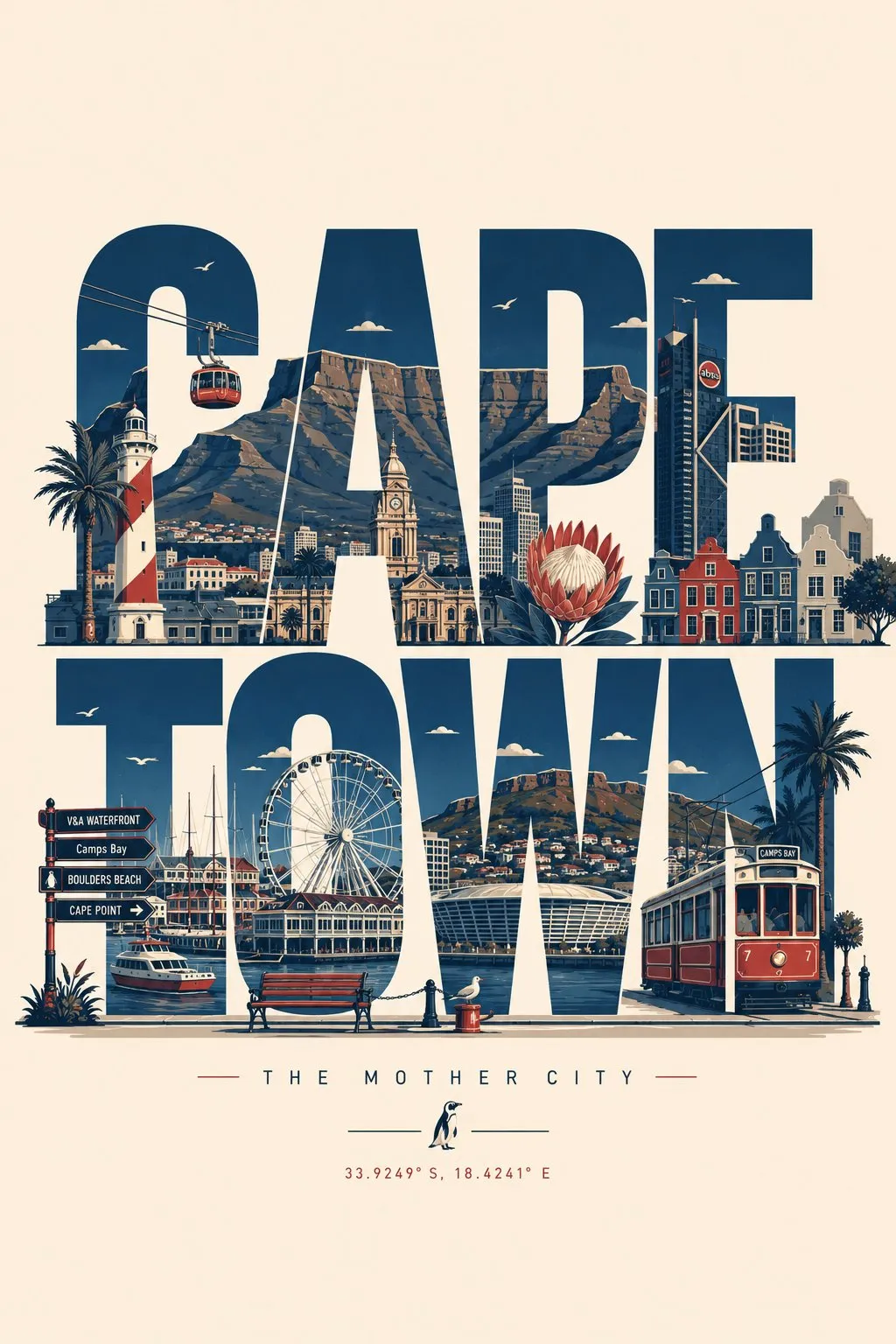
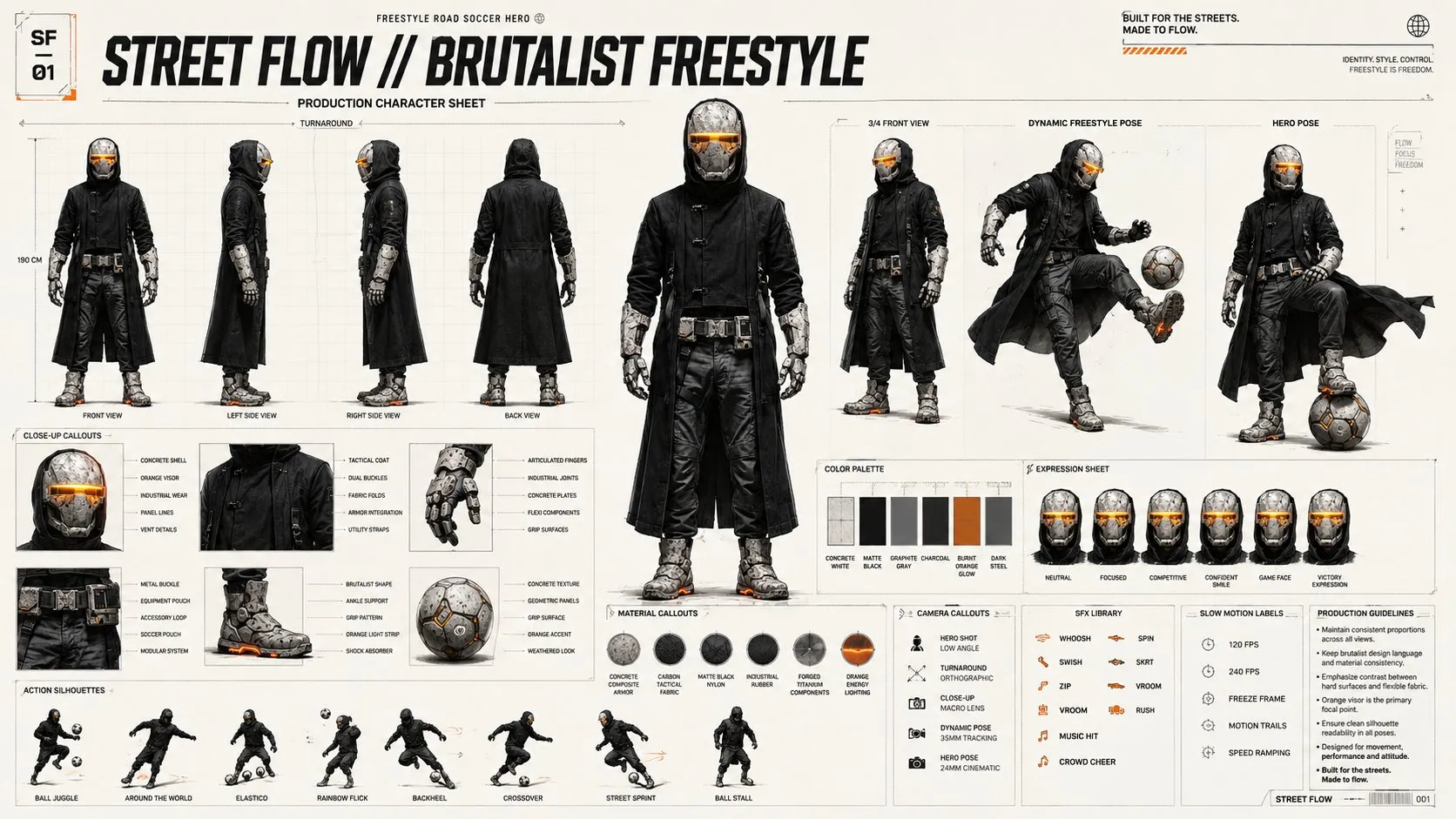

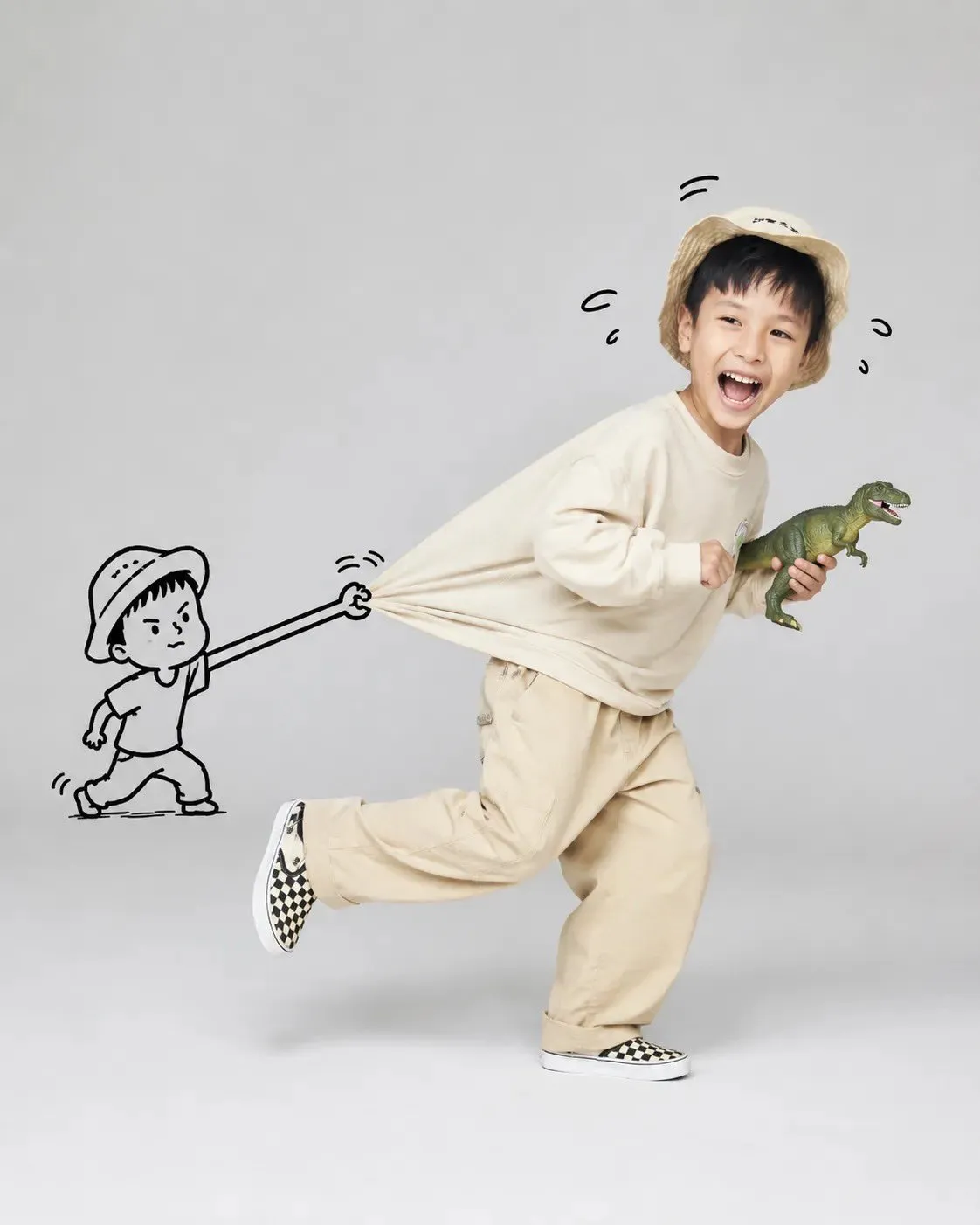
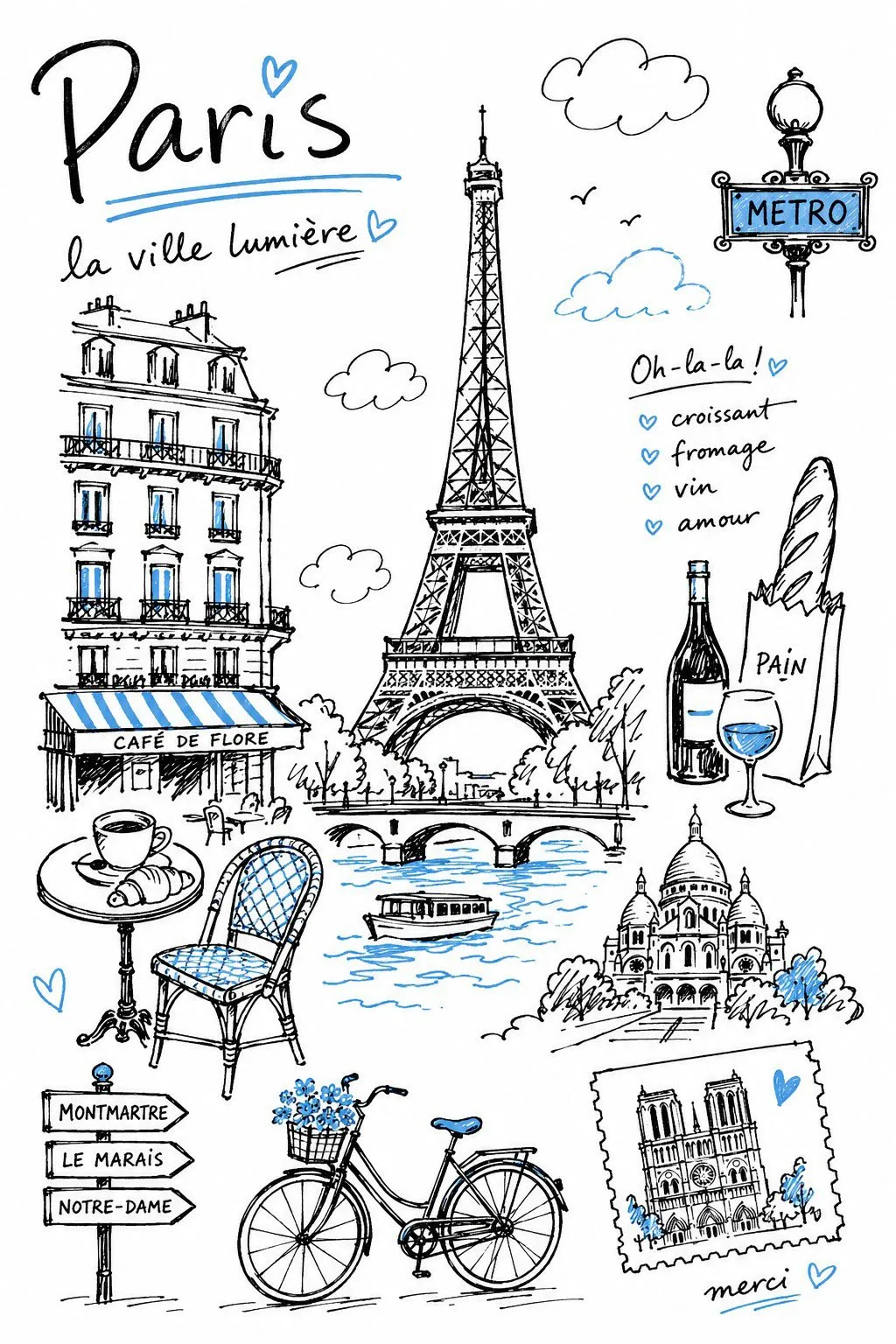
An image to prompt tool does the opposite of a generator: you hand it a picture and it hands back the words that would recreate something like it. Where a generator turns language into pixels, this turns pixels back into language.
That matters because most good images you find online come with no prompt attached. A reference photo, a screenshot of an ad, a render someone posted — the look is visible, the recipe is not. Reversing the image gives you the recipe, in your own editable words rather than a locked file.
The output is an interpretation of the image — subject, framing, light, colour and style — not the original camera settings or the prompt that made it. Treat it as a starting point.
The strongest word in any prompt is the first one. Whatever you reverse, keep the subject at the front and swap only the parts you want to differ.
Lighting is what makes a prompt look photographic. Reusing the lighting description and changing the subject is the fastest route to a consistent set.
If the reference is a tall portrait, say so — 4:5 or 9:16. Ratio changes a result more than most adjectives do.
Never paste blind. Cut the words that are not about your idea and add the ones that are; the returned prompt is raw material, not the final answer.
Start from text instead — type an idea and generate the image, or load any of the 1,500+ ready-made prompts.