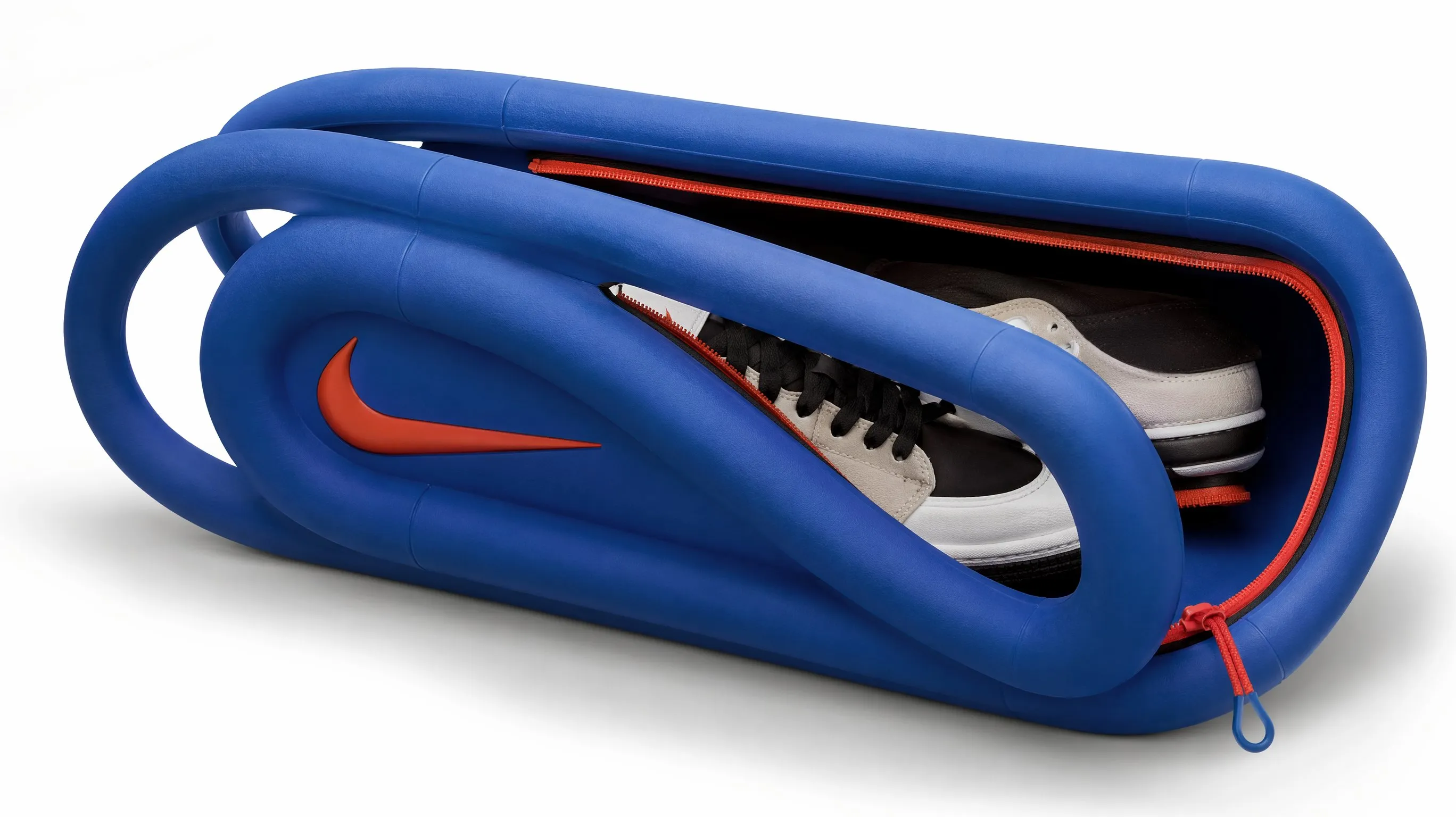
60 Product Photography prompts to copy
Every prompt below links to the full prompt page with the image and copy button.
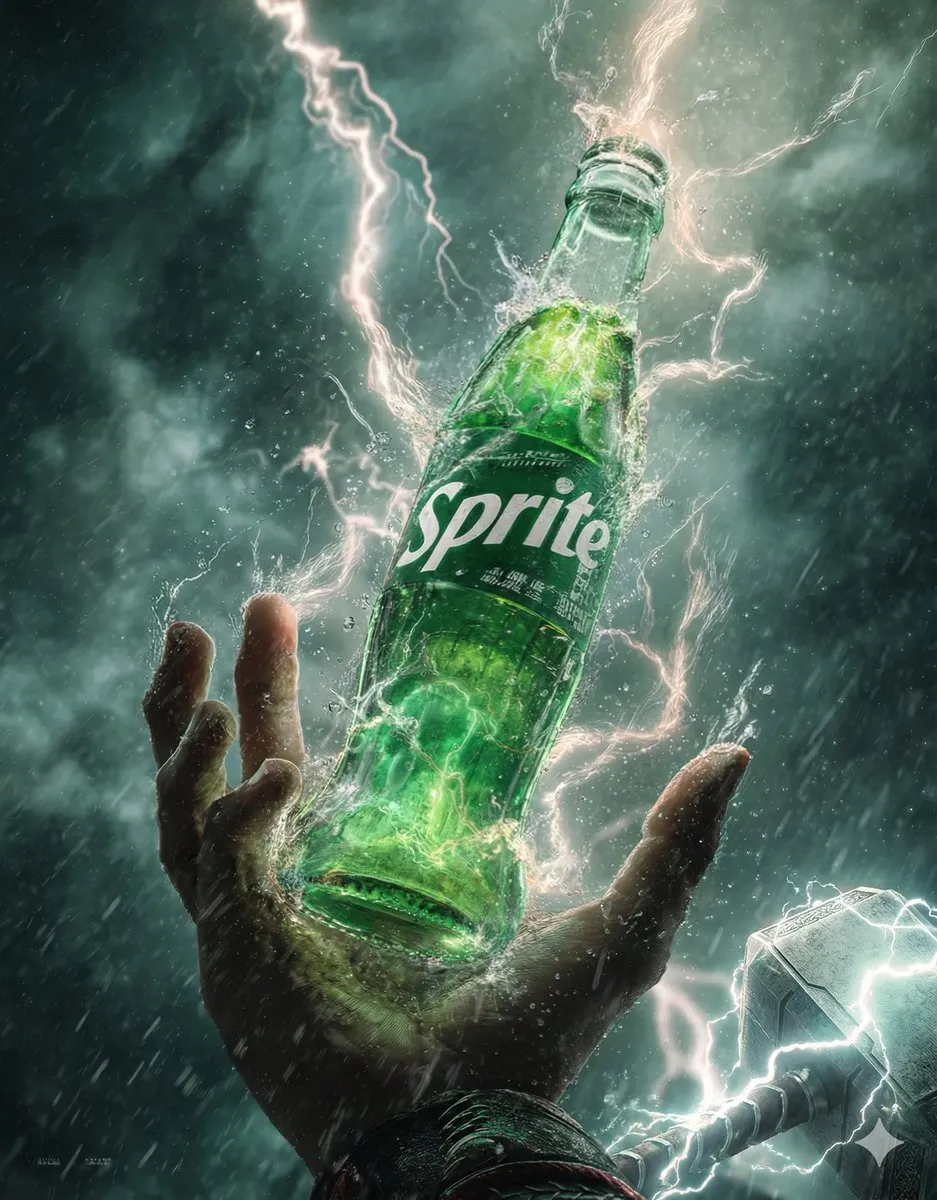
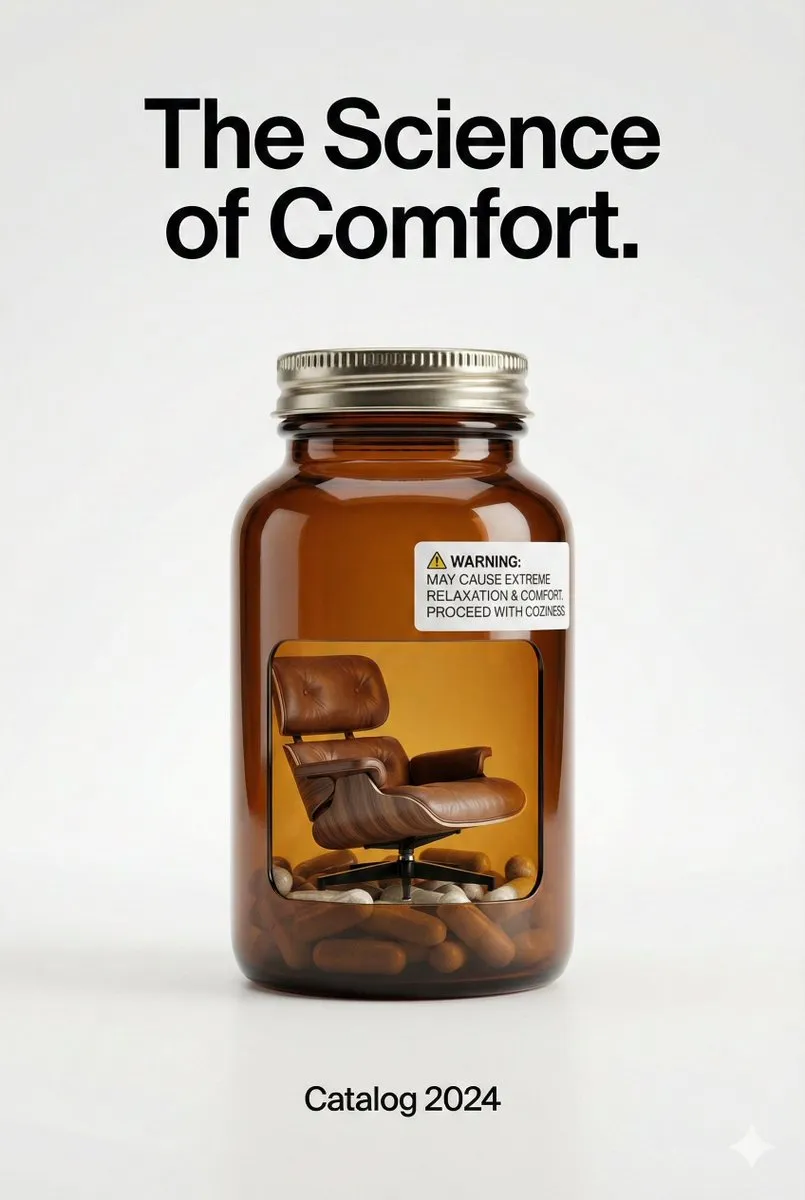
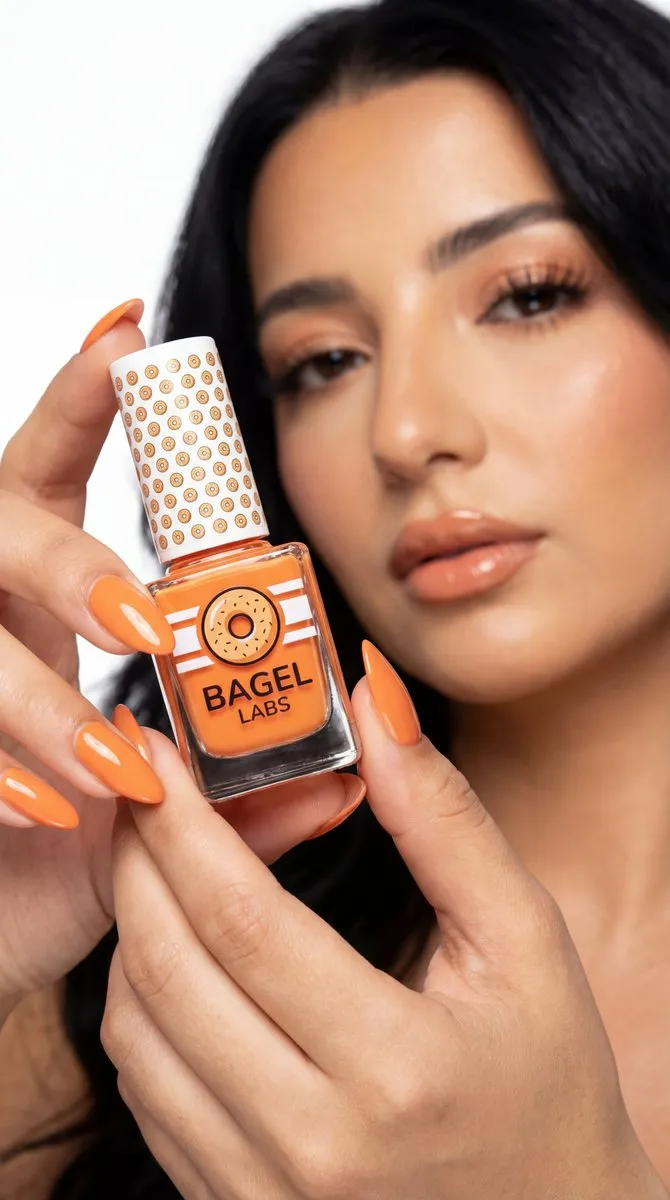
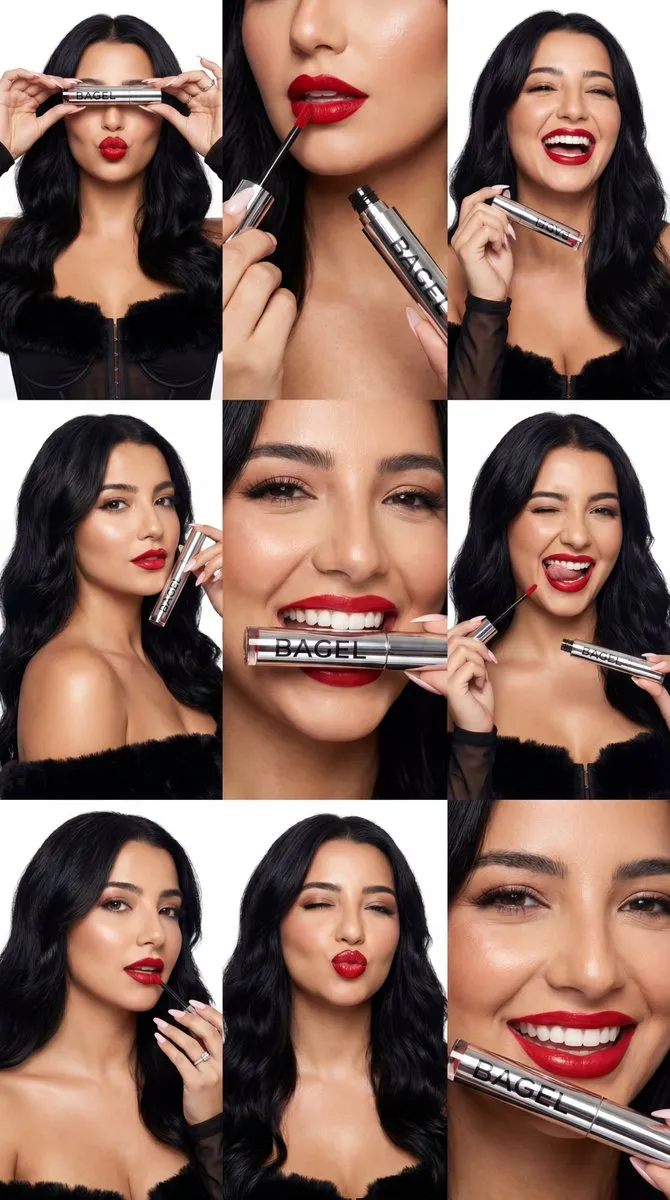
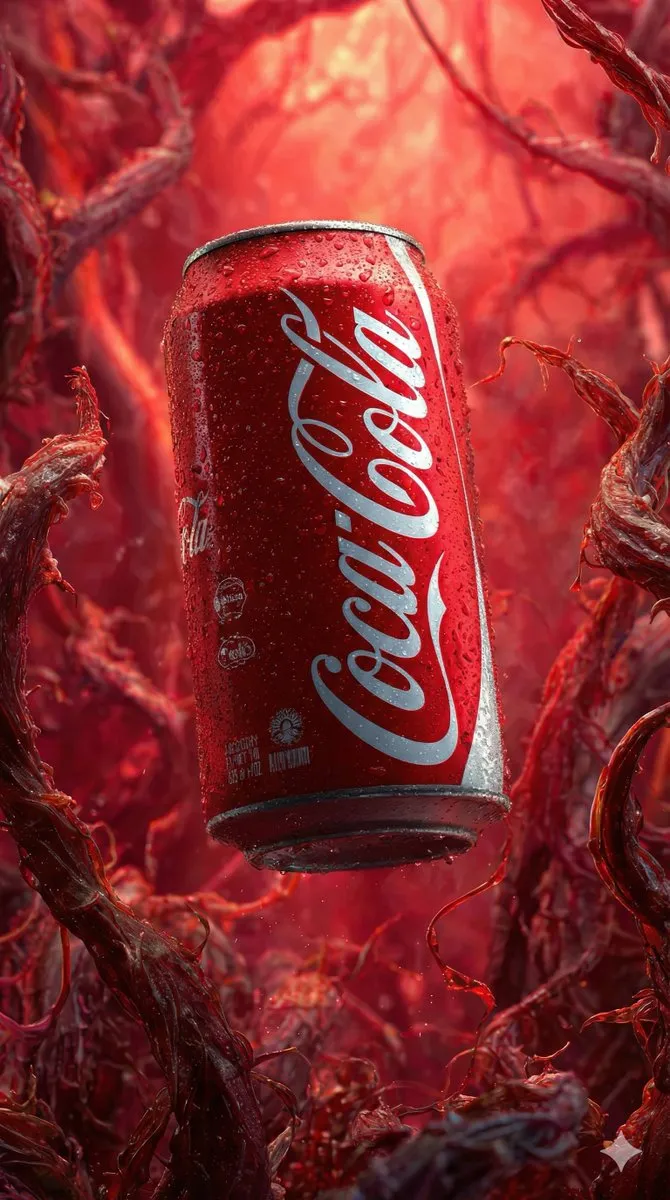
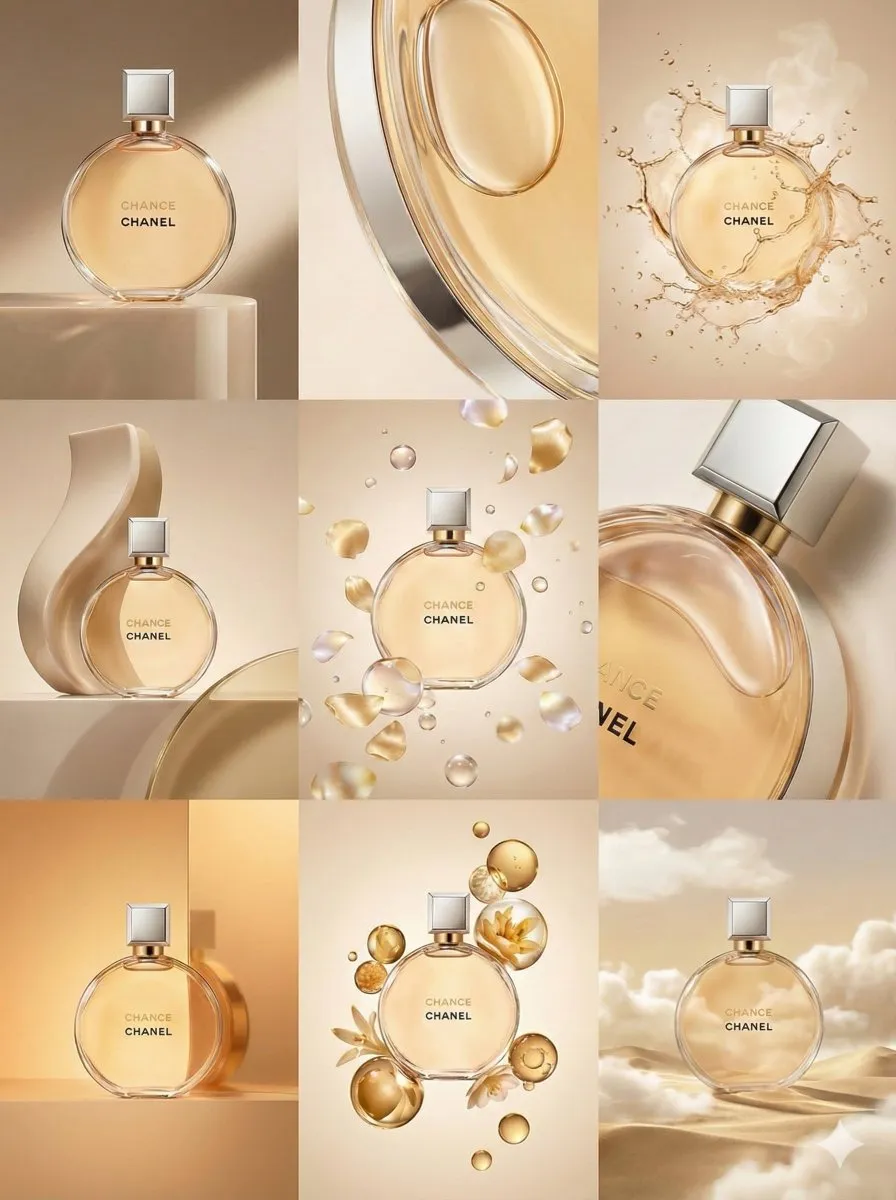
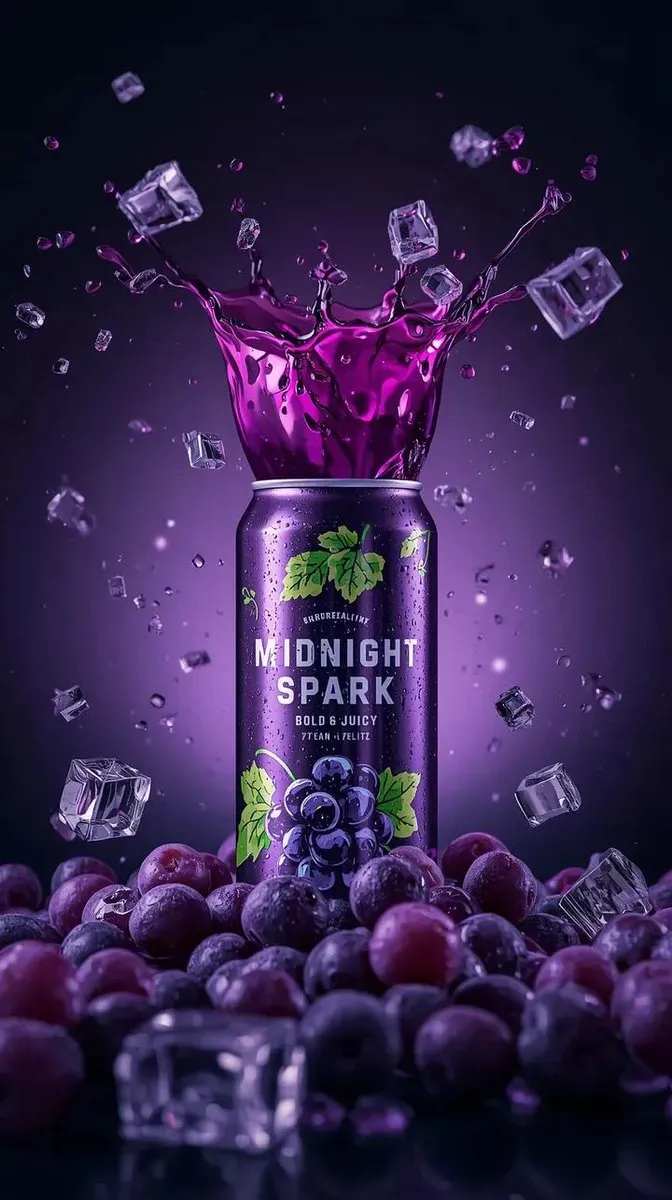
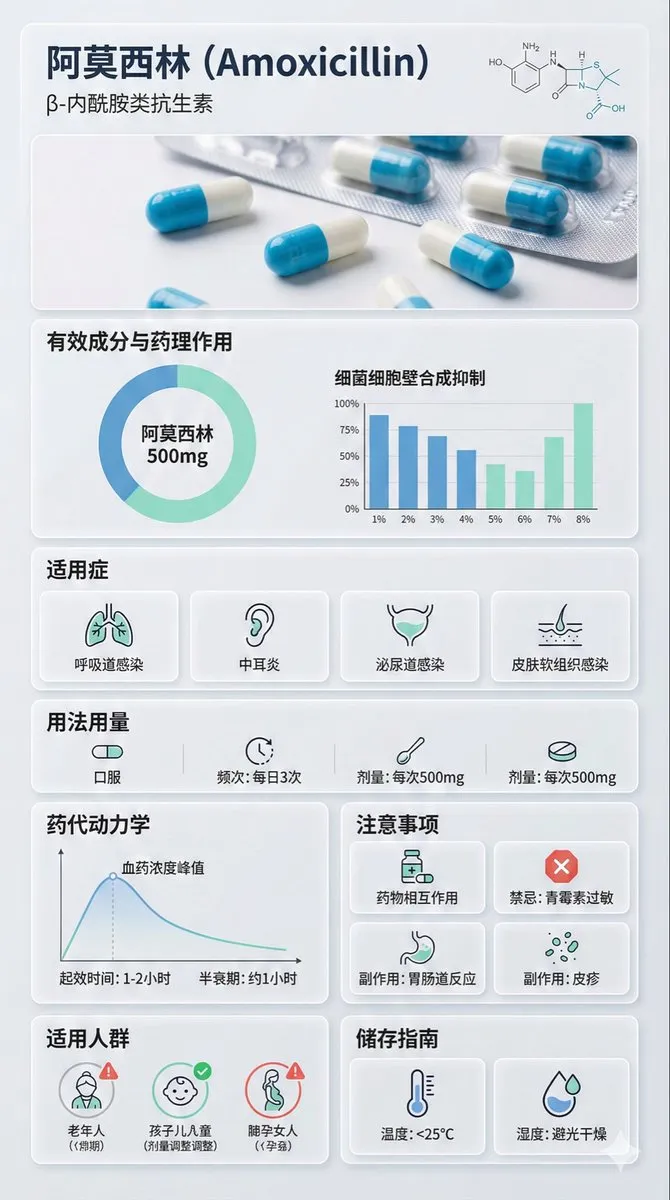
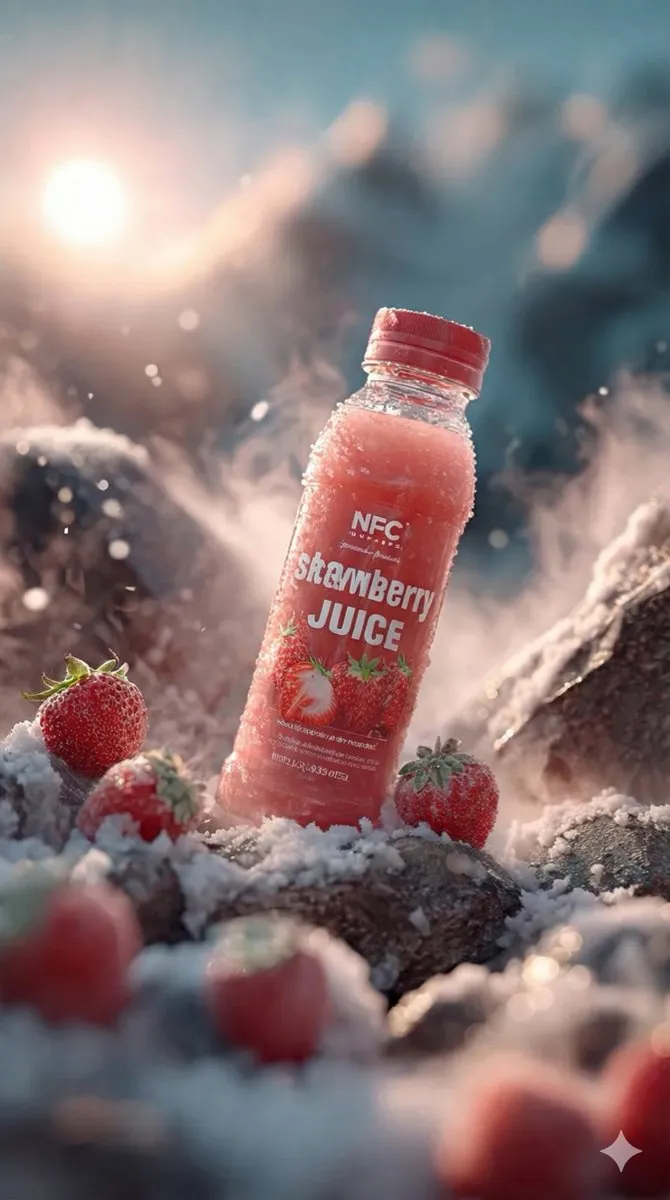
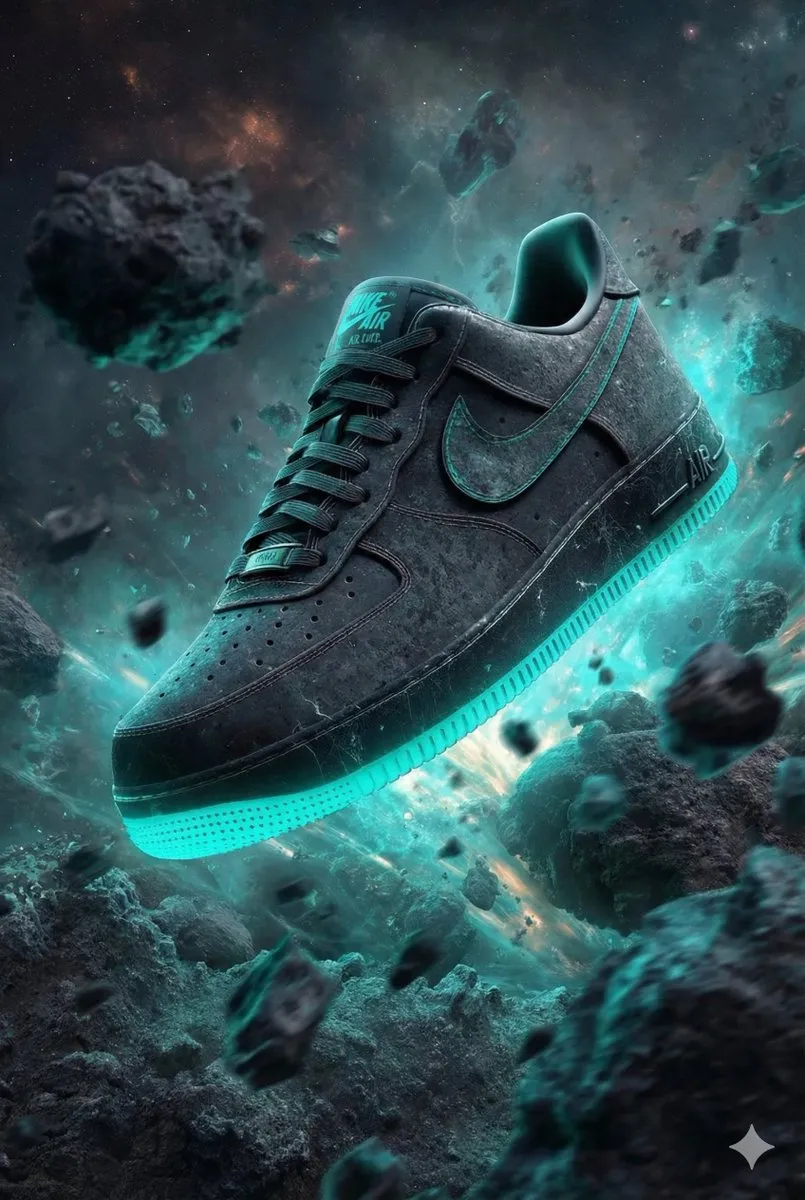
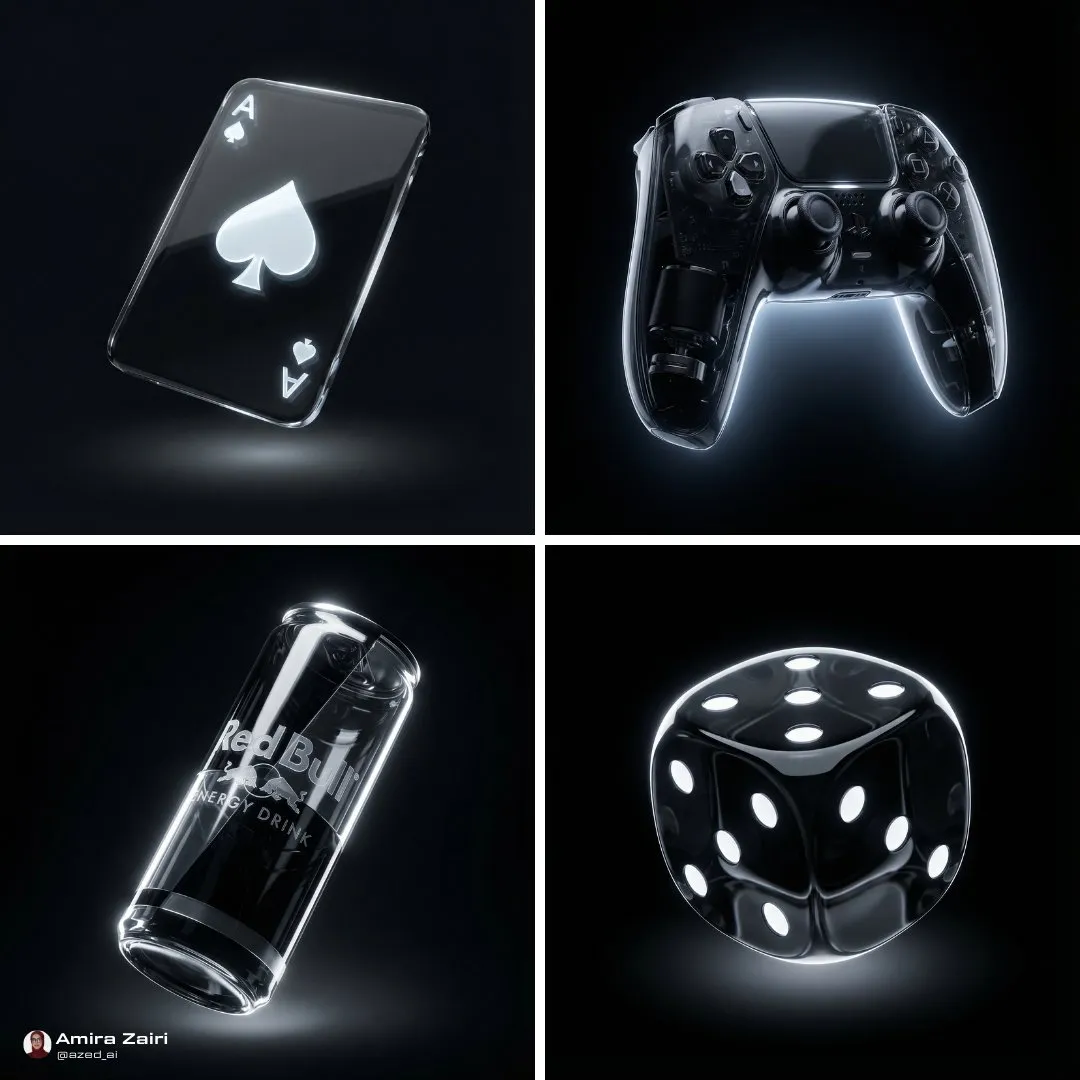
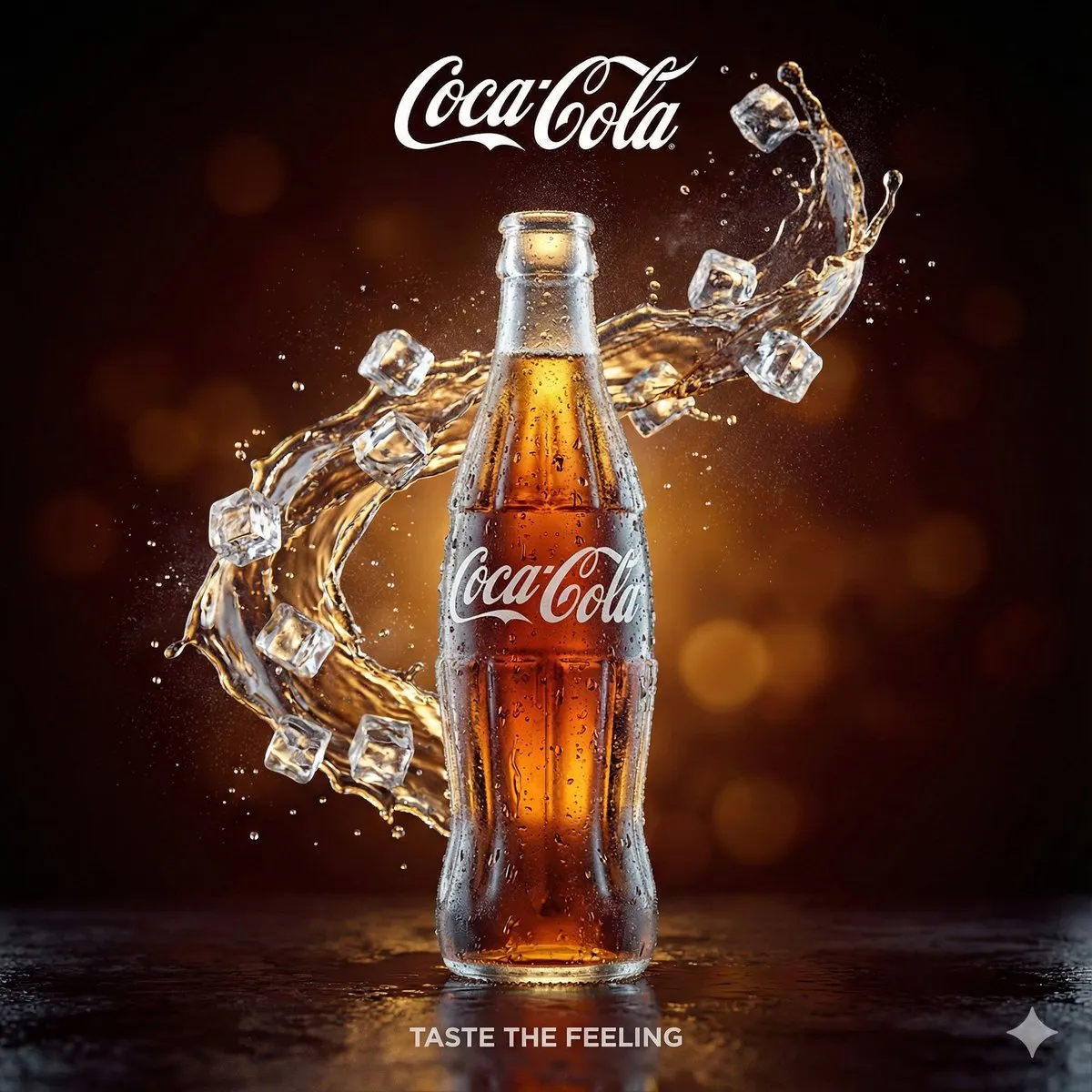
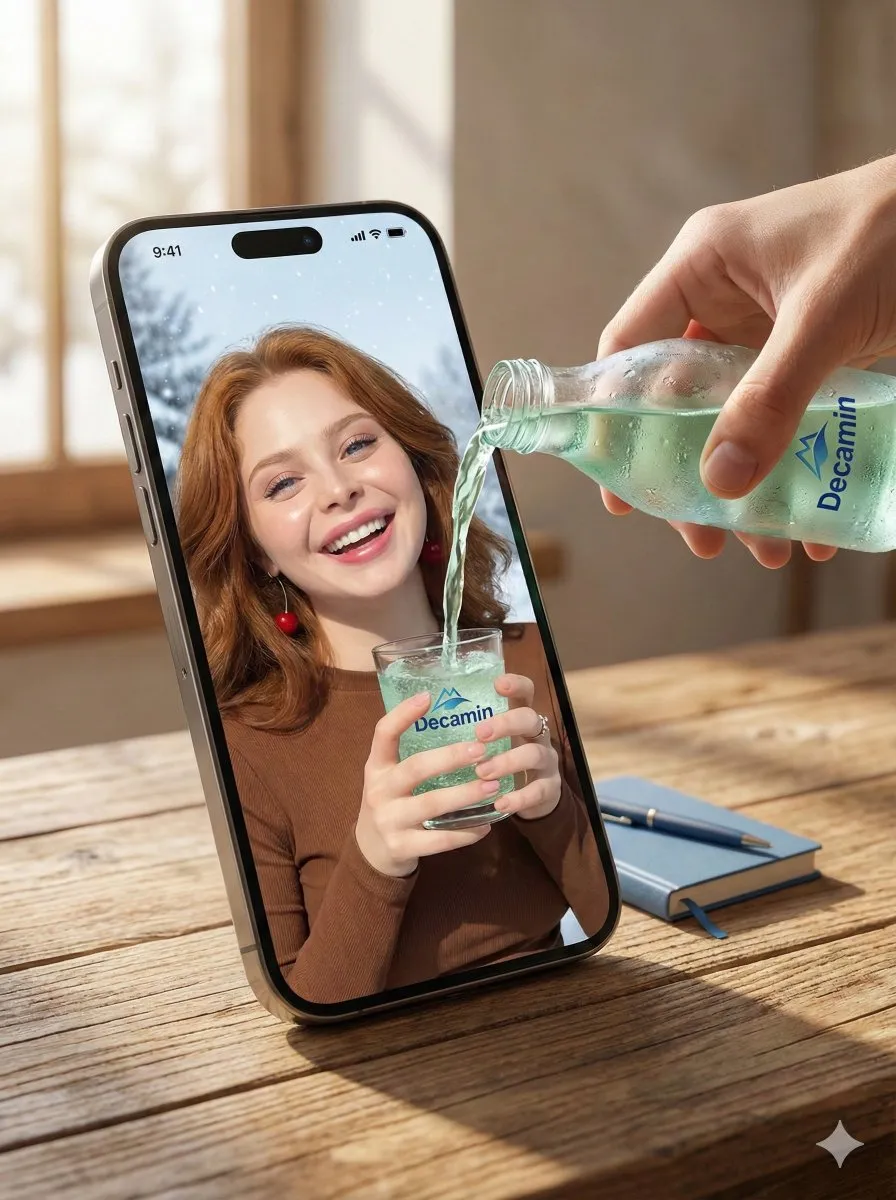
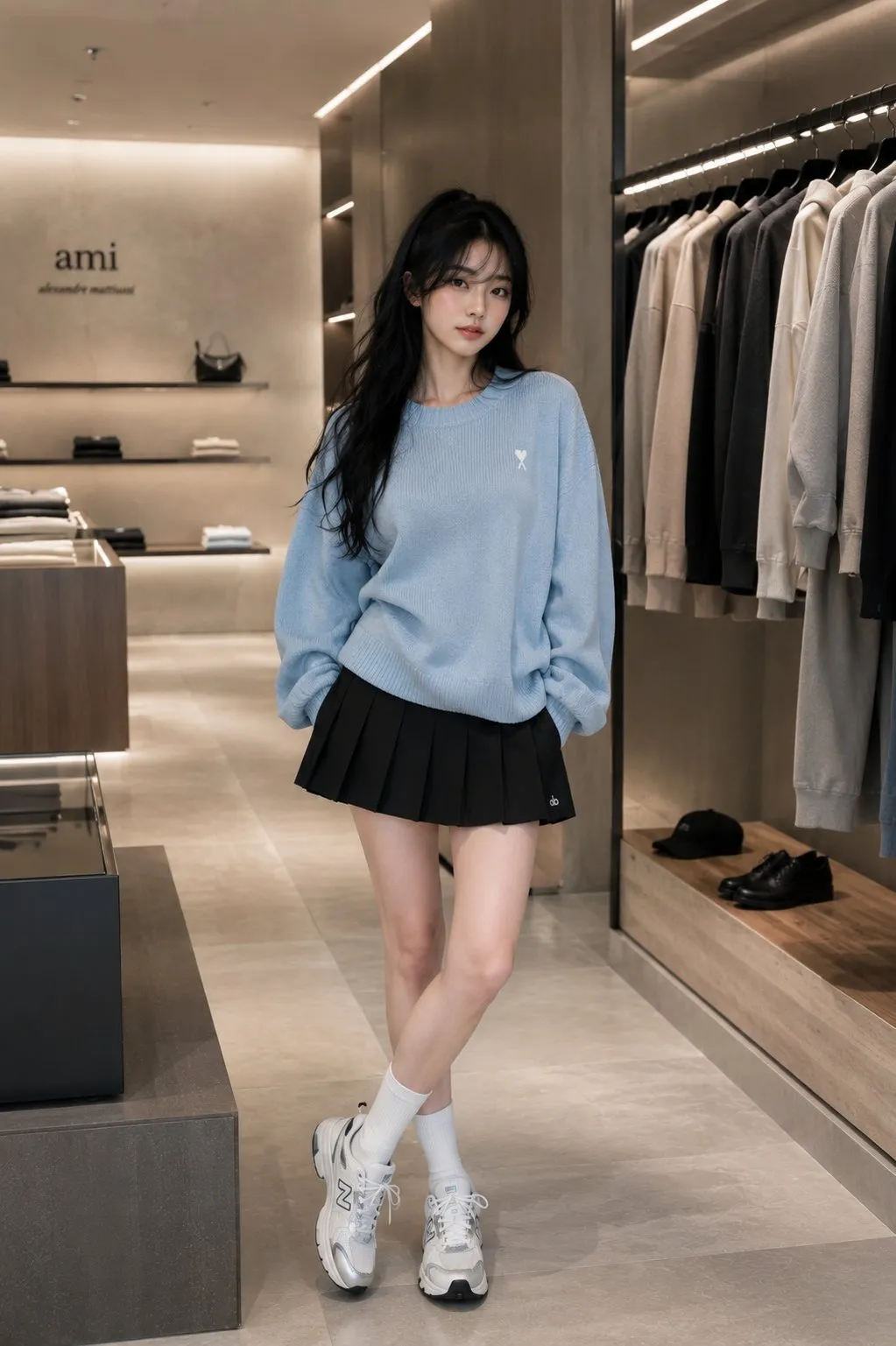
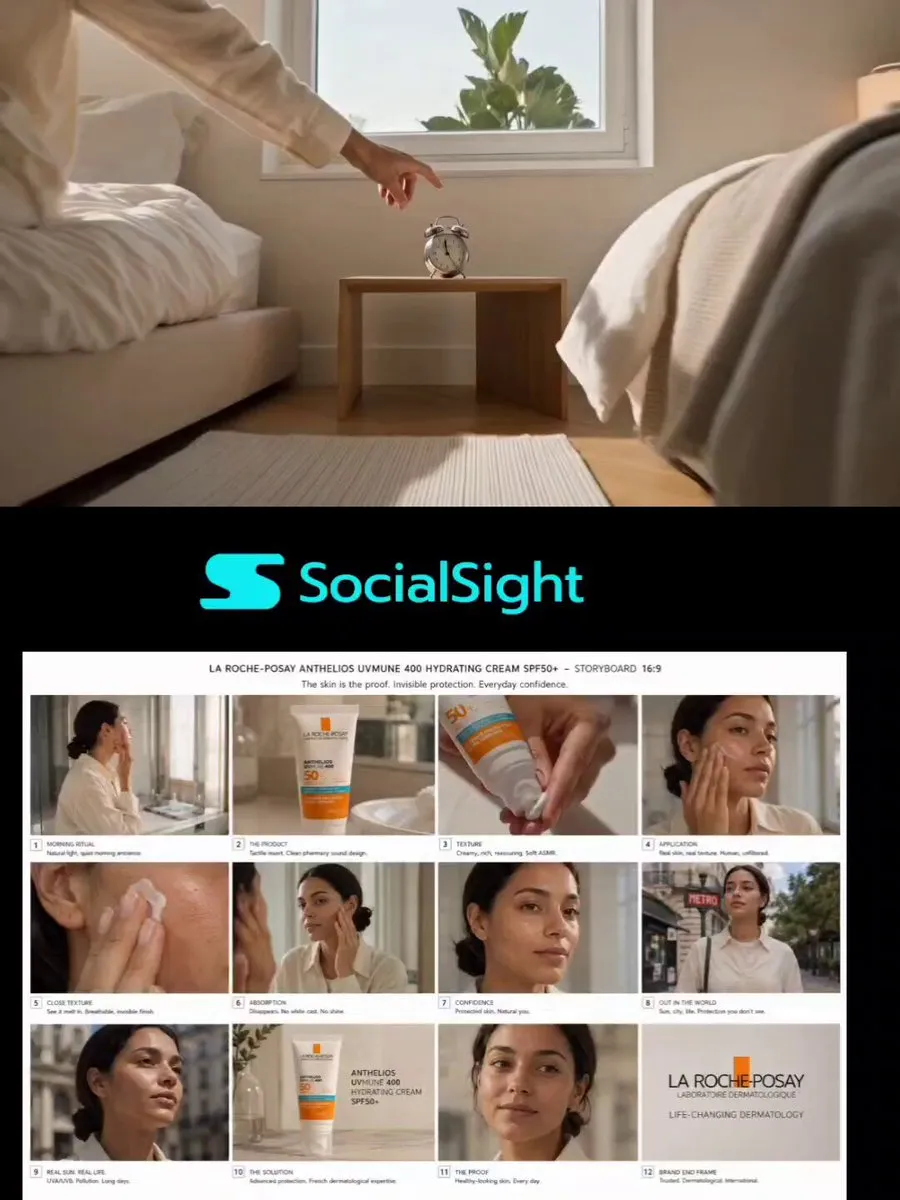
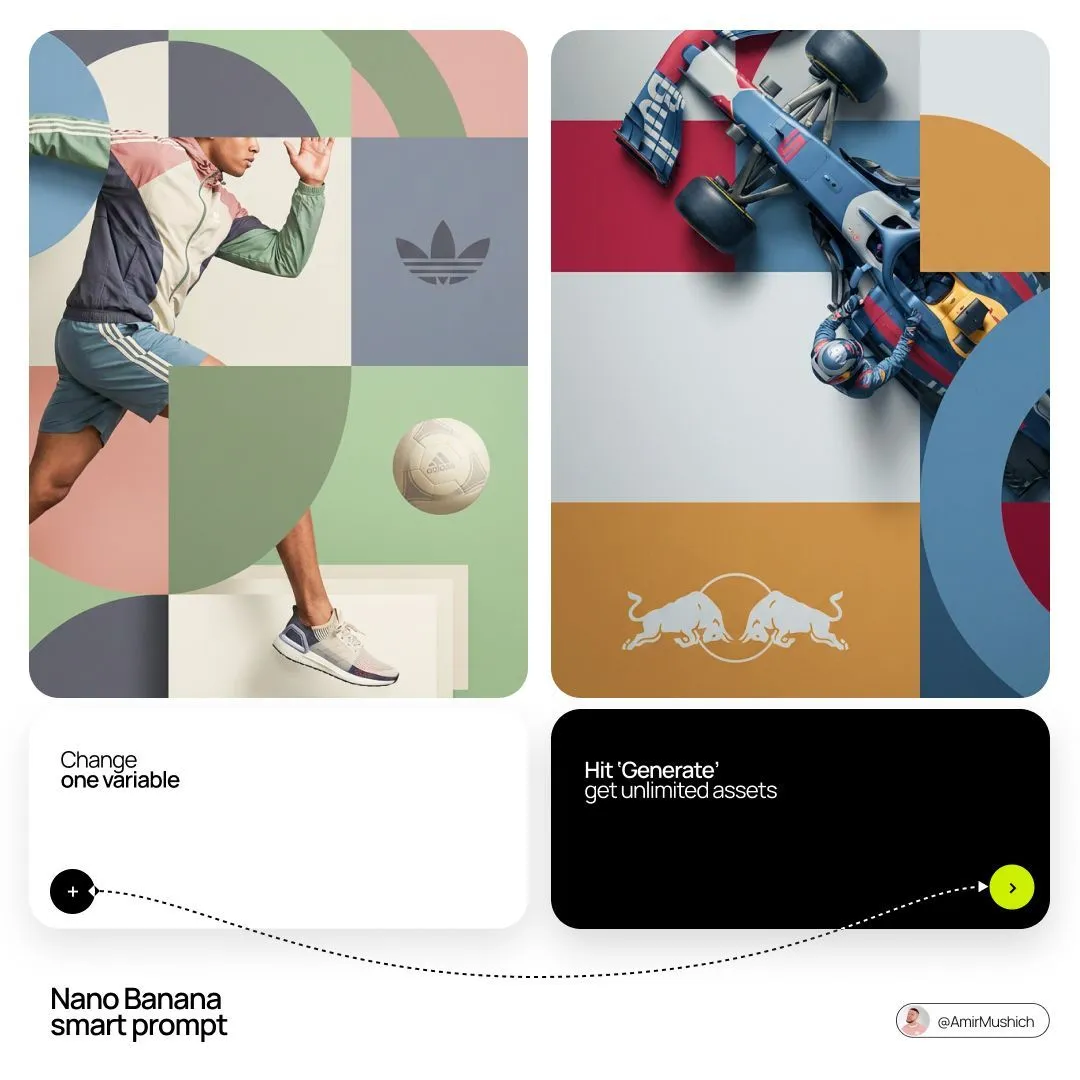
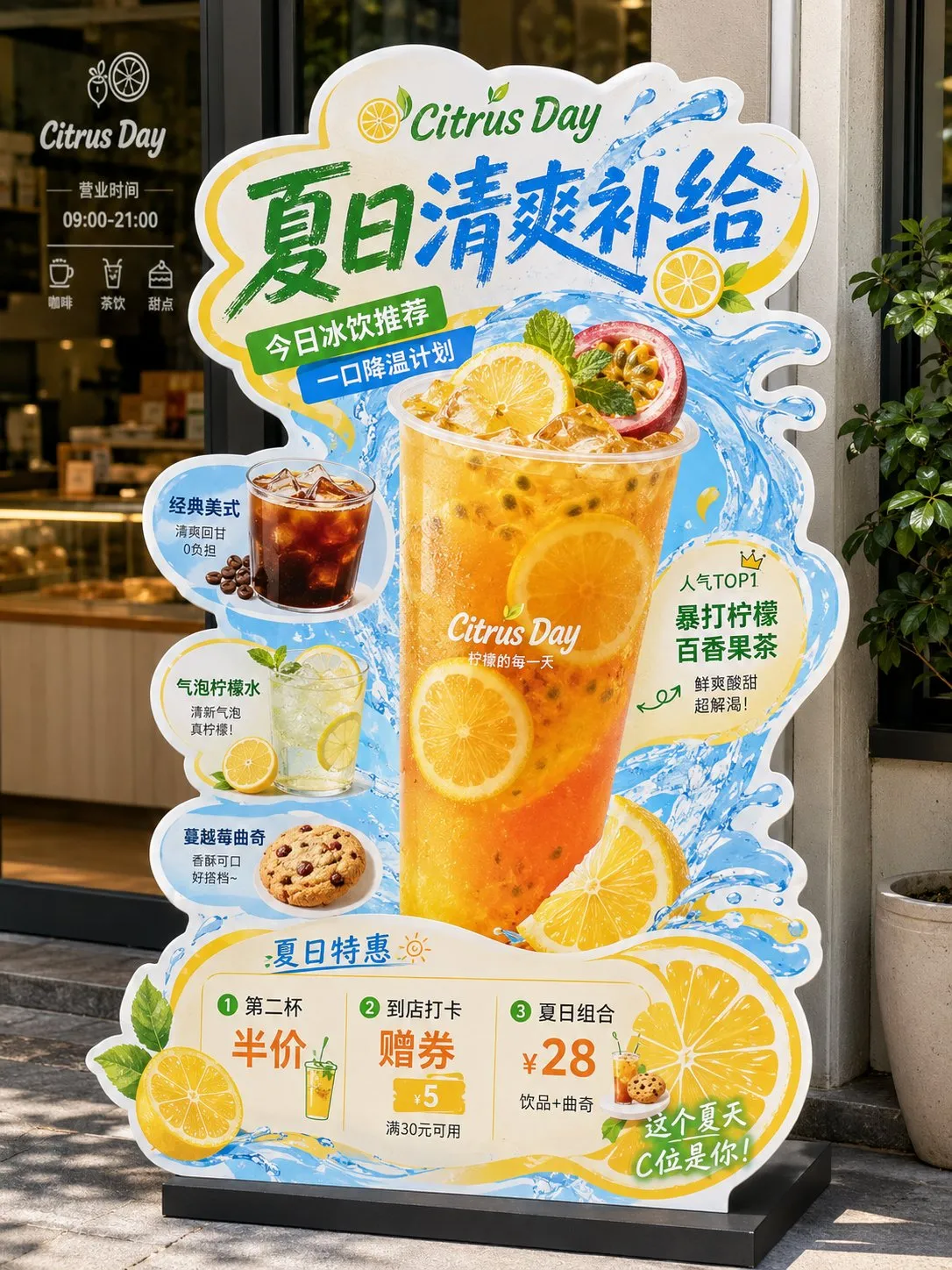
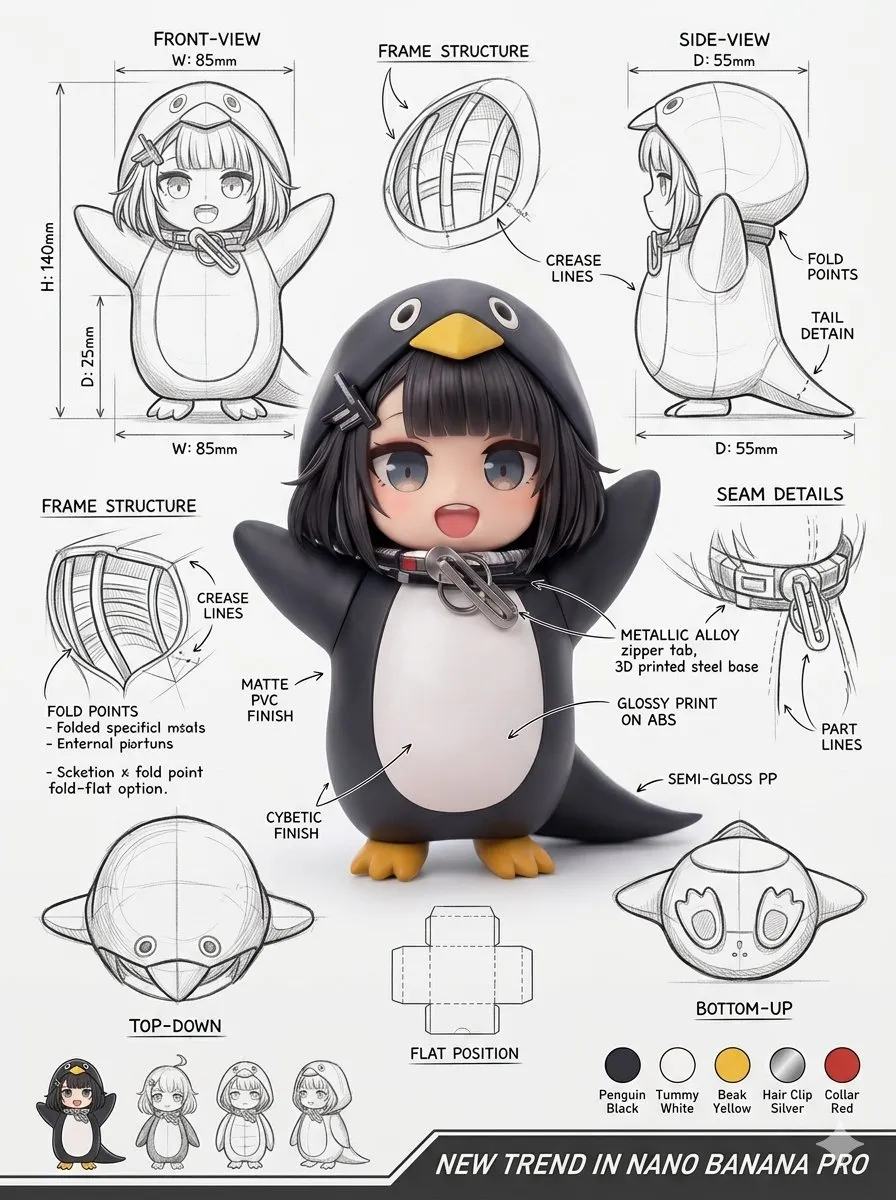
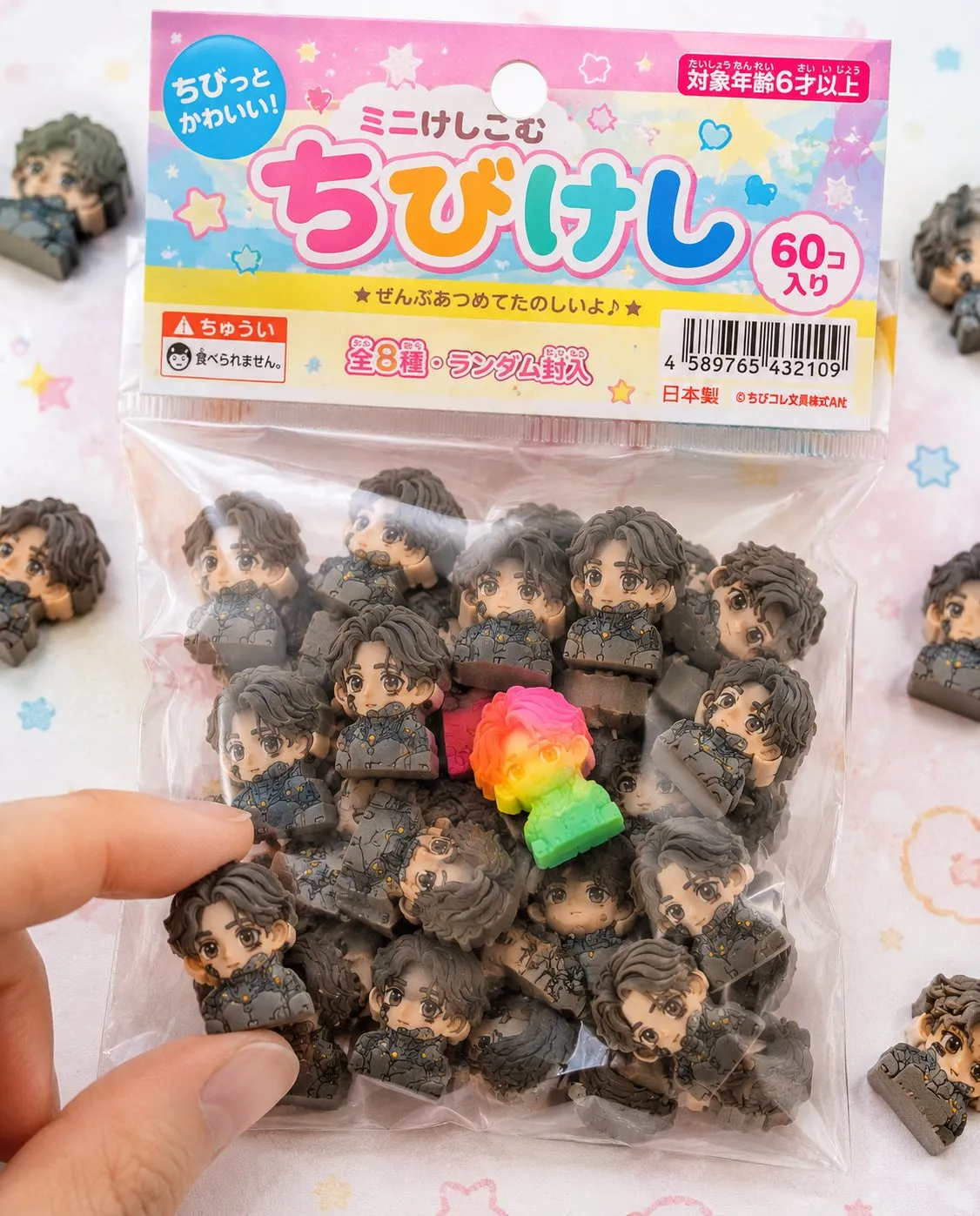
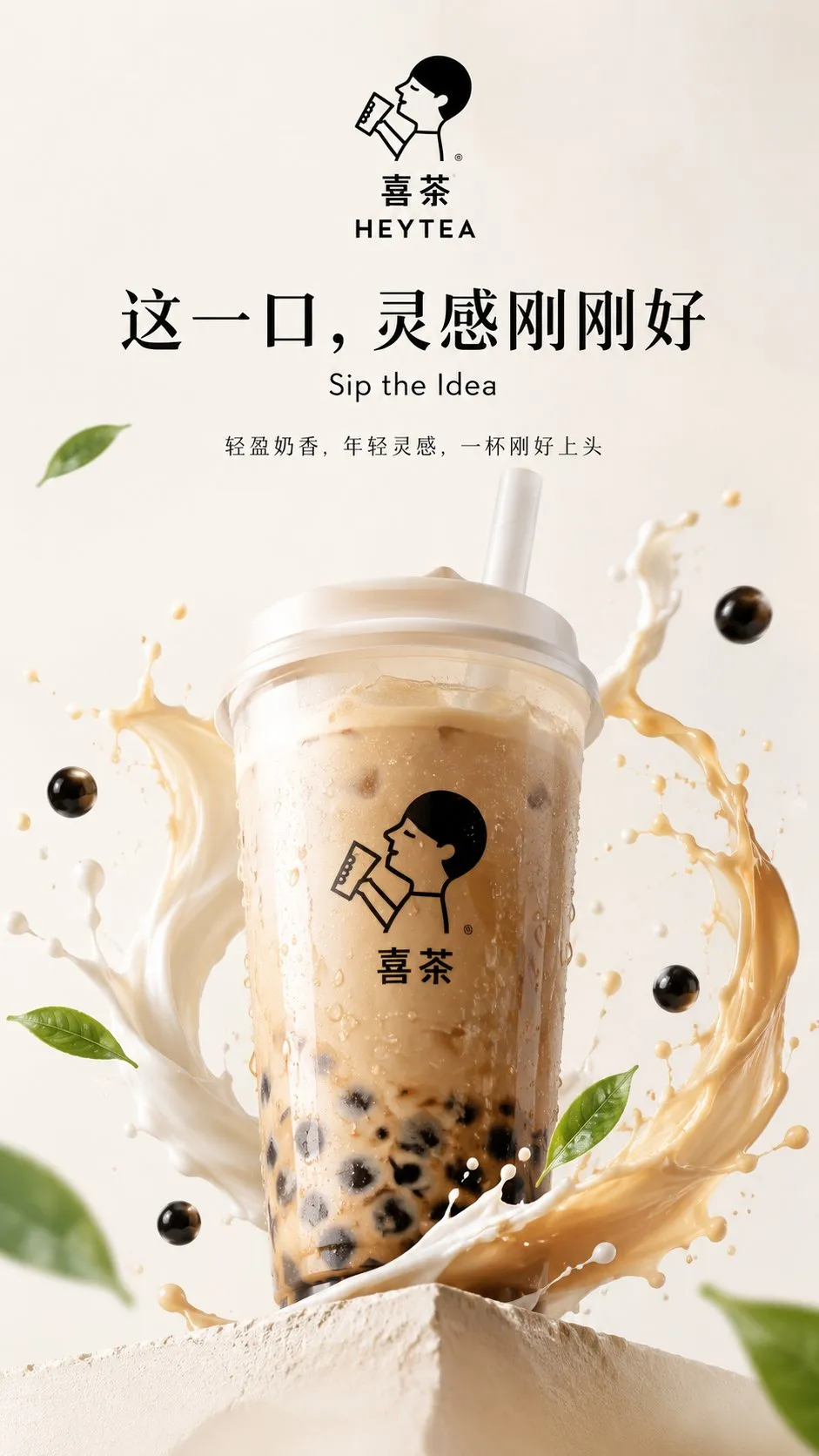
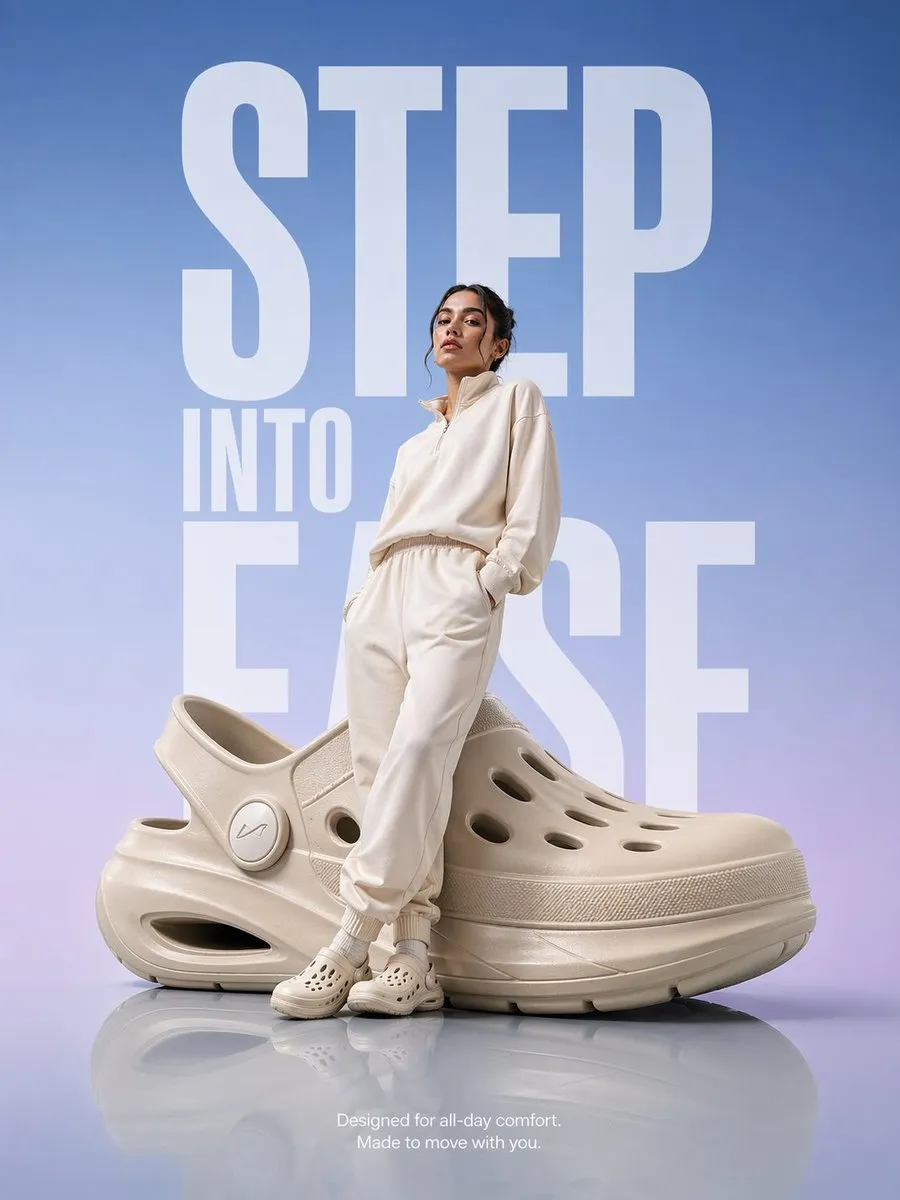
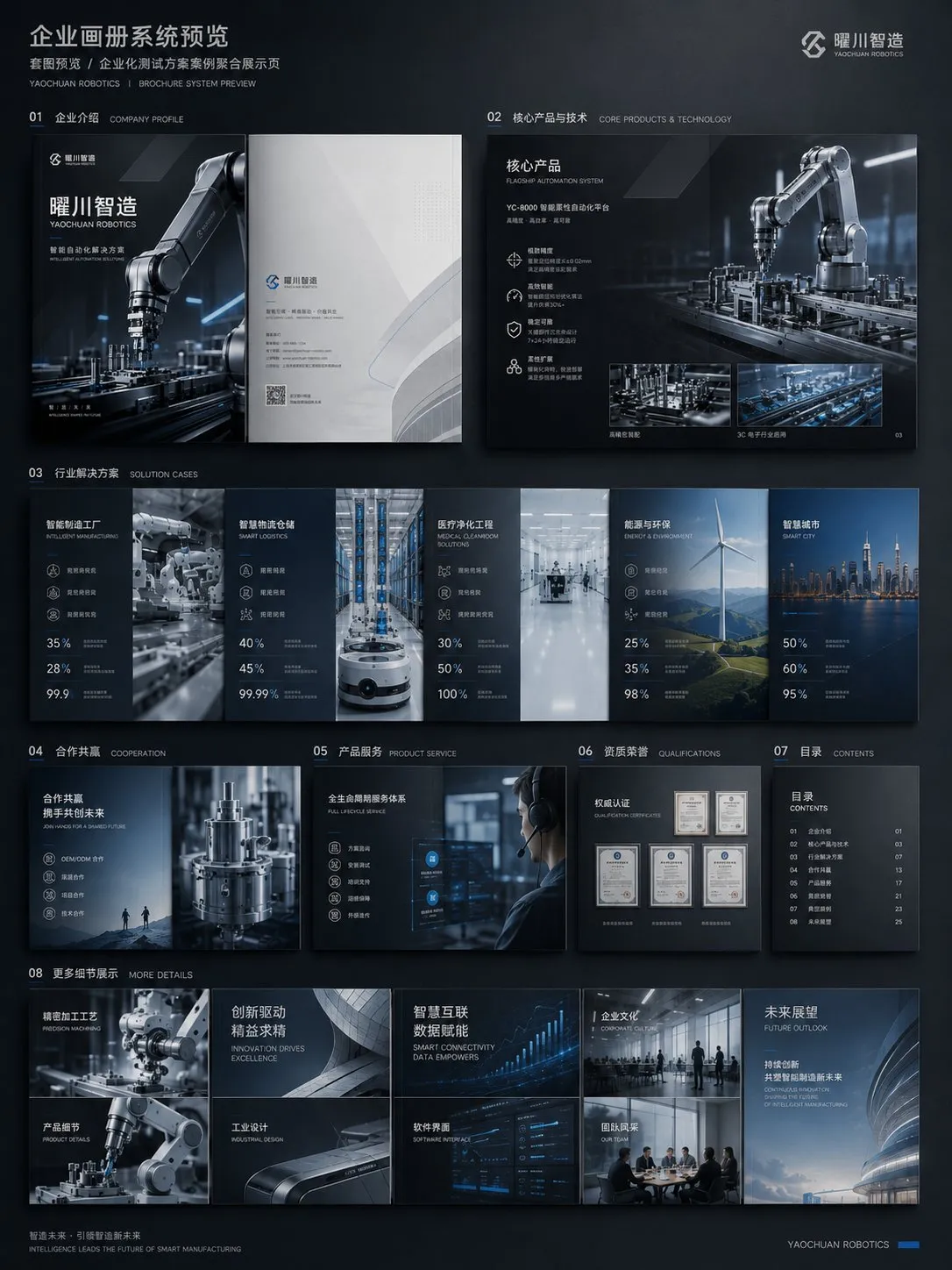
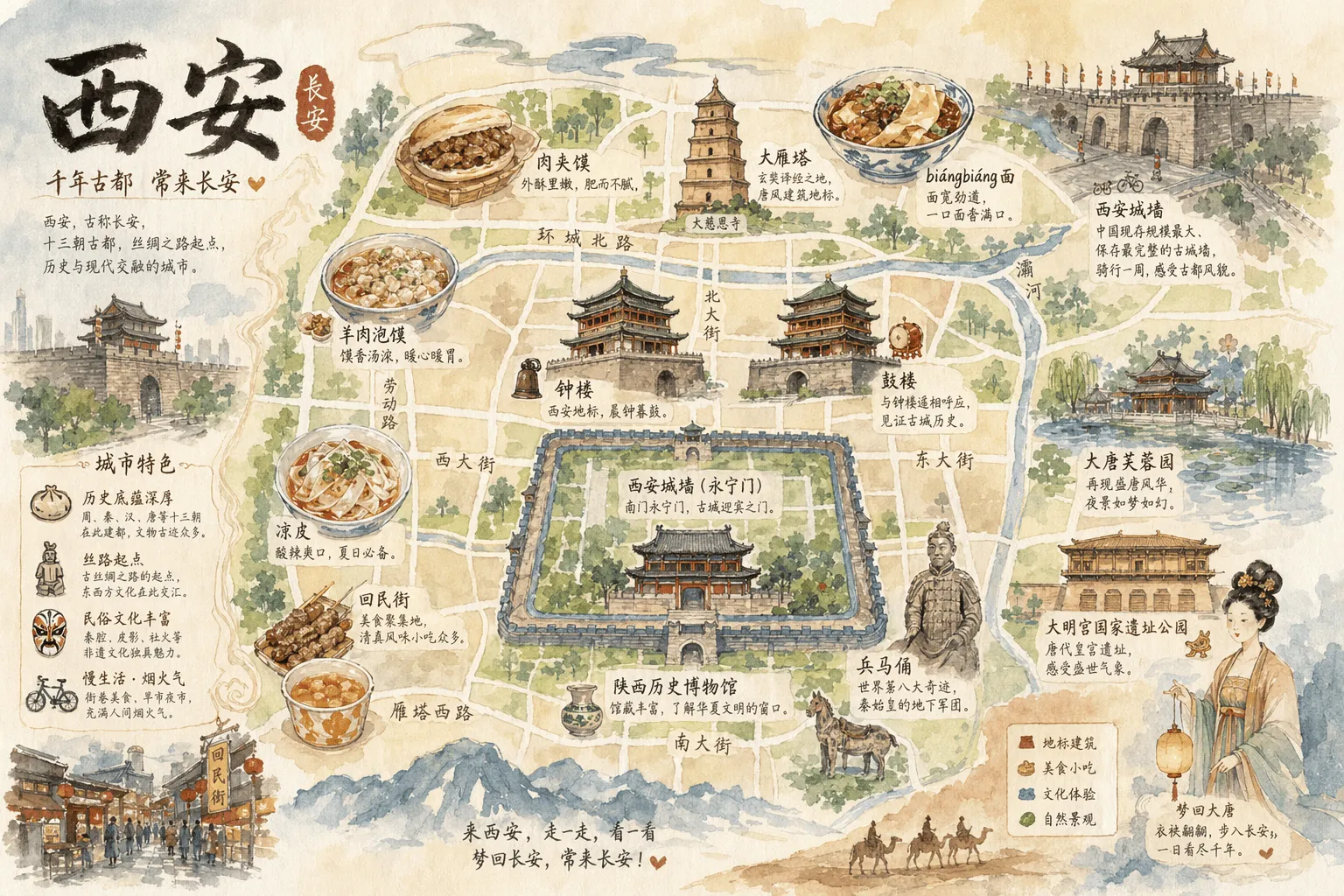
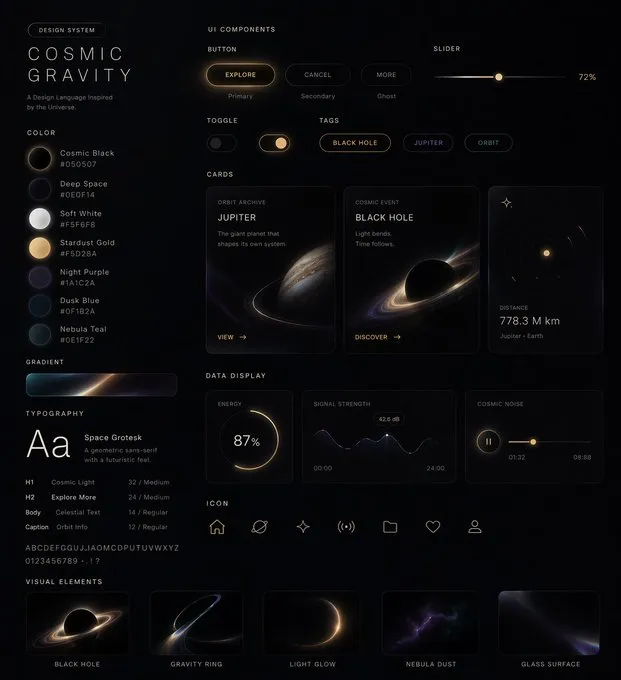
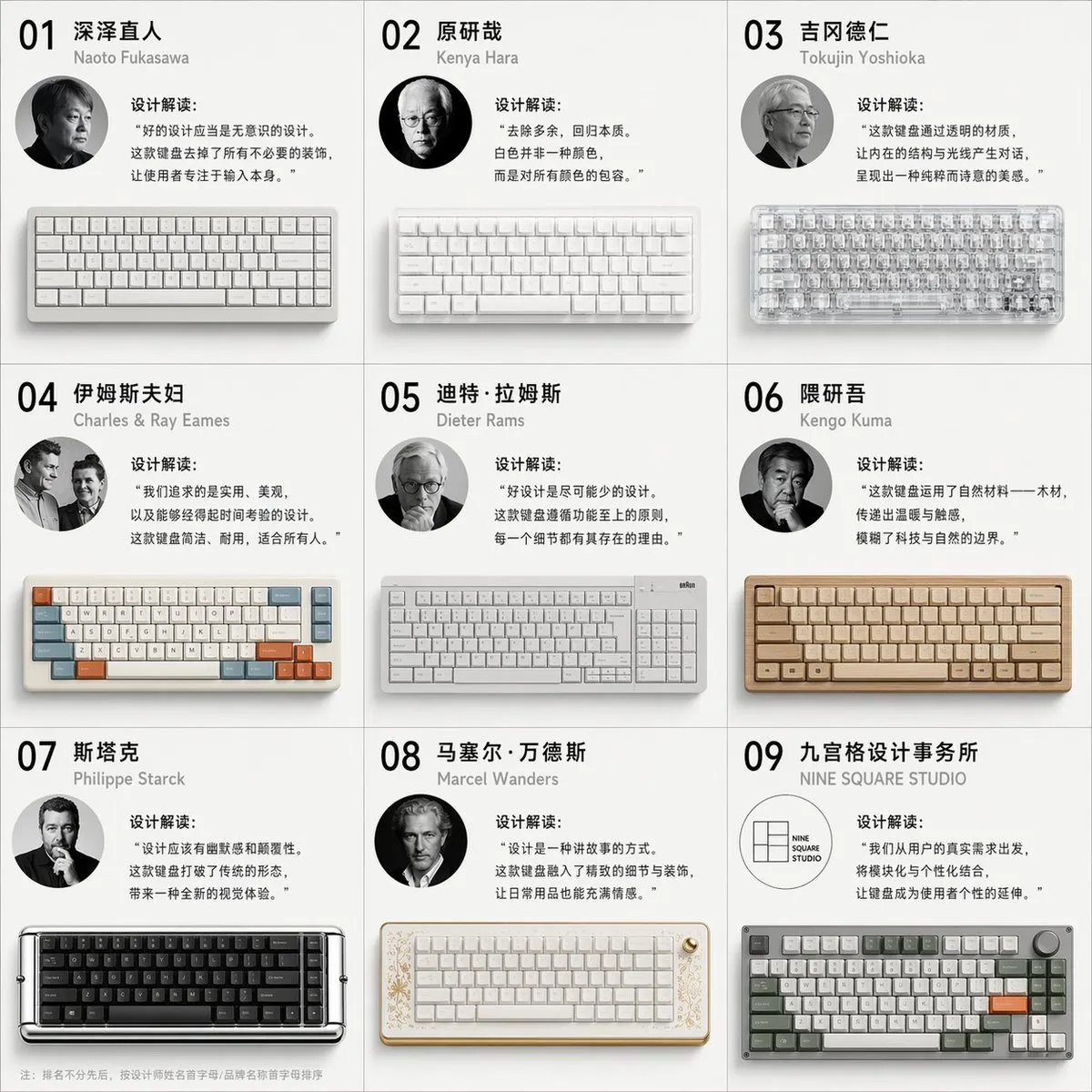
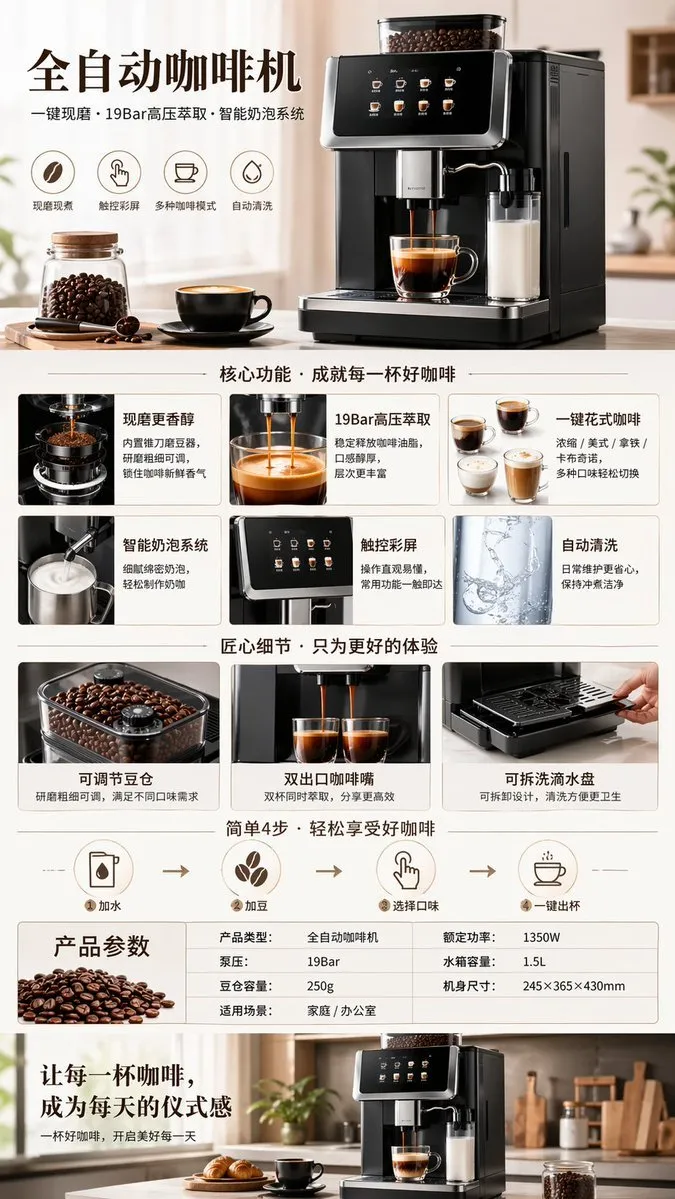
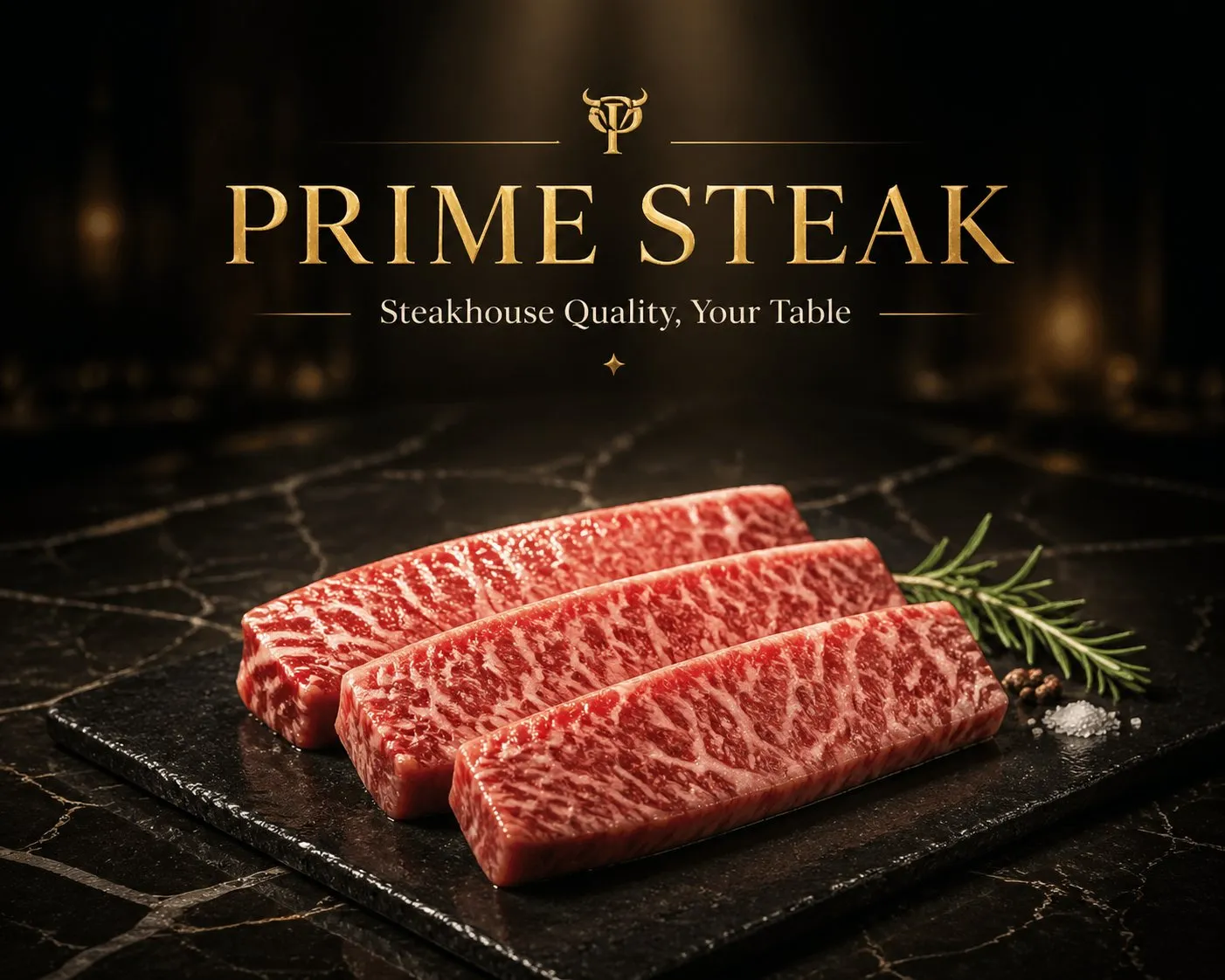
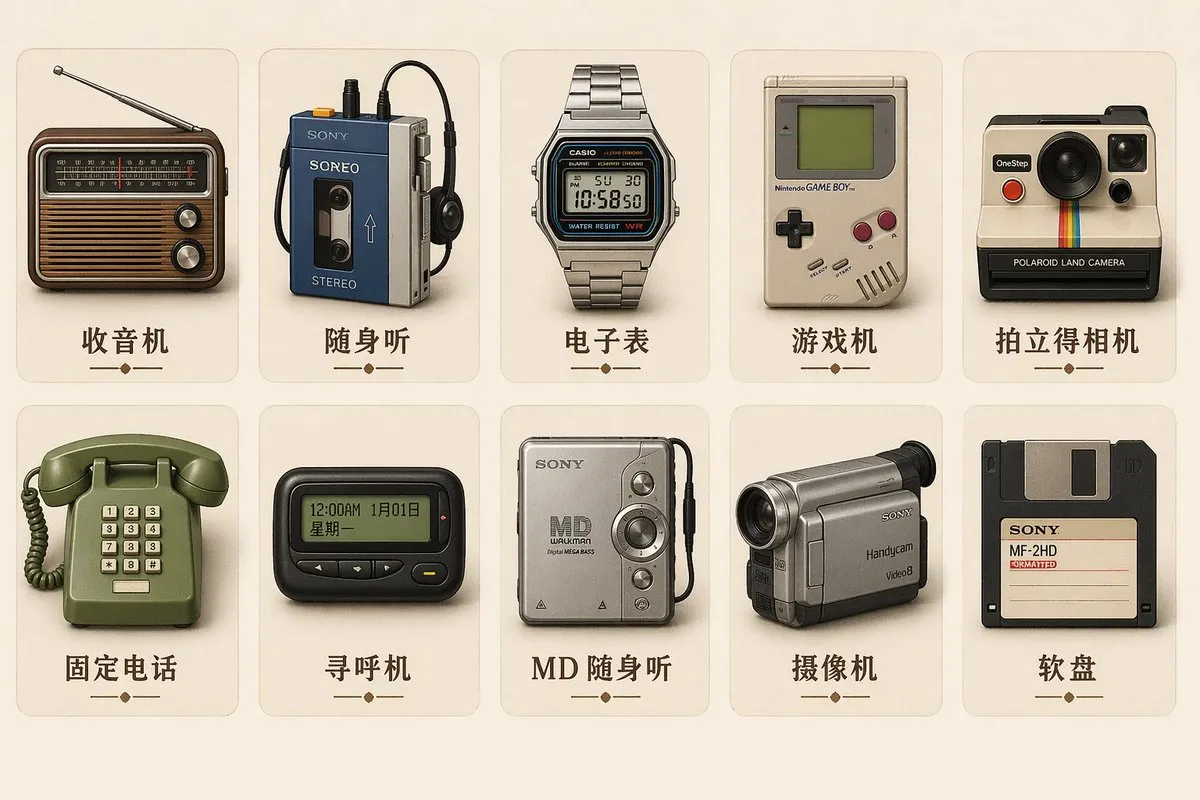
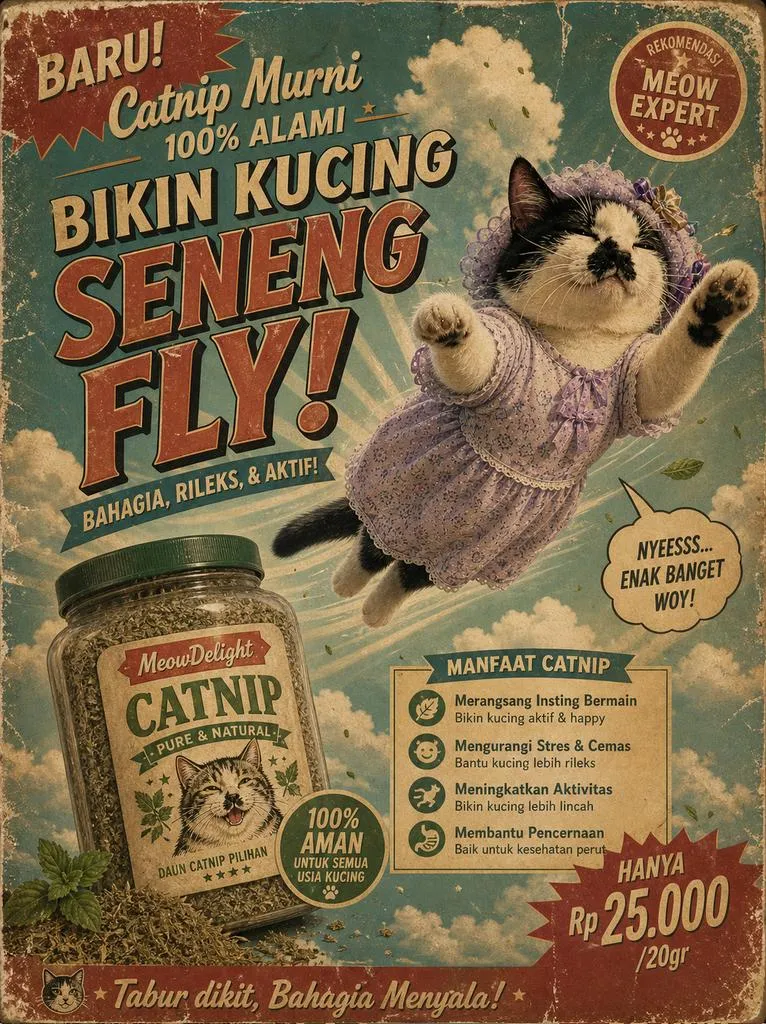
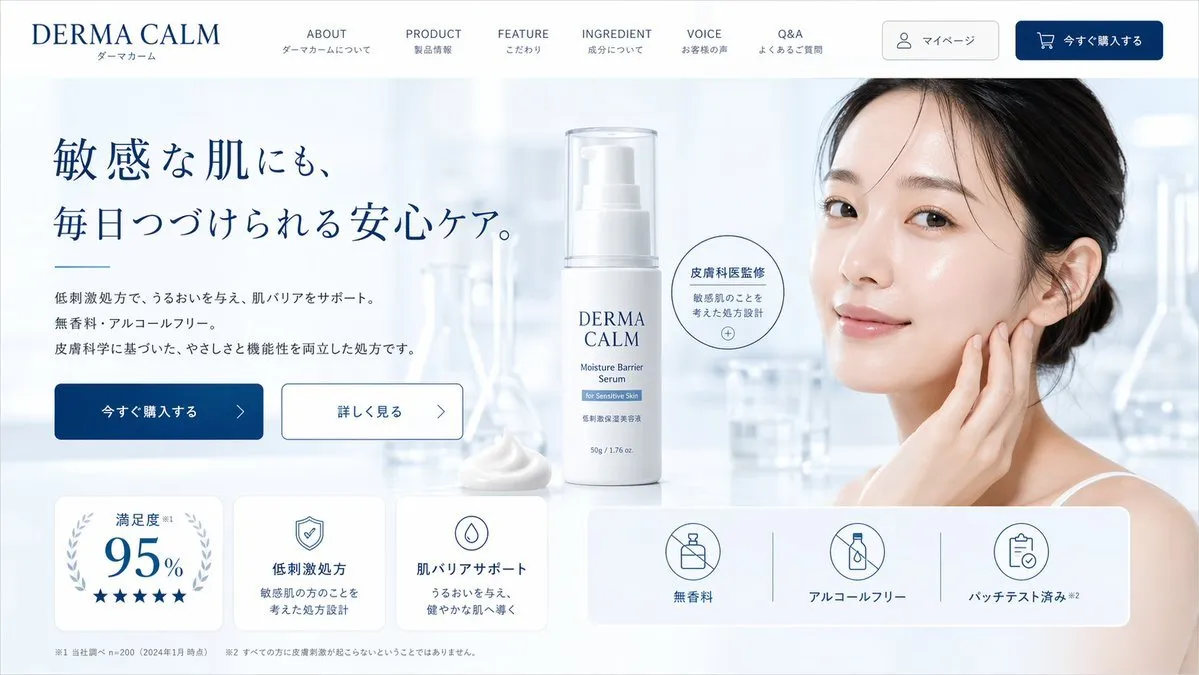
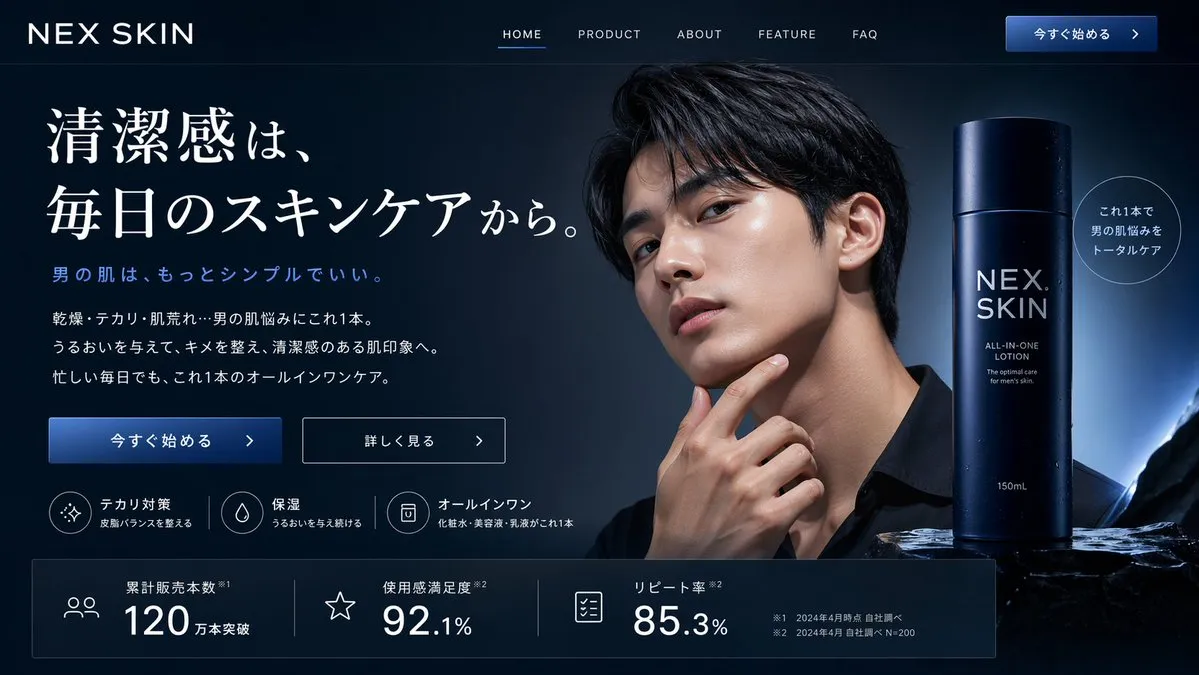
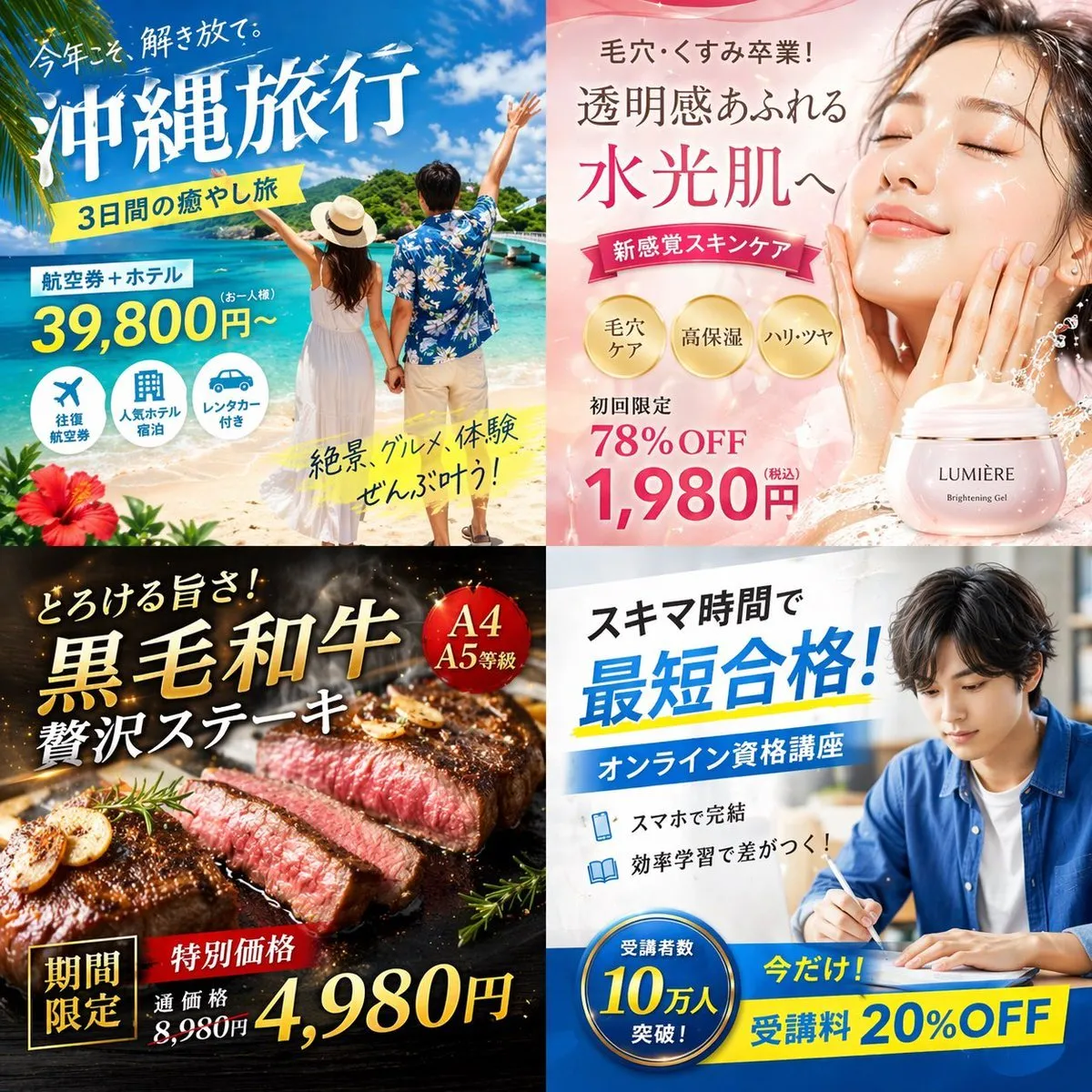
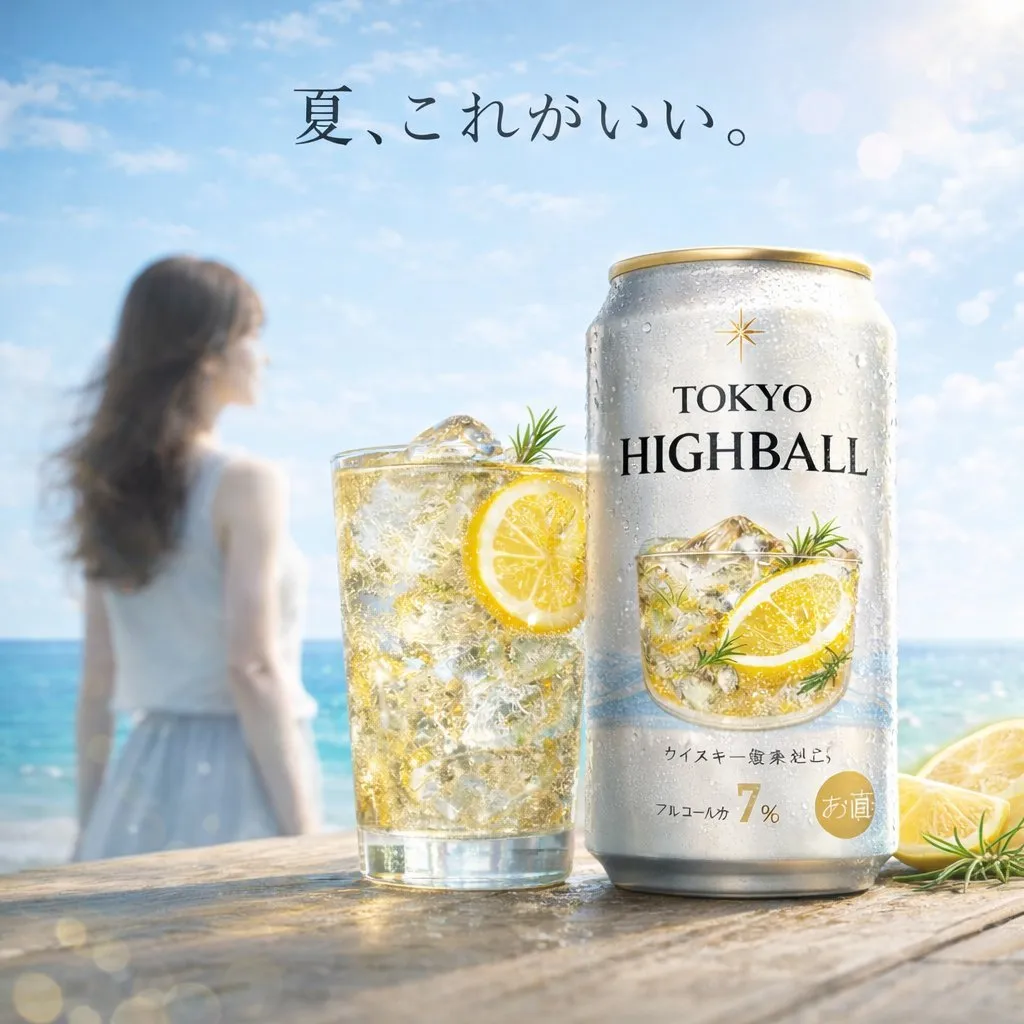
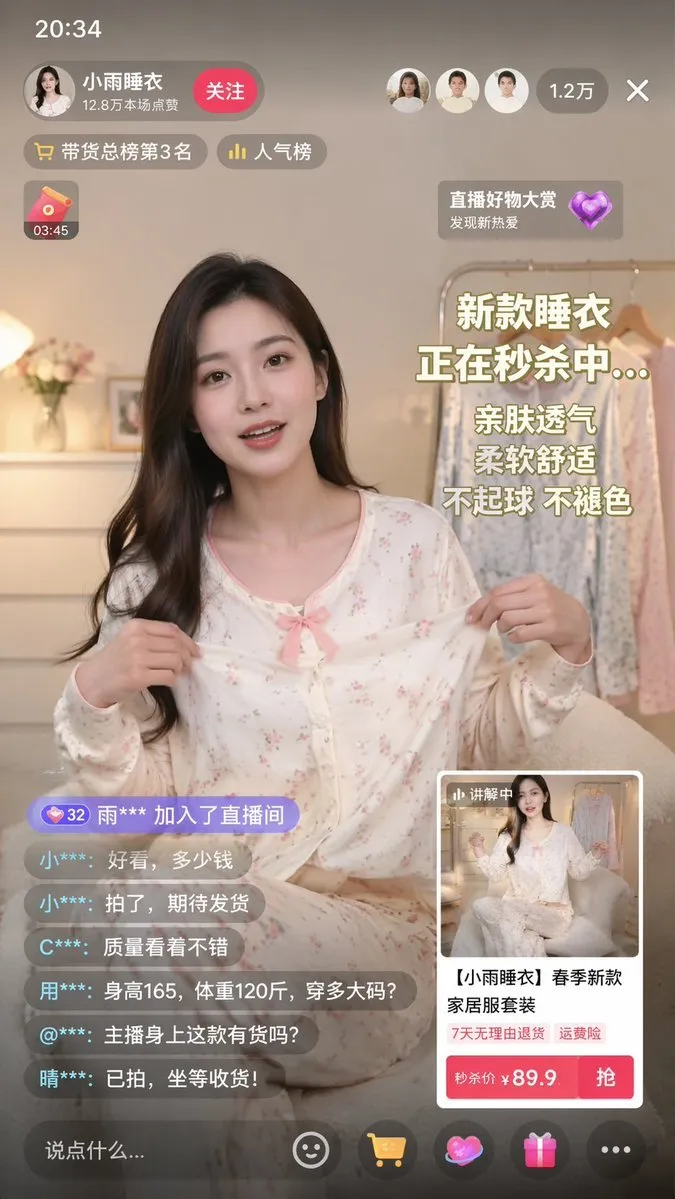
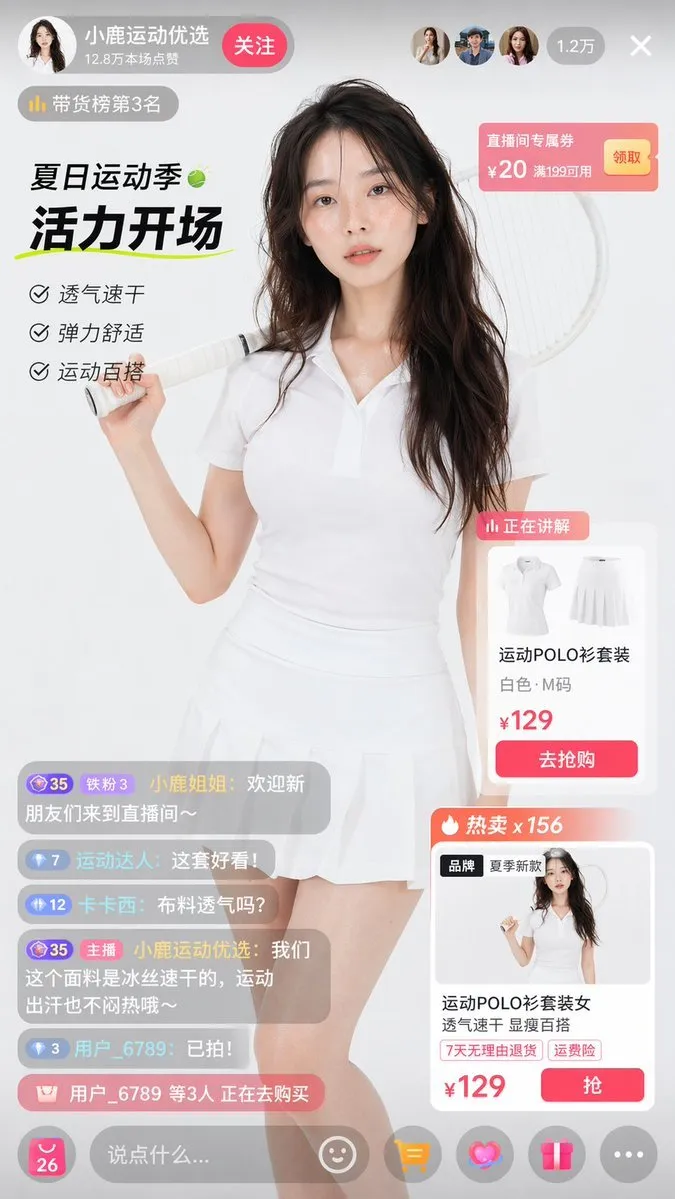
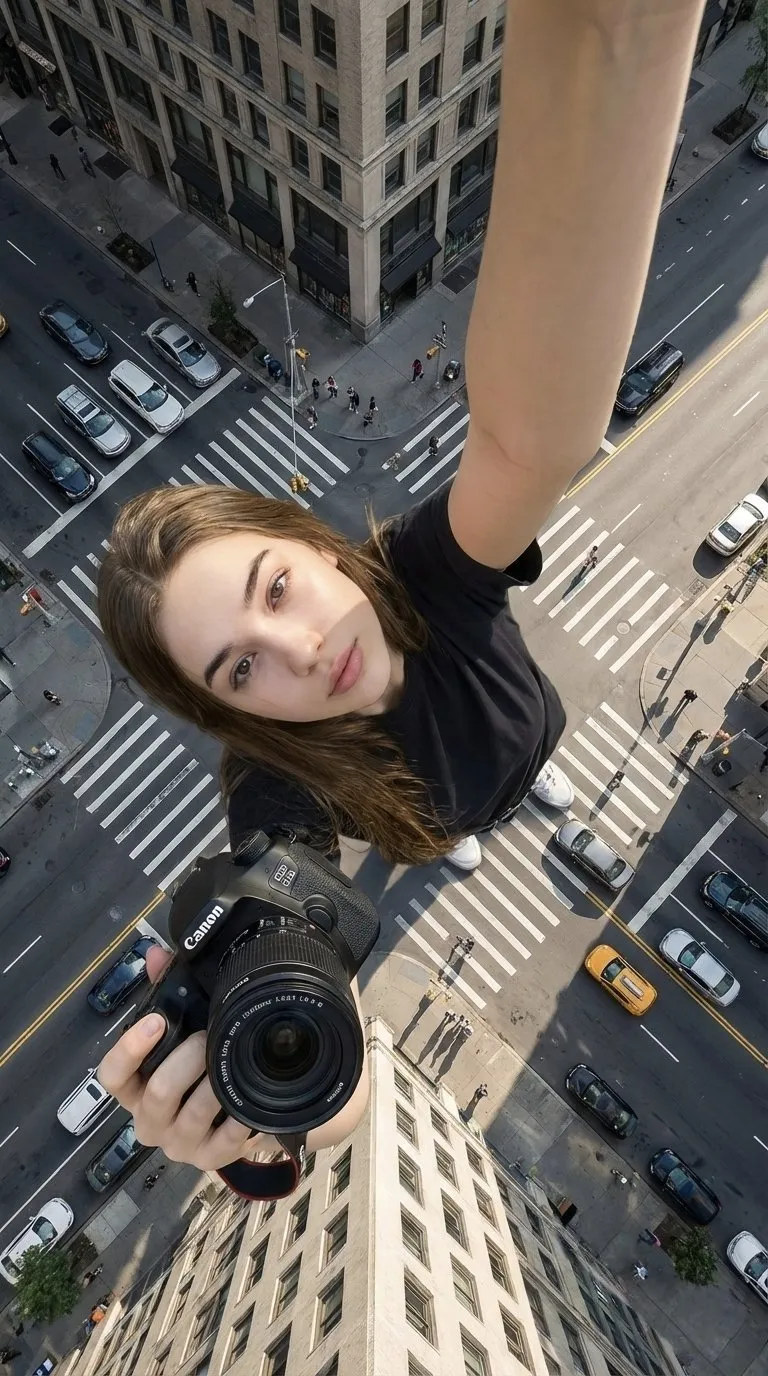
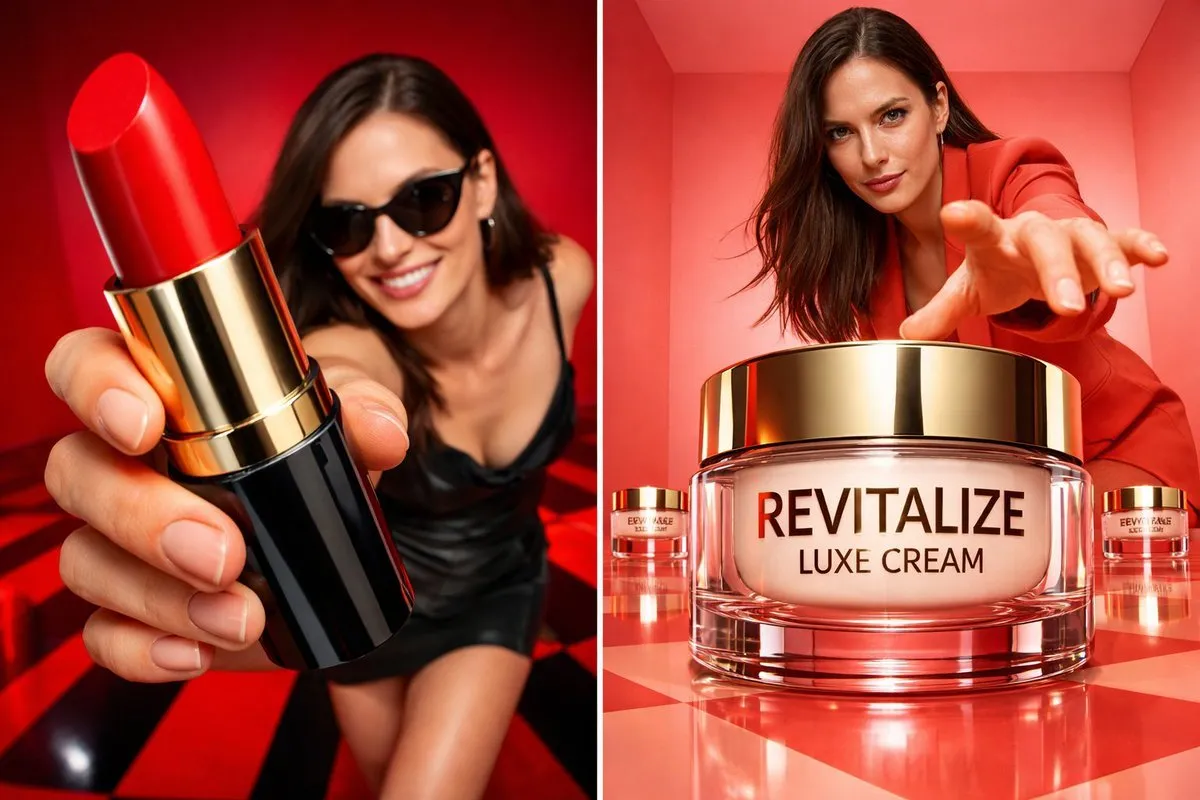
60+ product photography prompts for AI image generators. Studio, lifestyle and editorial setups for ecommerce listings, ads and social posts.
Every prompt below links to the full prompt page with the image and copy button.
Every online store needs the same five or six product shots: a clean packshot, a detail close-up, a lifestyle scene, a comparison shot, a seasonal variant and a hero banner. Shooting all of them physically means studio time, props and retouching. Prompt-generated product images are now good enough to fill the gaps, draft a shot list, or produce the whole listing for a small brand.
The prompts in this collection are written like briefs a photographer would receive: surface, light, angle, props and mood. They cover the commercial formats that convert — white-background packshots, floating hero shots, marble or stone flat-lays, kitchen and bathroom lifestyle scenes, and darker editorial setups for premium products.
Copy any prompt, replace the product description with your own item, and keep the lighting and composition sentences intact. The guide below explains how to control reflections, shadows and scale, which is where most AI product images fall apart.
A product sits on a surface (marble, brushed steel, plaster, wood) in front of a background (seamless white, grey gradient, dark textured wall). Prompts that only mention 'white background' lose the contact shadow that makes an object feel real.
Glass, metal and glossy plastic need you to state either 'soft diffused reflections' or 'no visible reflections', plus what the shadow should do: 'soft contact shadow under the base'. Vague prompts return floating, weightless cut-outs.
Macro detail shot, 3/4 hero angle, top-down flat lay, eye-level packshot — pick one. Add a lens (50mm, 100mm macro) and, if the model supports it, a shallow depth of field so the label stays sharp and the surroundings fall away.
Image models still mangle label copy. Unless you are deliberately generating a mockup where the typography is the point, add 'no text, no watermark, unbranded packaging' so the model does not invent nonsense on the product.